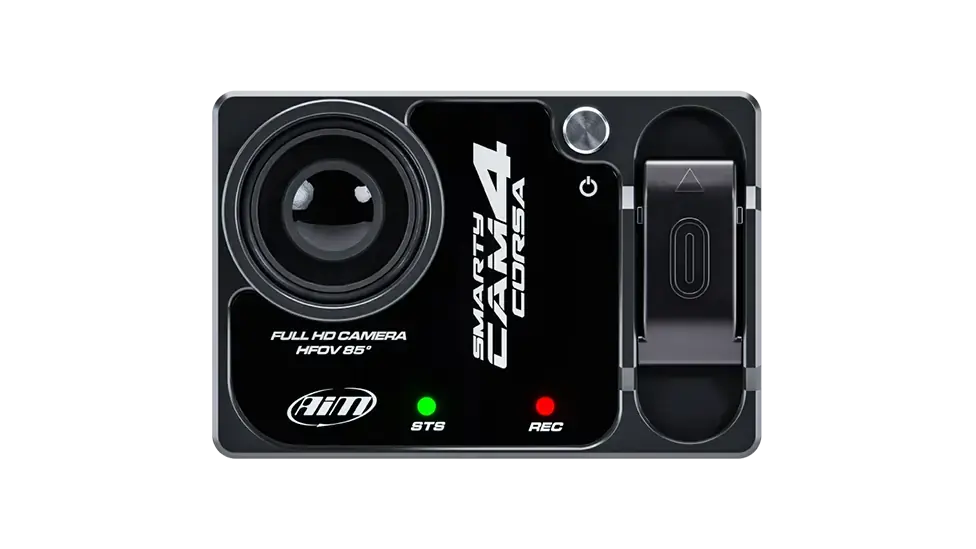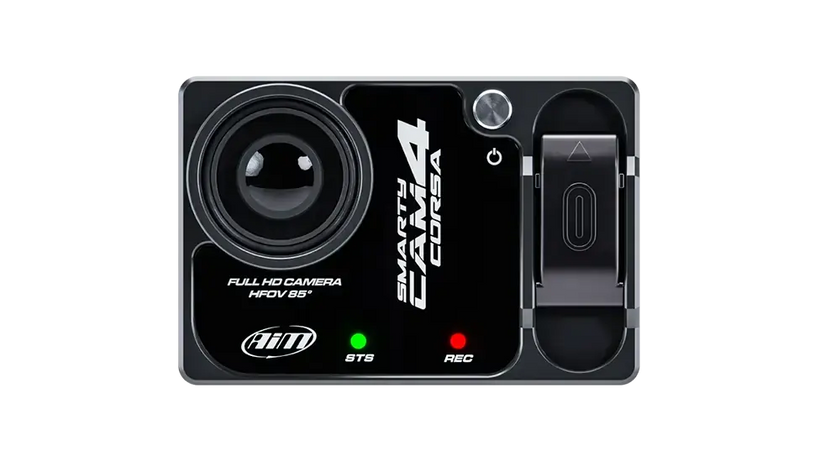

The Best Compact Karting Camera 

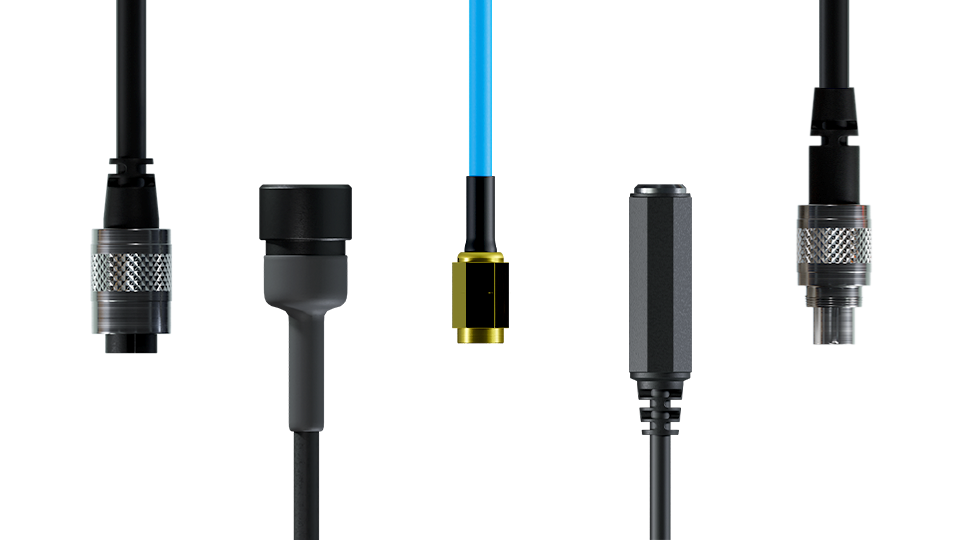
The SmartyCam 3 Sport is one of the best compact karting cameras, providing a range of benefits for karting drivers & teams: Full HD recording, crystal clear video, TFT colour display, automatic start/stop, real time overlay videos, configurable, choice of lens and CAN cable, wave & wobble-resistant with a global shutter CMOS sensor, 67º angle lens, resistant to extreme temperature & weather changes and IP65 waterproof rated.

Please Note:  The camera MUST be externally powered as the internal battery is only designed for initial configuration.

動画を読み込むSmartyCam footage in motorsport setup

Why Choose the Aim SmartyCam 3 Sport 

The lightweight SmartyCam 3 Sport automatically powers on and off in-sync with your engine and will auto start/stop recording based on parameters you set. The SmartyCam 3 Sport also saves all your data to a supported micro-SD card for up to 2TB of data including speed, RPM, lap number, gear shifts and more.  

The compact karting camera allows you to analyse your data from a vast range of sources such as ECU information, GPS information, track map, kart position, speed, lap & split times when connected to a MyChron or data logger.

SmartyCam 2 Sport for karting automatic track selection & overlay feature

Automatic Track Selection & Overlay

SmartyCam 3 Sport karting camera can automatically recognise which track you're on and begin mapping - if your track does not register, you can create your own custom track within Race Studio 3.

With Race Studio 3 software you can also configure your overlay. Add your logo and track map; choose your graphic elements from a list of pre-determined sets with the same layout or even single objects from different sets, and your videos will be truly yours.

SmartyCam 3 Sport Connections

The SmartyCam 3 Sport camera, ideal in size and function for karting, can be directly connected to any of our supported lap timers and loggers - such as the MyChron 6 GPS Karting Lap Timer - that supply the camera with power and CAN information directly from your kart.

Finished with a sleek new look, the SmartyCam 3 Sport is assured to add efficiency, informational data, productivity, and style to your kart racing; it’s lighter, sleeker and better than ever. 

動画を読み込むShowcase of the Spark Software on mobile devices

Sync & Analyse Your Data & Video Like Never Before

View all the channels, including RPM, throttle, engaged gears, acceleration, temperatures, and pressures including a tri-axis accelerometer, displayed on the video footage and review them with our Race Studio 3 analysis software.

Collage of SmartyCam footage in a motorsport setup

Key to Performance Improvement

Data analysis in motorsport is a formidable framework for enhancing your personal or team’s performance. You can visualise and manage alerts and essential data such as oil pressure and battery voltage to identify potential issues early.

The video of a whole session, once downloaded on your PC, can be split into individual videos of each lap: sync your video and data to visualise where you were faster or slower. The same operation can be performed with a SmartyCam 3 video recorded on the same track; you will be able to compare your best lap with a previous lap, or another driver's personal best.

Higher Storage Capacity

Other HD cameras often chase higher pixel counts which leads to huge file sizes without much real benefit. The SmartyCam 3 Sport is different: it uses smart H.264 compression settings that keep the video quality you need while keeping file sizes small. This means you can quickly download and review footage at the track for data analysis, instead of dealing with huge cinematic files that look pretty but slow you down.

The SD card housing is 100% protected from air and weathering.
SD cards sold separately.

Expand your SmartyCam 3 Sport kart camera with a MyChron 6 Lap Timer, LCU-One S Lambda Controller, ACC3, Data Hub and sensors

Expand Your System

Overlay your delta, predictive, timing splits, lap data and more in Race Studio 3 when you pair the SmartyCam 3 Sport with the Aim MyChron 6 GPS Lap Timer. Expand your system further with additional sensors and expansions such as the ACC, LCU-One S, Data Hubs, sensors and more. Please see the connections tab for connection examples.

Technical Information

Technical Specs

Display

  • Display Resolution: 128 x 128 pixels

Technical

  • Video Format: H.264 - 1920 x 1080 pixels at 30 fps
  • Lens: Low-distortion camera lens
  • CMOS Sensor: Global shutter
  • Field Of View: 67°
  • Internal Battery: Rechargeable lithium battery
  • External Power: 9-15V
  • Supported MicroSD Card (Not Included): Up to 2TB
  • Accelerometer: Three-axial ± 16G
  • Connectors: 1 binder 712 female
  • Usage Temperatures: -10°C/+50°C
  • Auto Power ON/OFF: Yes
  • Auto Start/Stop Recording: Yes

Size & Weight

  • Dimensions: 79.9 x 54 x 46.5mm
  • Weight: 200g, battery included

Waterproof

  • IP65

SKU: SM3-SP

Diagram

Microphone Connectors On SmartyCam

Pinout

SmartyCam Sport pinout

Included in the Box

  • SmartyCam 3 Sport 67º Angle Lens

  • Cable icon

    Your Chosen Connection Cable

  • AiM Solo 2 & Solo 2 DL Mains Charger & Power Lead UK Plug - AimShop.com

    12V Mains Charger

  • Free Aim Software

    Free Aim Software

Downloads

Aim PDF
SmartyCam 3 Sport User Guide
Aim Shop Tech Sheet Download Icon
SmartyCam 3 Sport Tech Sheet
Race Studio 3 Download Icon
Race Studio 3

Connection Example

FAQs

Please read our FAQs page to find out more.

What are the best applications for the Aim SmartyCam 3 Sport?

The Aim SmartyCam 3 Sport is designed specifically for motorsport, where, in addition to video, precise data analysis is required to improve lap times. It is best-suited to circuit racing, track days, karting, and rally racing due to its robust design and ability to overlay engine data directly onto full HD video.

Which products are compatible with the SmartyCam 3 Sport camera?

All SmartyCams are designed to work within the Aim ecosystem, including the MyChron 6, Data Hubs, ACC3 and various sensors.

How are cameras & sensors used in kart racing?

Aim SmartyCam cameras automatically record track sessions with telemetry data overlays on the video. When combined with sensors, the SmartyCam 3 Sport helps to monitor essential vehicle data to keep the kart running at its best and improve overall driving performance. To learn how to set up your SmartyCam 3 Sport to overlay track sessions, take a look at our video tutorial.

How do you mount the Aim SmartyCam 3 Sport to the kart?

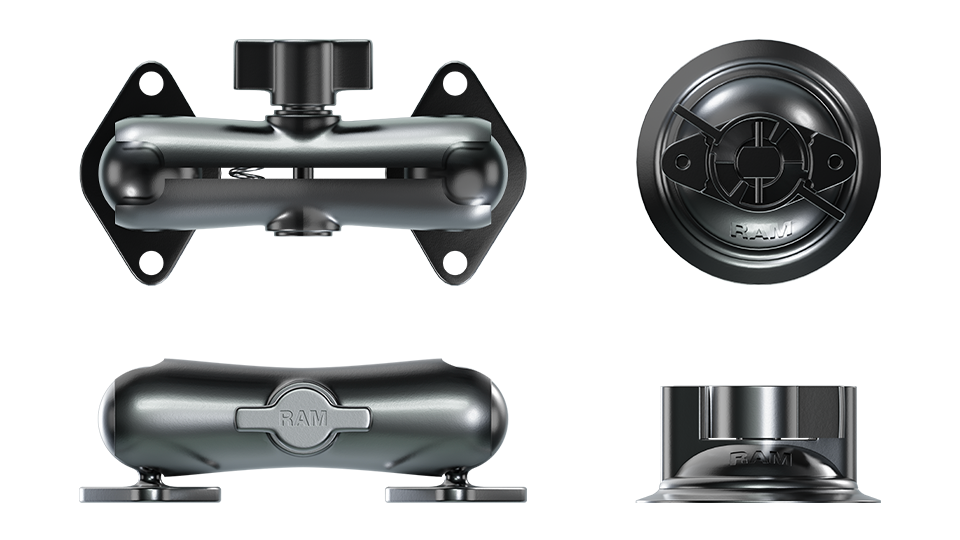
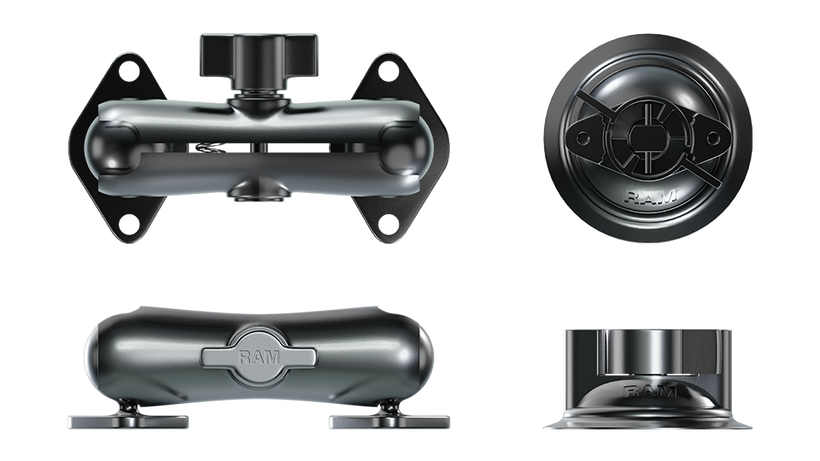
The Aim SmartyCam 3 Sport has a variety of optional mounts for your kart, such as a u bolt or roll cage bracket. All mounting options provide a stable and vibration-resistant mounting solution, ensuring maximum visibility of your laps.

Where should the SmartyCam 3 Sport be aimed?

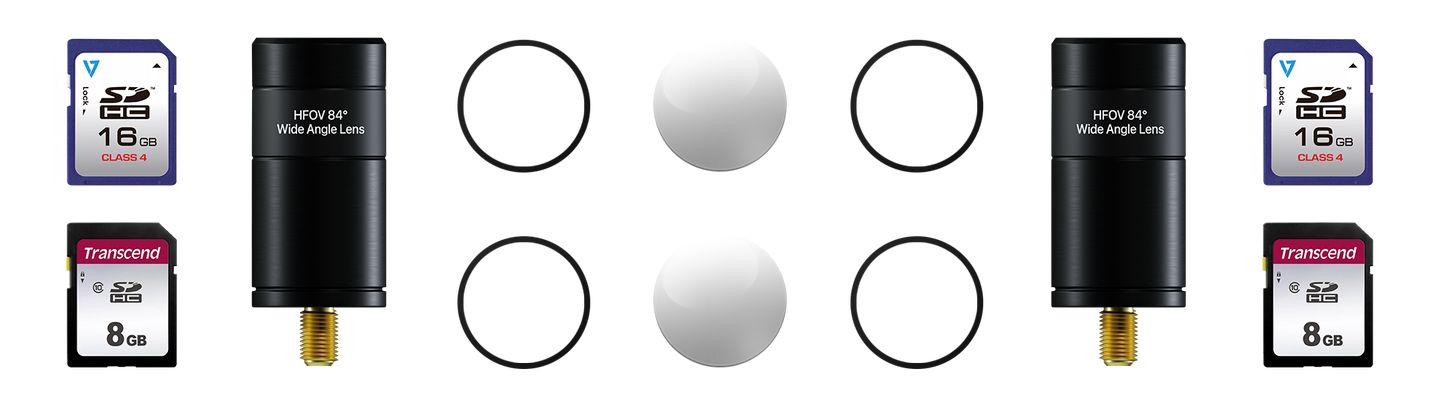
The camera should be aimed towards the track, ideally capturing the karters straight on view using the 67° lens or the wider 84° lens to get a broad view of the track and apexes. The built-in screen will allow you to visually set the positioning of the camera to get the best view of the track.

How do you overlay SmartyCam videos?

The free Race Studio 3 software can be used to configure overlays like track maps, speed, RPM, and add them to the SmartyCam video files. See our Race Studio 3 overlays configuration to learn more.