


Aim SW4 280 Sim Racing Formula Lenkrad
Pairs well with

Same Day Shipping
When you order before 15:00 BST
Monday - Friday

Worldwide Shipping


All Orders are Carbon-Neutral

If you’ve got a question, you’re looking for information, or you just want to chat, please find a host of available help options below.
Data Logging Steering Wheel
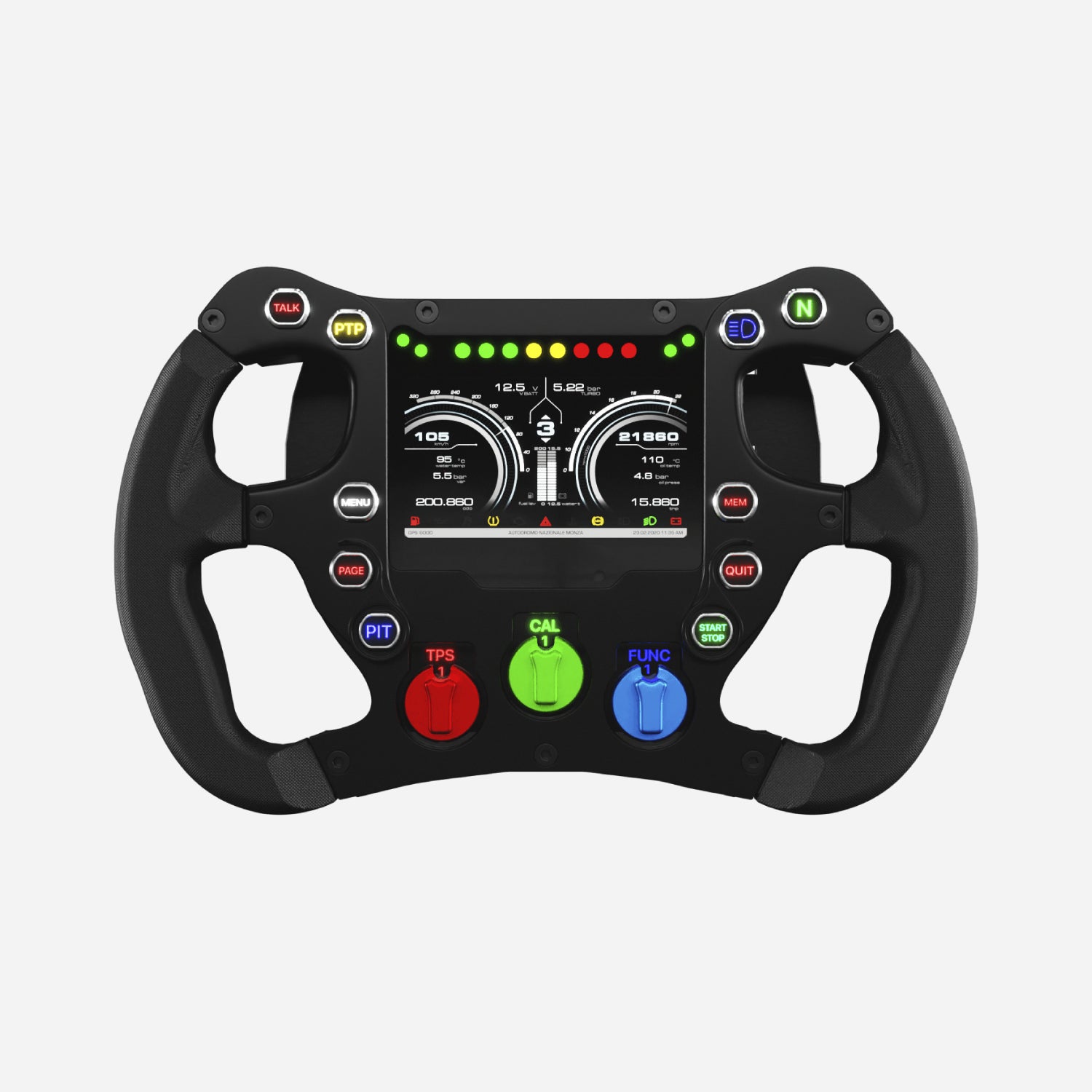
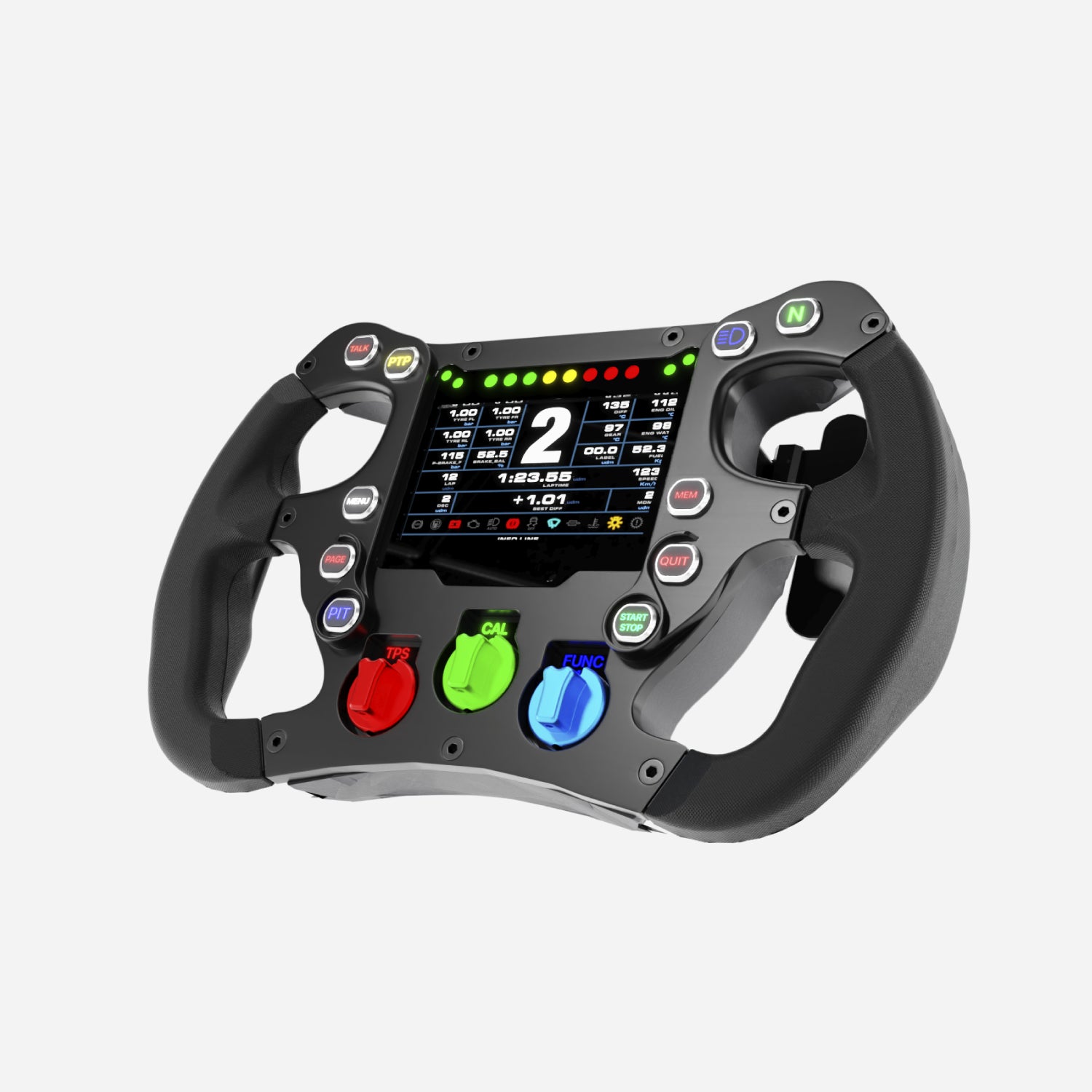
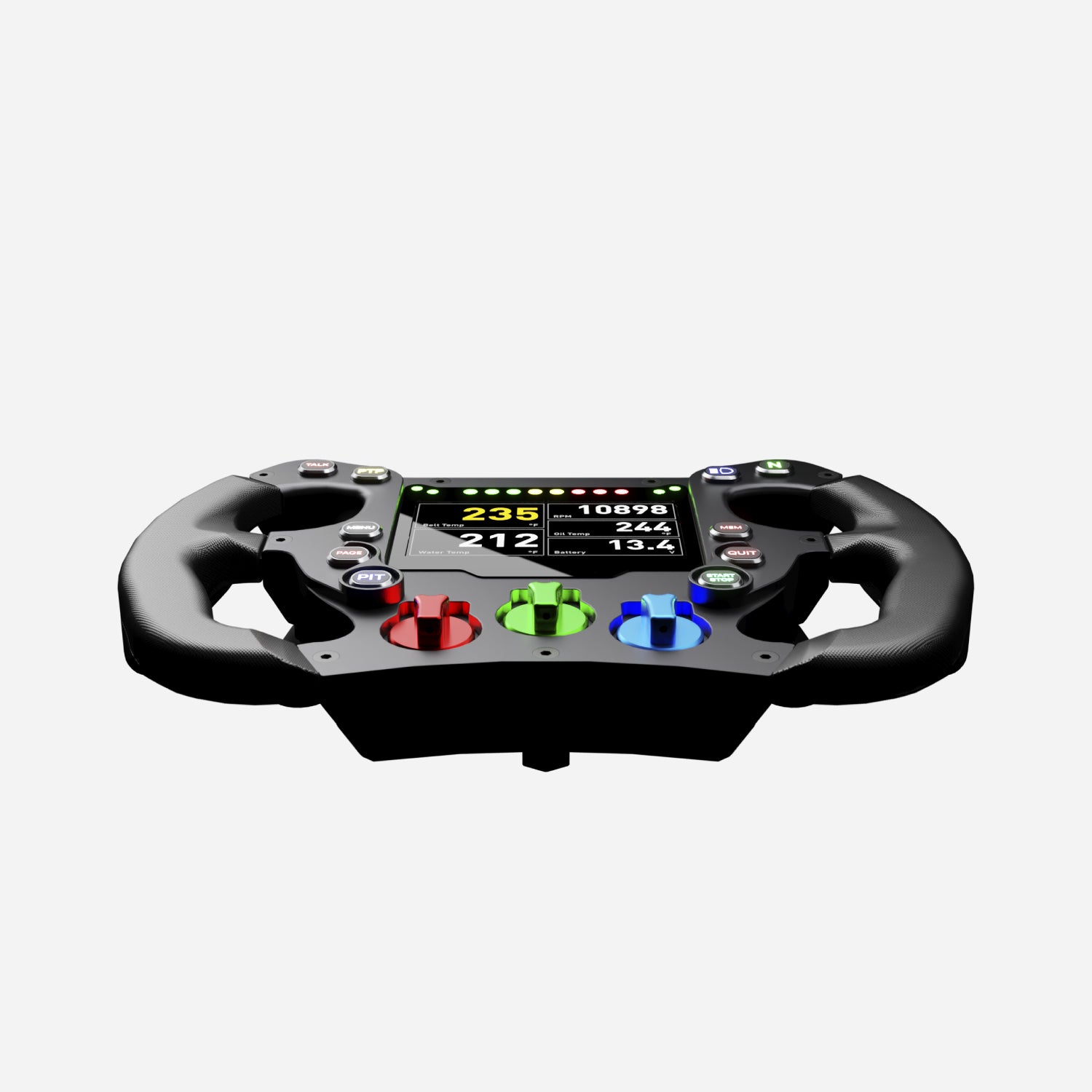
The Aim 280 Formula Steering Wheel 4 (SW4) is one of our most advanced sim racing steering wheels to date. The Formula Wheel includes an internal data logger with full configuration options, removable grips, rotary switches, and flexible software integration with sim telemetry.
Why Choose the 280 Formula Steering Wheel
The Aim Formula Steering Wheel 280 has been specifically designed for sim racers. The internal data logger is fully configurable and has been designed to acquire and display telemetry data directly from your simulator software. With support for a wide range of sims and telemetry protocols, it’s an excellent choice for compact cockpit installations where space is at a premium.
Our Formula Steering Wheels come in a range of sizes (270, 280, GT320 & GT350). The difference between the Formula SW4 270 and 280 is the overall size of the wheel. The Formula steering wheel 280 is 10mm larger to meet every driver’s requirement.
Easy Connection
Connecting the Aim 280 Formula Steering Wheel to your racing simulator is simple. Telemetry is received directly from the sim software, meaning you can sample dozens of channels without requiring physical sensors.
Depending on the racing sim, available data typically includes RPM, throttle position, brake pressure, gear, speed, fuel level, tyre data, lap times, and more. Telemetry compatibility is constantly updated and expanded, with support for many of the most popular racing sims.
With CAN output, you can send messages to other Aim sim racing devices or expansions, broadening your cockpit’s range of telemetry and control options.
Display & Buttons
The 280 Formula Sim Racing Steering Wheel has a high-contrast 4.3" TFT display that is fully configurable and easy to read in all conditions. With the ambient light sensor, the display automatically adjusts brightness to stay clear and comfortable.
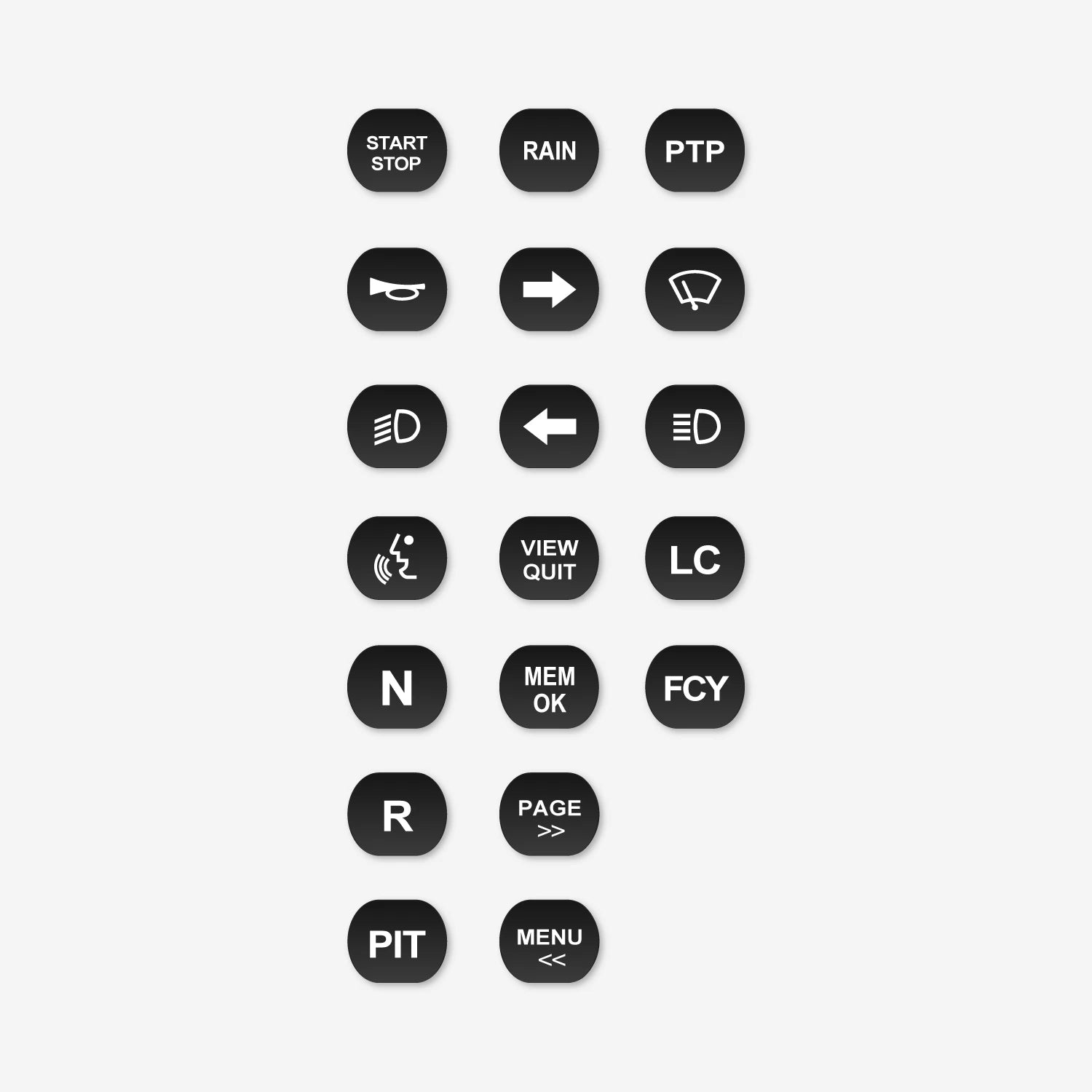
The Formula Steering Wheel also features 10 push buttons and 3 rotary switches, all backlit with RGB LEDs for enhanced usability in your sim racing rig.
Flexible Alarms
The Aim 280 Sim Racing Formula Steering Wheel has 8 configurable shift light RGB LEDs and 4 configurable alarm RGB LEDs. You can choose the conditions and colours, whether solid or flashing, flashing frequencies, and display on-screen messages alongside them.
With integrated shift lights, you can choose from a host of advanced multi-coloured RGB shift light patterns that you can customise to suit your requirements and even configure them per gear.
Optional Extras
There is a wide selection of accessories available to get the most out of your steering wheel:
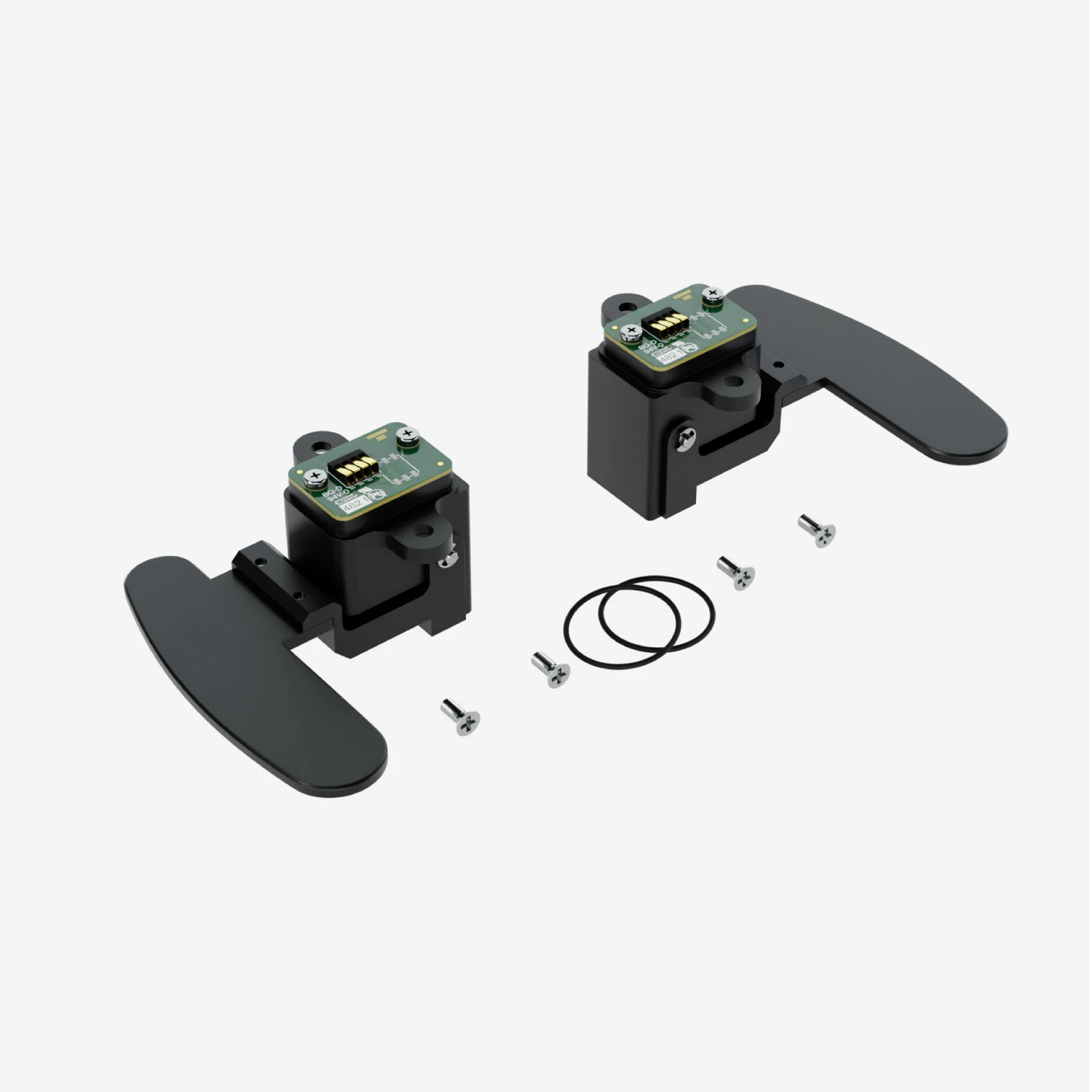
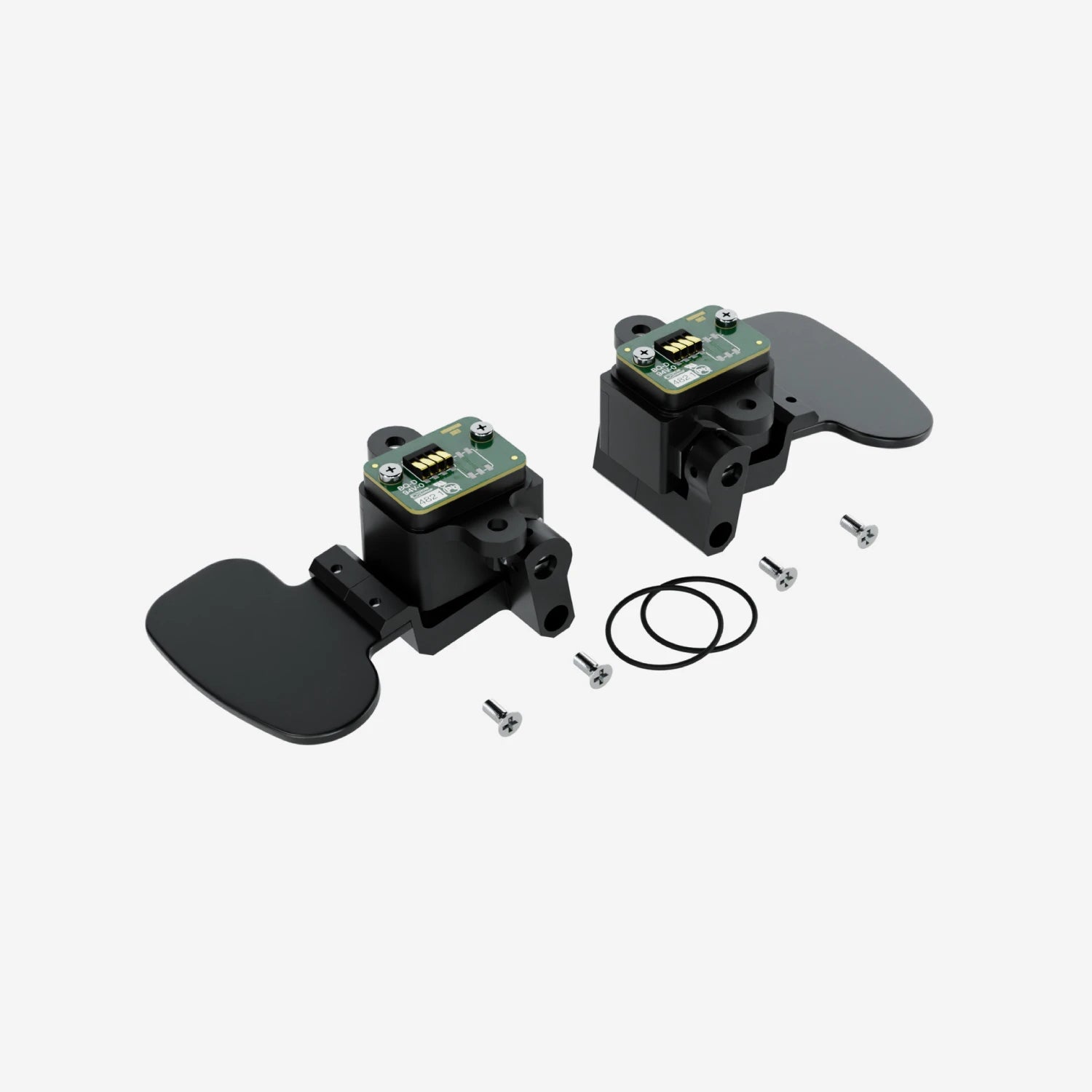
- Clutch Paddles: We offer a clutch paddle kit with the bottom left and right paddles, or they can be purchased separately as either left or right. See the options at the top of the page to purchase yours.
- GPS Module: When used in sim environments, the GPS Module enables lap time calculation and virtual track position analysis, with a database of thousands of circuits available.
Technical Information
Technical Specs
Diagram

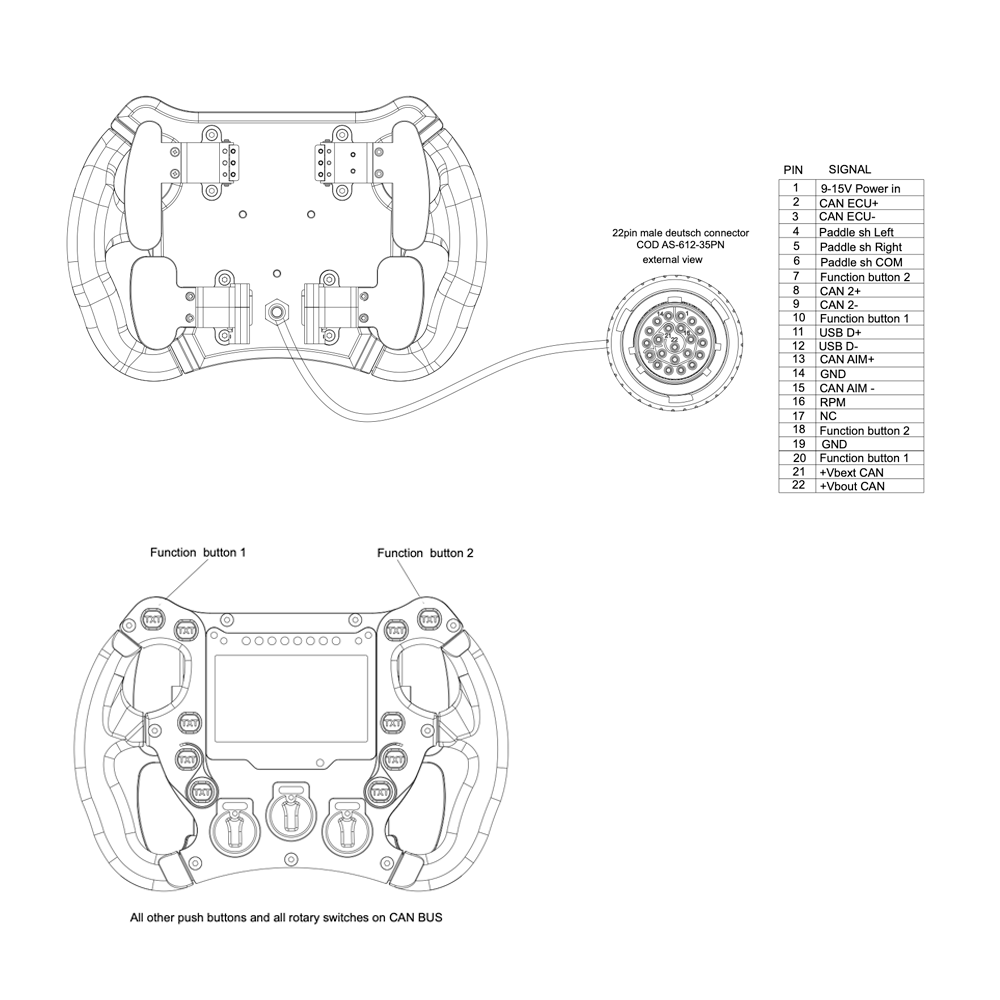
Pinout
Included in the Box
280 Lenkrad
-

Free Aim Software

Downloads


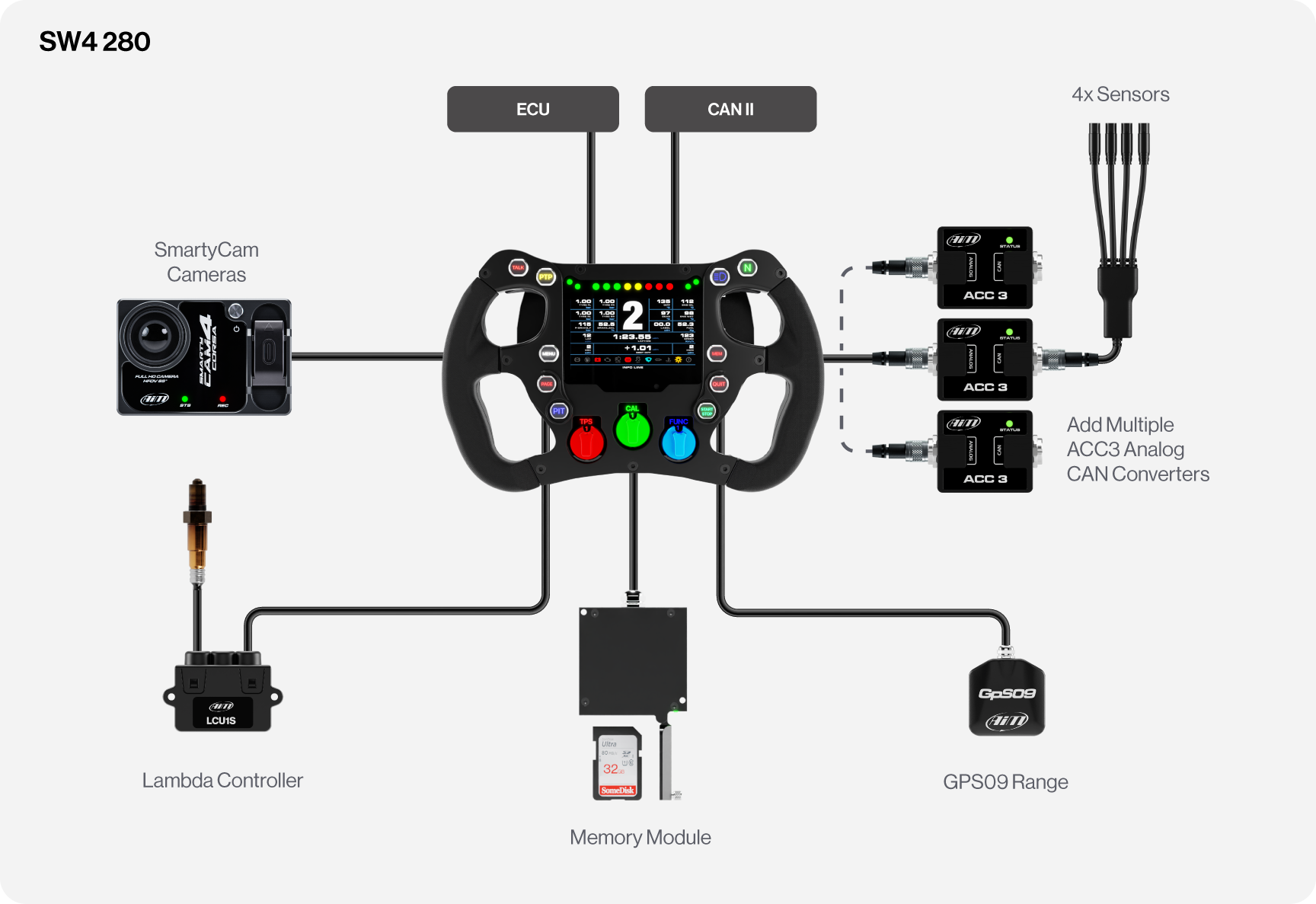
Connection Example
FAQs
Please read our FAQs page to find out more.
What is the Aim SW4 Formula Steering Wheel collection?
The Aim Formula SW4 collection is a range of high-performance steering wheels that are designed for single-seater motorsport sim racing. They are made to be versatile and compatible with many different sim rigs and include a range of key features.
The Aim SW4 range comes in multiple sizes and has a memory of 4GB. It allows for real time data to be shown, making it easy for drivers to see where they are and to make changes based on it. You can also expand your system with various sensors and the SmartyCam 3 through its CAN connectivity. This steering wheel is the perfect product for sim racers looking to upgrade their driving and data logging capabilities.
Are SW4 Formula Steering Wheels compatible with Aim devices & data logging systems?
Aim SW4 Steering Wheels are compatible with other Aim devices and data logging systems, such as the ACC3 Analogue CAN Converter, SmartyCam Cameras and various sensors. This allows for a more detailed and advanced data collection and analysis, making it a very versatile product for different motorsport applications.
What sizes do the Aim SW4 Steering Wheels come in?
The Aim SW4 Steering Wheel range is available in 4 sizes (270, 280, 320 and 350mm) for different racing applications and cockpit space available. Please see our SW4 guide for more information on which sizes are best-suited to your setup.
How do you install a Formula Steering Wheel in a sim rig?
Regardless of which steering wheel you are most interested in, connecting the Formula 4 Steering Wheel to a racing simulator is extremely easy. Start by securely mounting the wheel to your sim rig and connecting it to a PC.
After the wheel is in place and connected, Race Studio 3 software can be used to customise display pages, alarms and shift light settings according to your preferences. Please test the setup thoroughly to ensure that all functions are working correctly.