


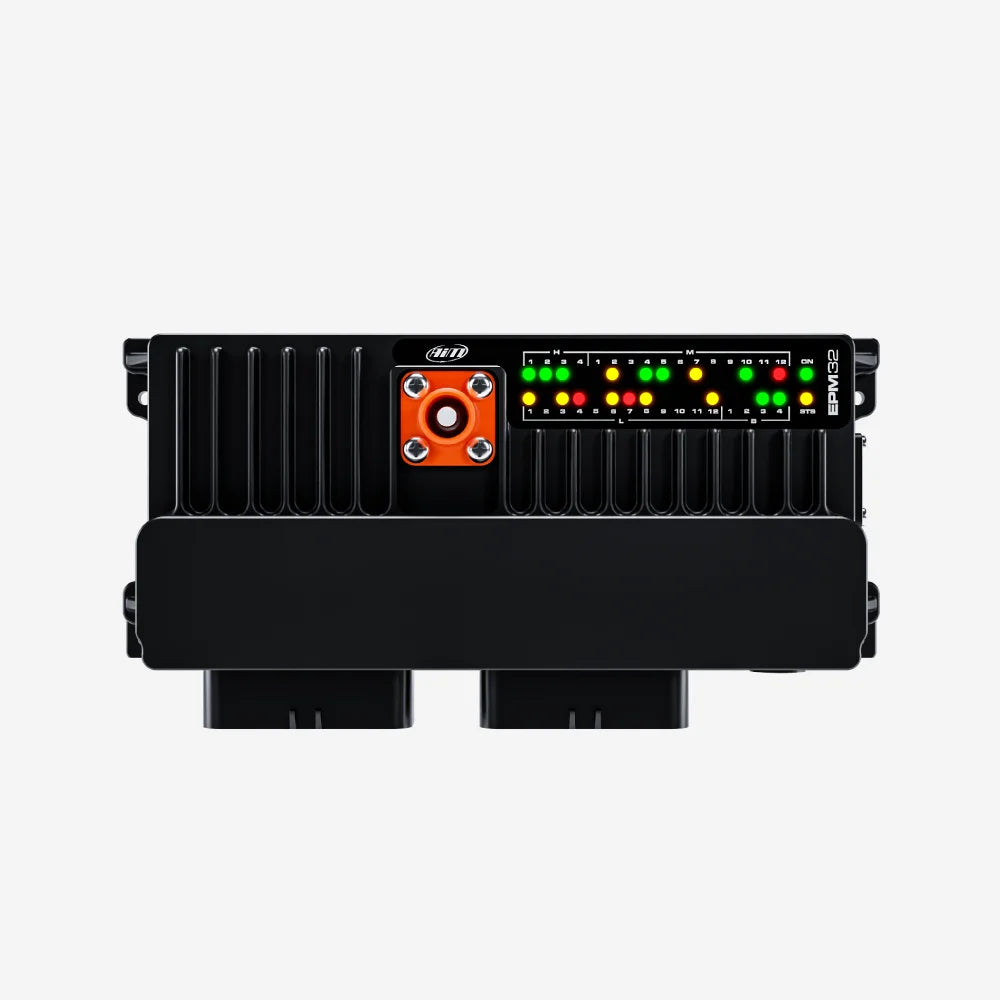
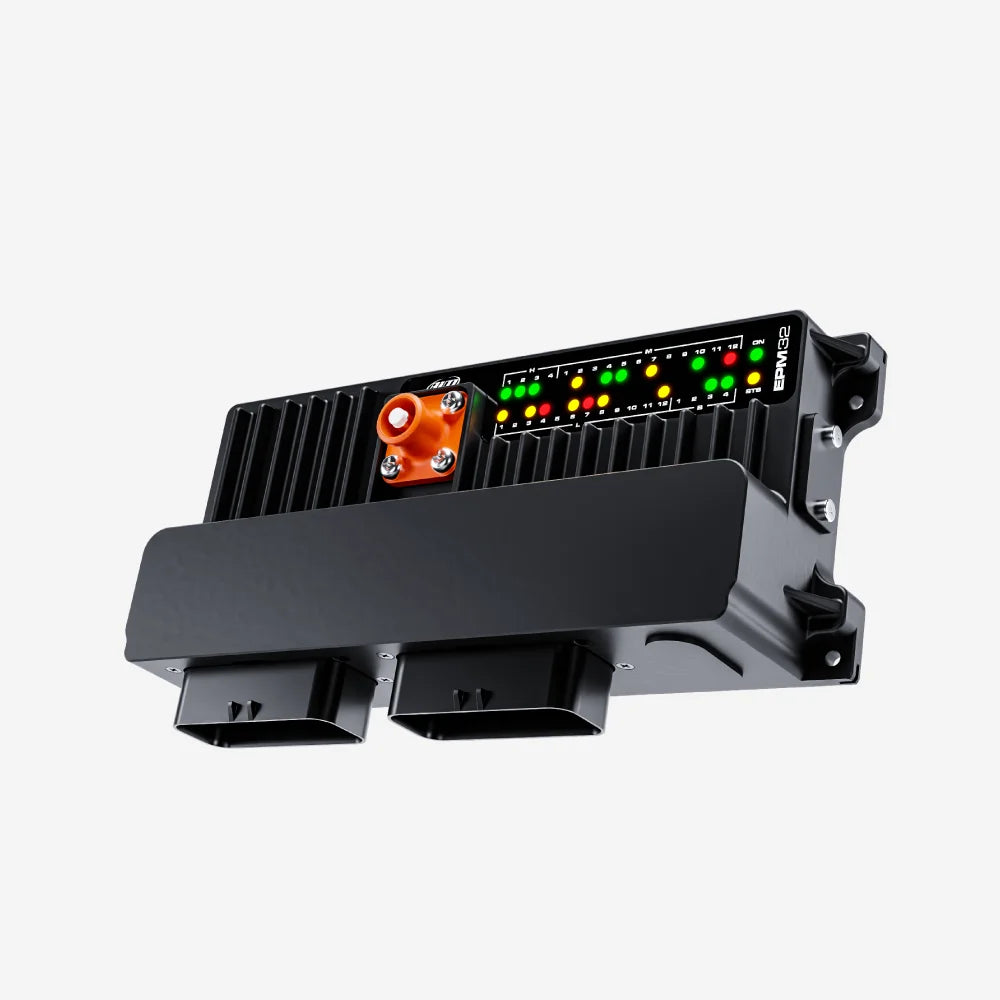
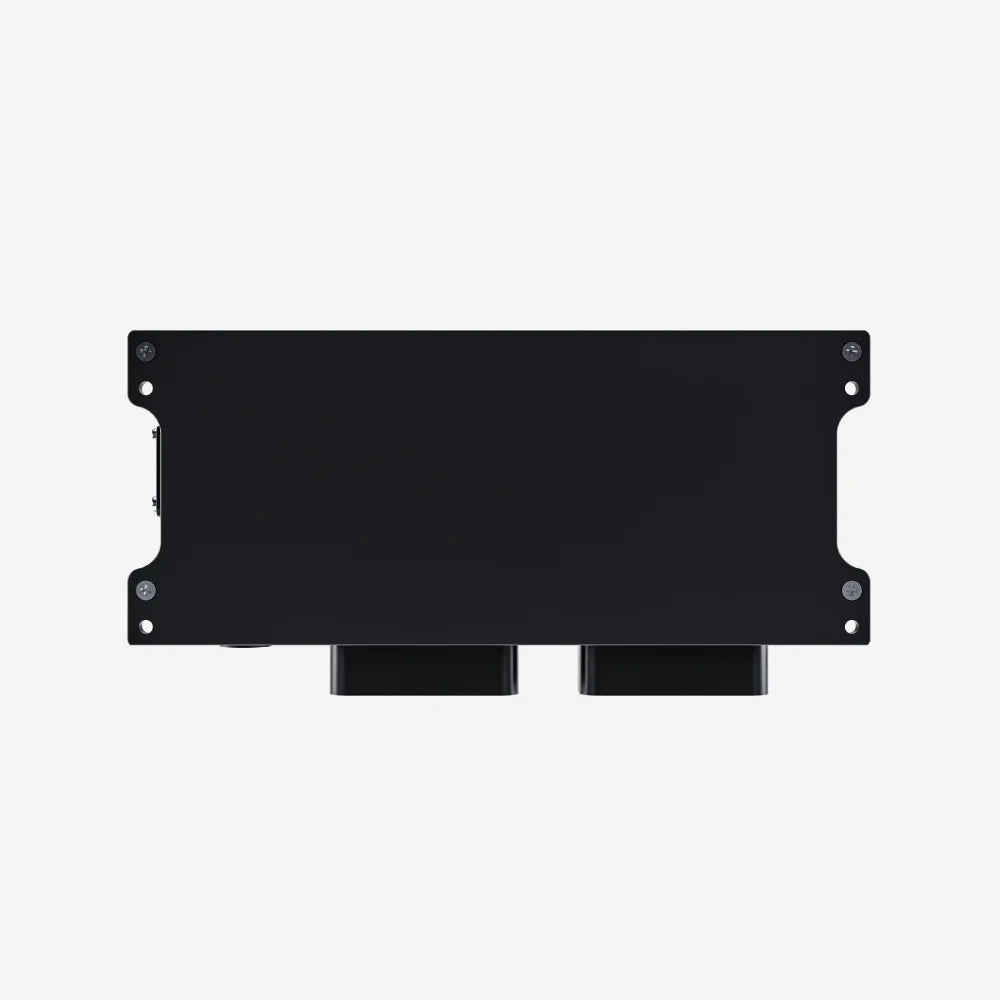
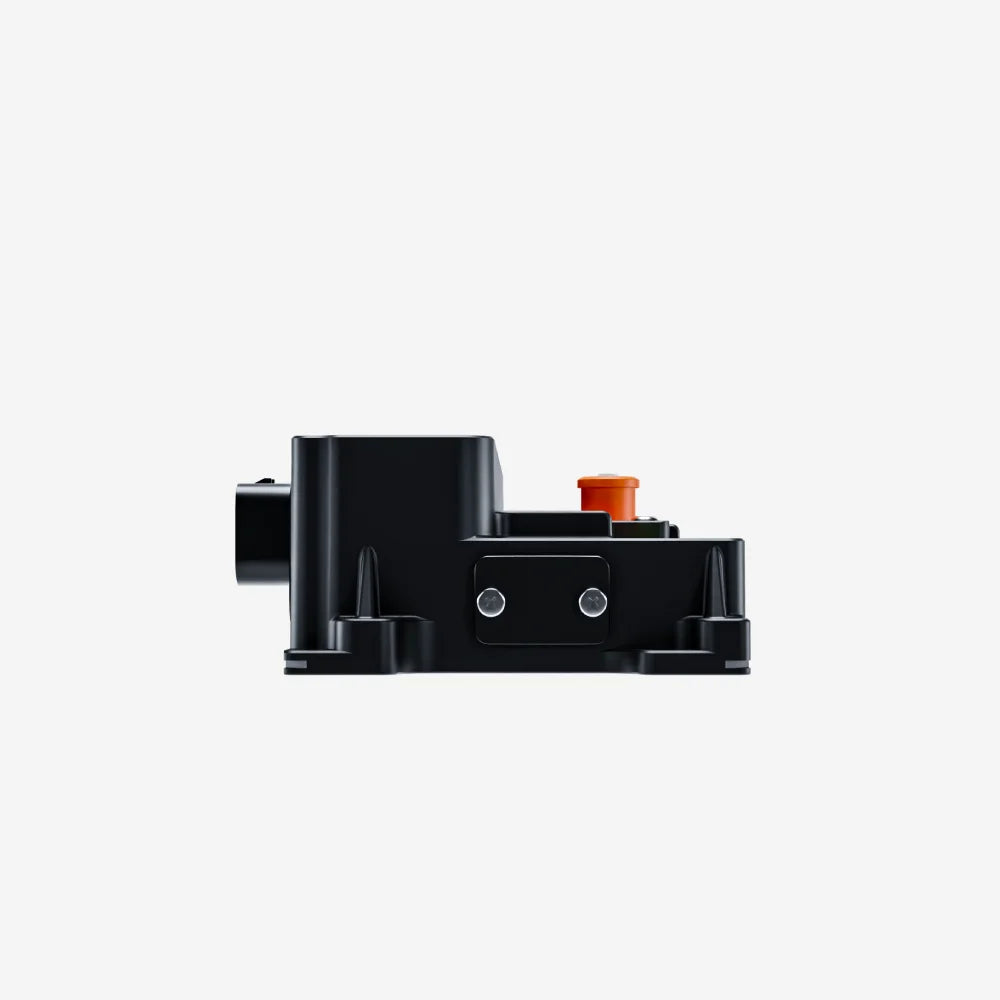
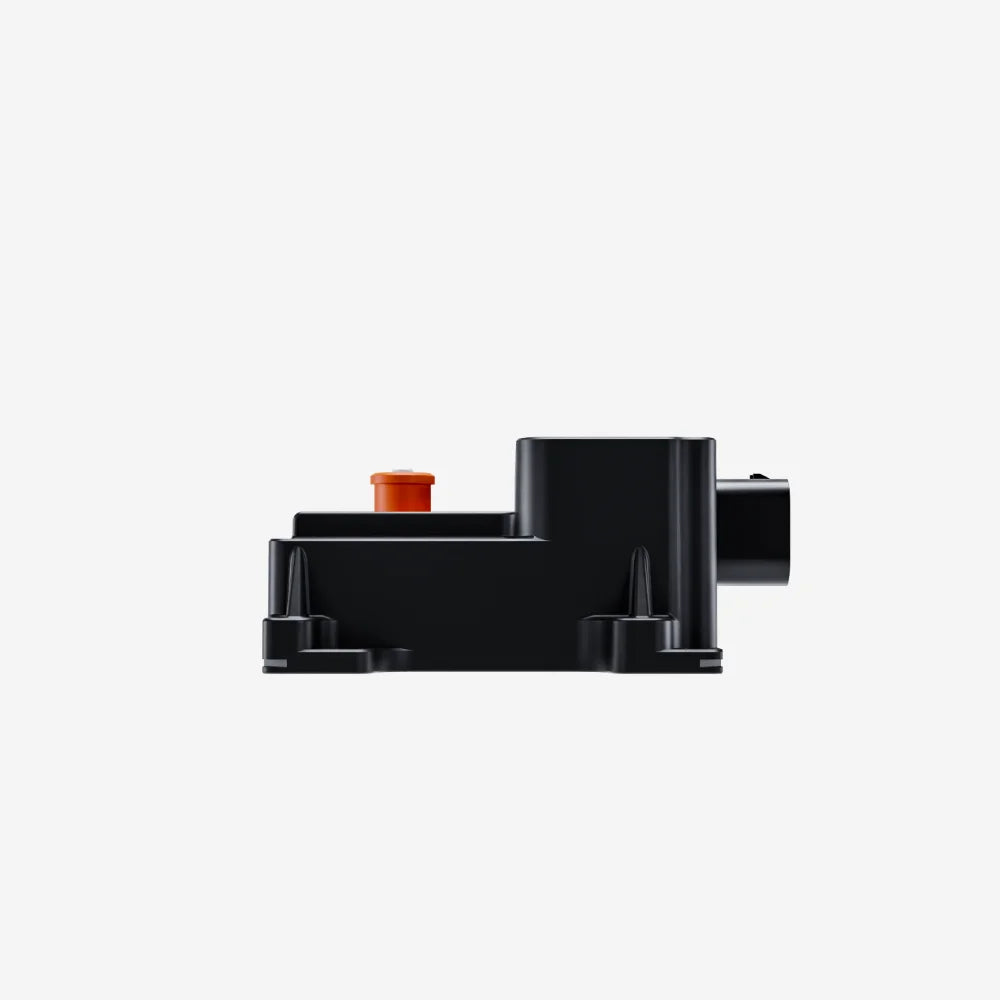
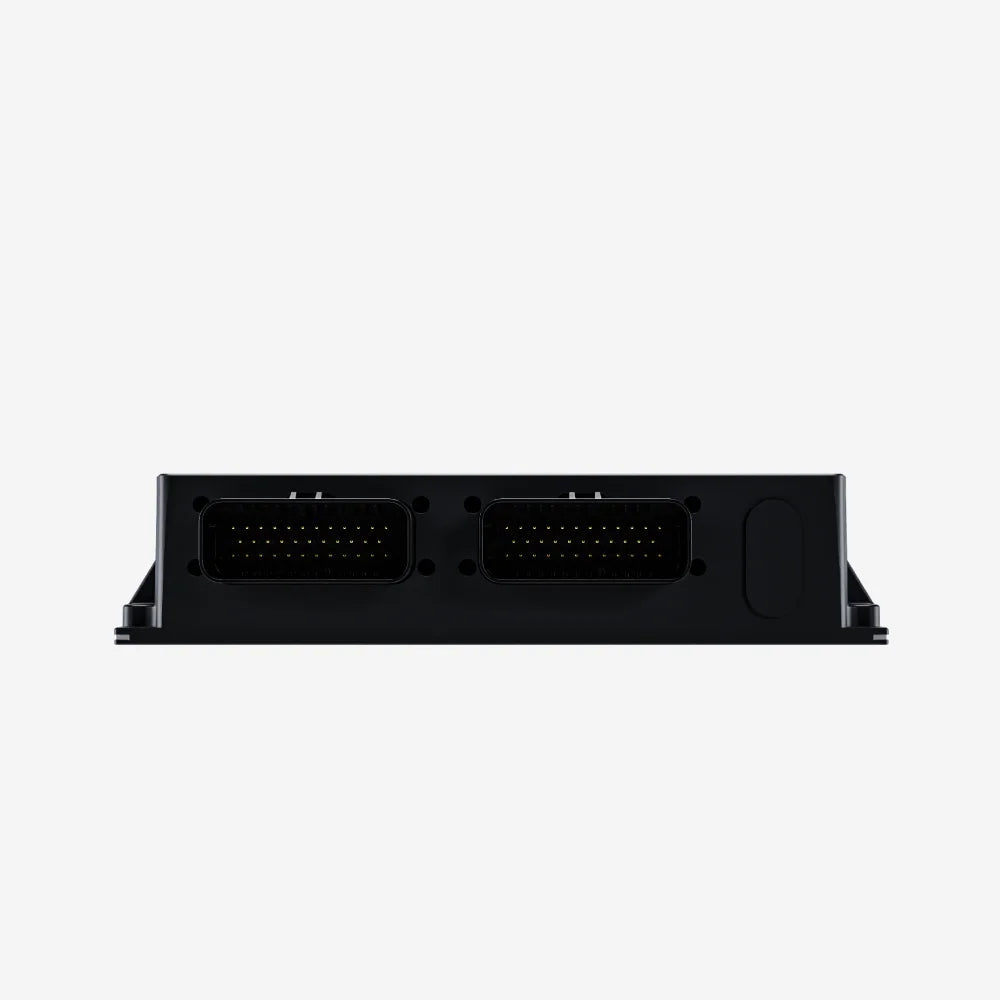
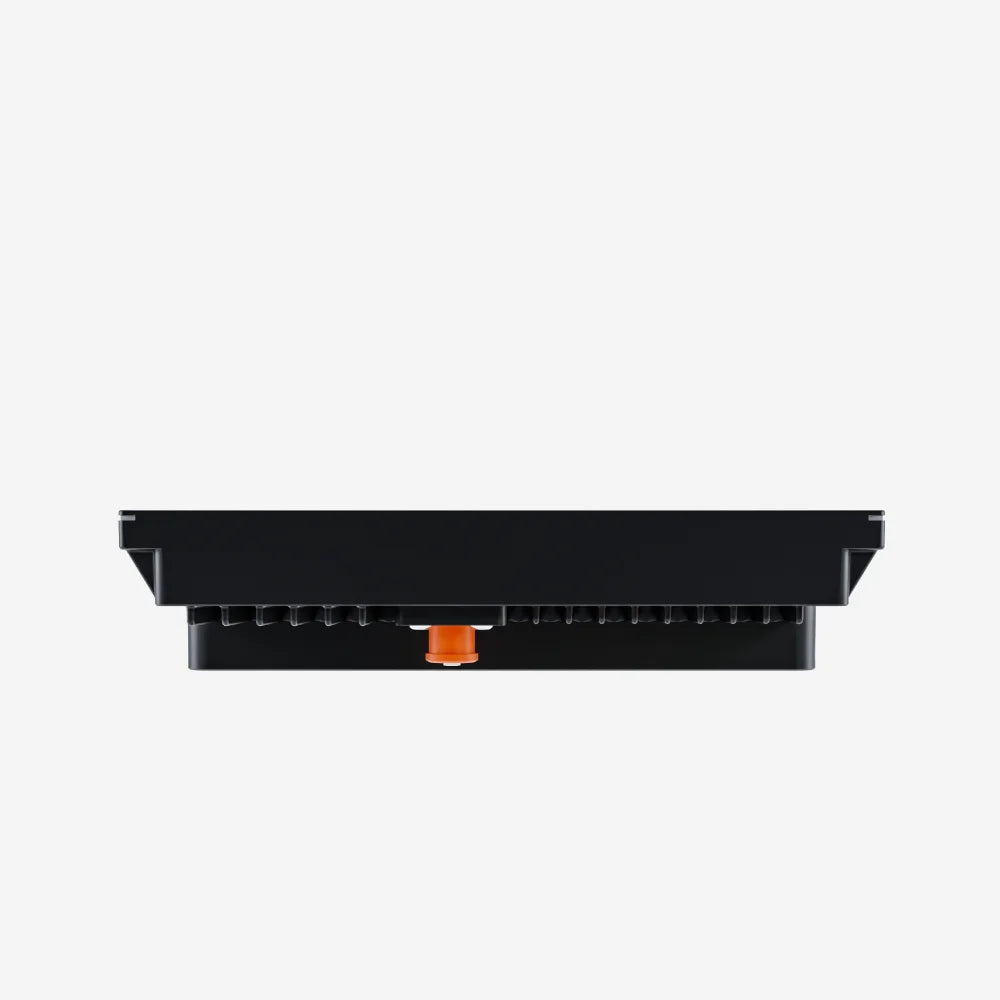
Aim EPM32 Power Distribution Interface
Pairs well with

Same Day Shipping
When you order before 15:00 BST
Monday - Friday

Worldwide Shipping


All Orders are Carbon-Neutral

Aim EPM32 Power Distribution Interface
If you’ve got a question, you’re looking for information, or you just want to chat, please find a host of available help options below.
The Aim Expansion Power Module 32 (EPM)
The Expansion Power Module adds power outputs to your installation. They are available in two variants, the EPM08 and the EPM32.
Why Choose the EPM32?
The EPM32 is compatible with the Aim MX Series and the Steering Wheel 4. With 8 fully configurable analogue inputs at 500Hz each, 4 digital inputs, and a max current of 120A, they are perfectly suited for adding extra power to your PDM32.
Connectivity
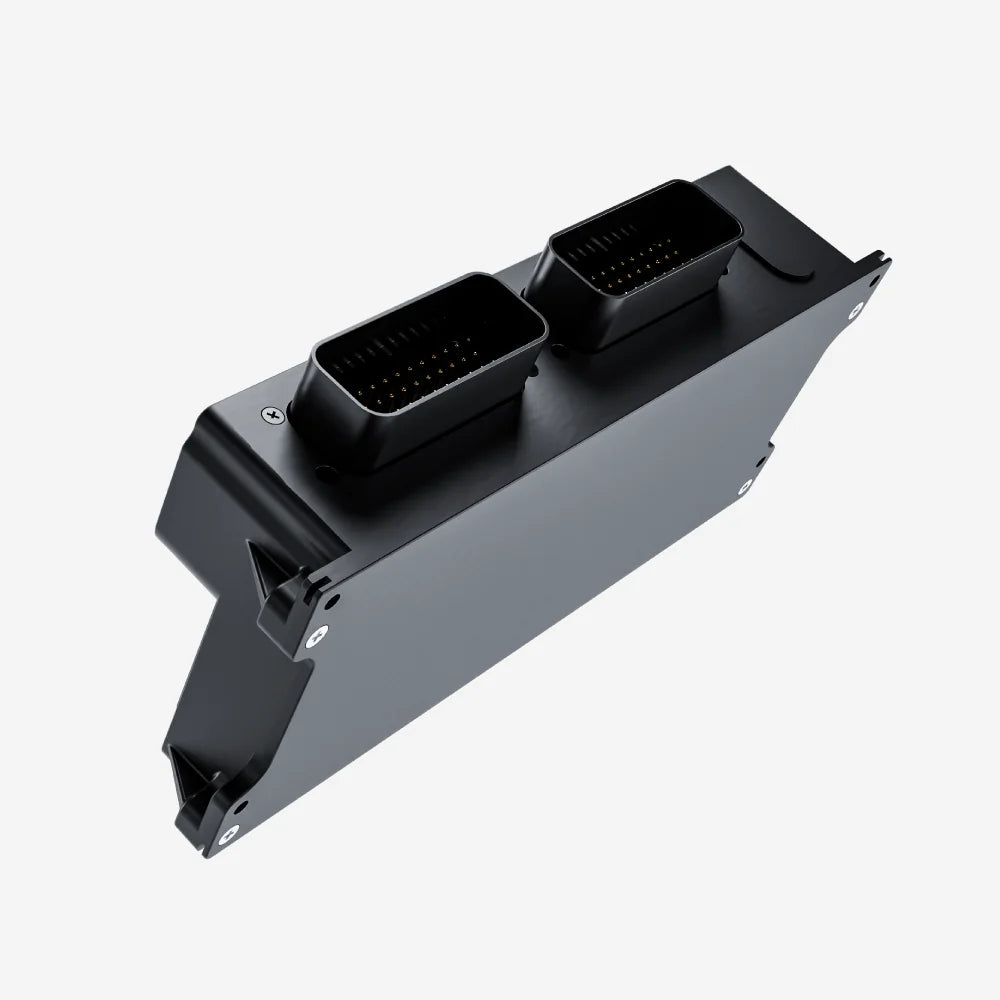
The Aim EPM range includes powerful systems such as the 8-channel EPM and the versatile 32-channel EPM, giving you the flexibility to choose the ideal setup for your specific needs. Featuring 2 CAN networks, these expansion power modules are controlled by the Aim Exp connection.
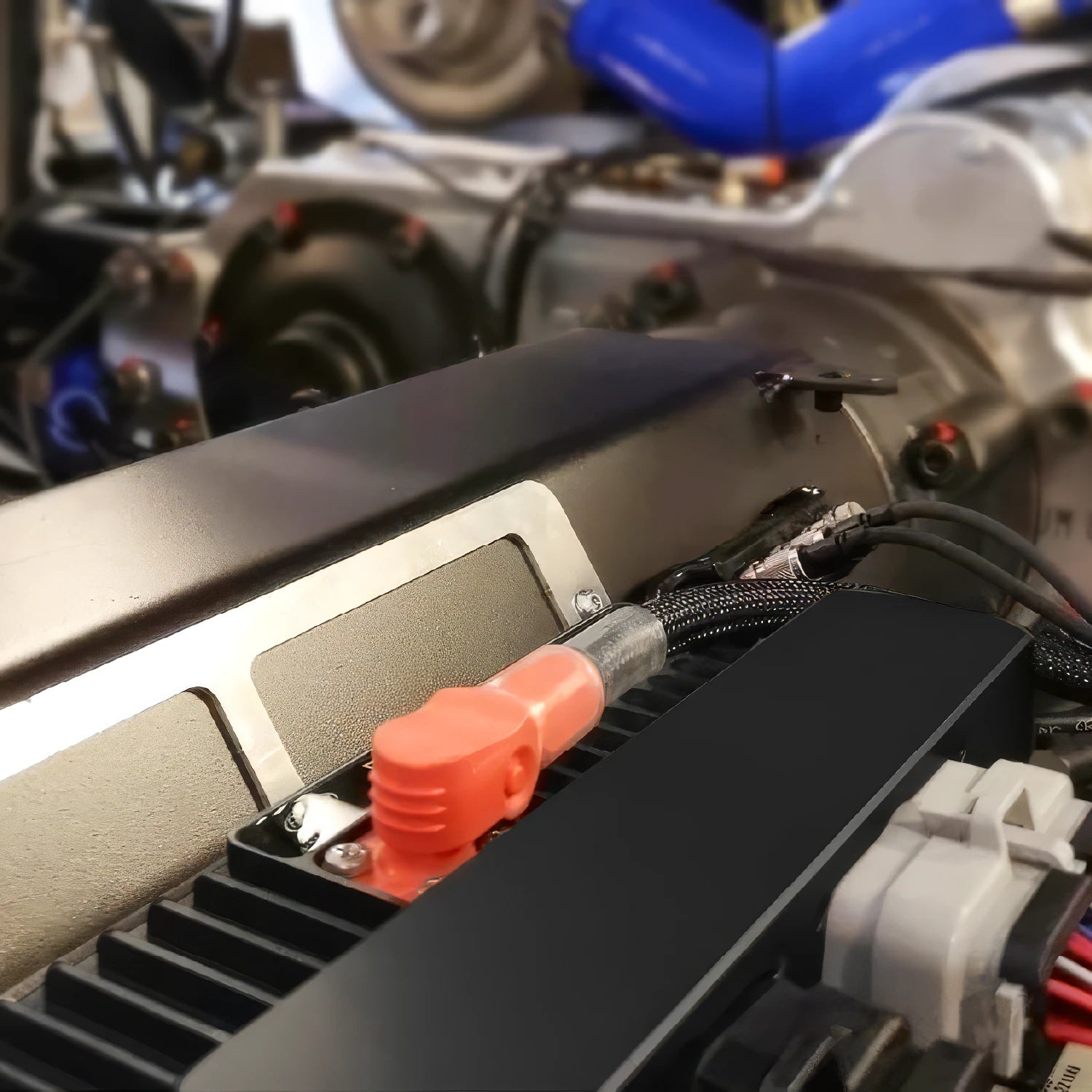
The EPM connects to an existing Aim PDM, Steering Wheel 4, or a dash display/logger from the Aim MX range. These devices control the vehicle's power without the need for fuses or relays, with outputs that can deliver up to 35A individually.
If connected to a logger, they will also allow the recording and analysis of where every amp is used. A Strada dash will also allow the power control, but without the logging ability.
Technical Information
Technical Specs
Diagram
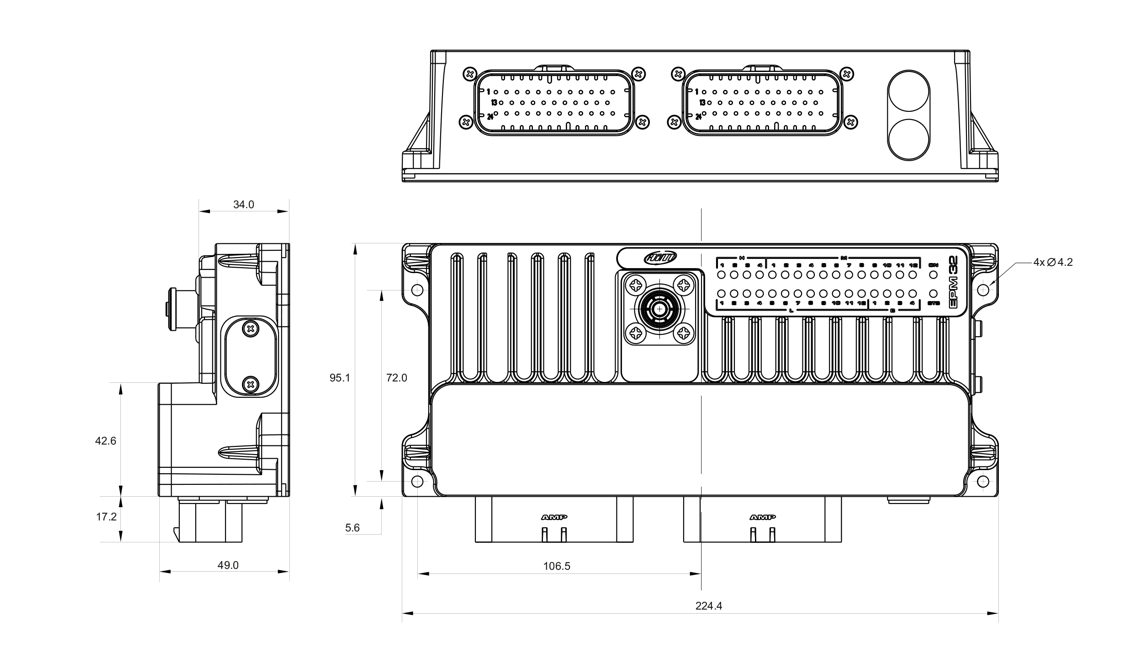
Pinout

Included in the Box
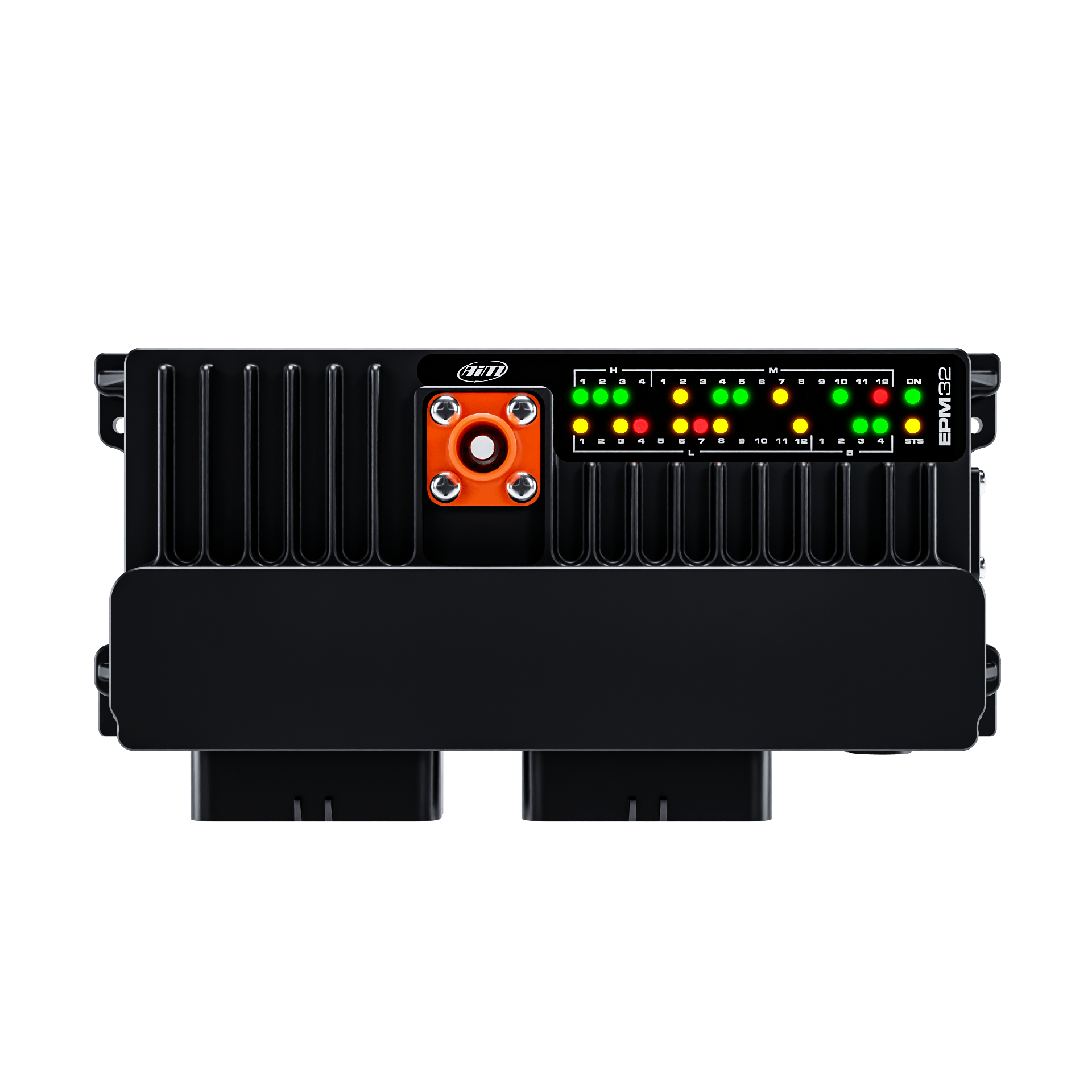
EPM32
-

Free Aim Software
Downloads


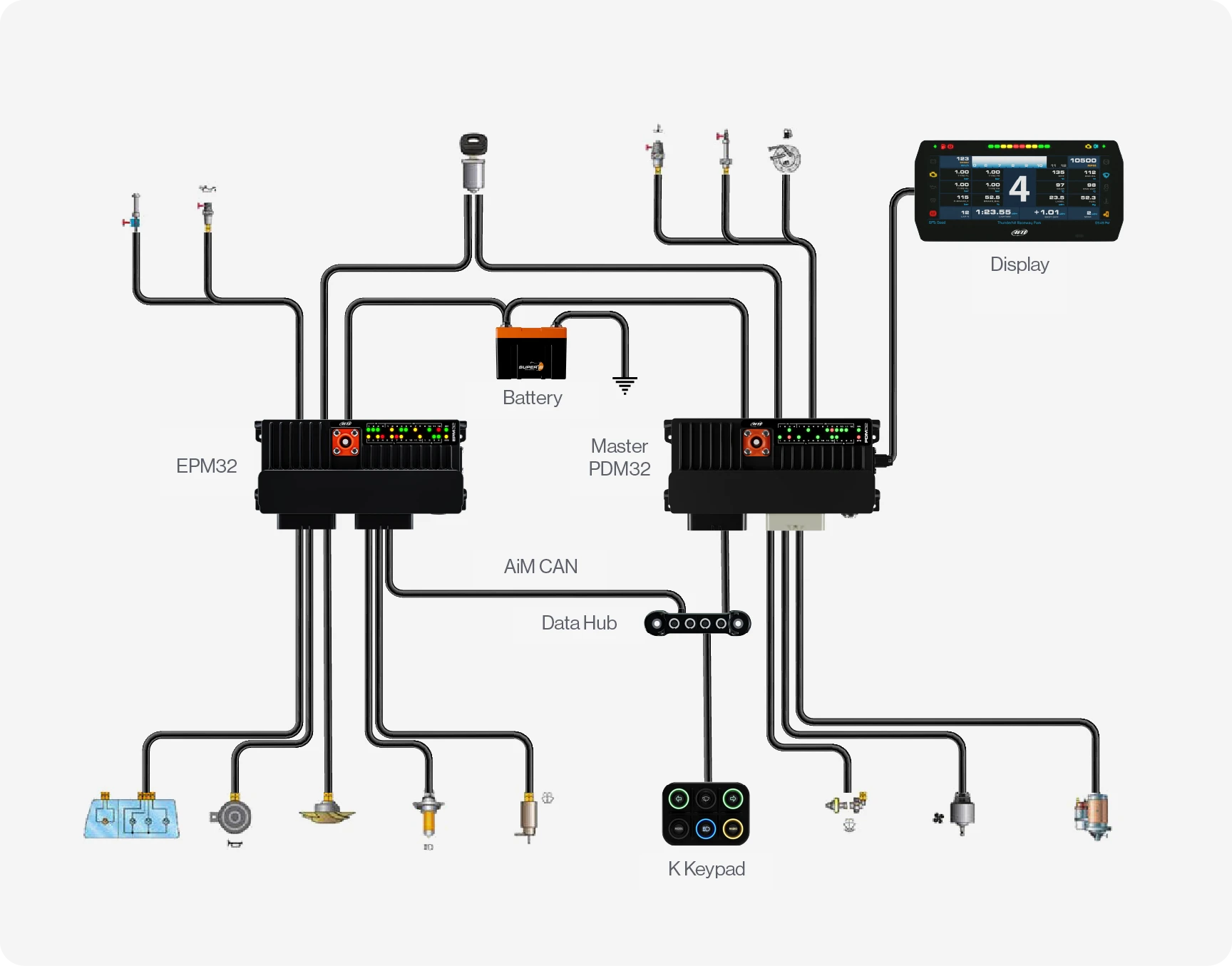
Connection Example
Comparison Table
Compare models side-by-side. Swipe horizontally on mobile.
| Specs |
EPM08
|
EPM32
|
PDM08
|
PDM32
|
|---|---|---|---|---|
|
Key Features
| ||||
|
Size & Weight
| ||||
|
Waterproof
| ||||
|
In the box
| ||||
|
Technical
| ||||
|
Display
|


