


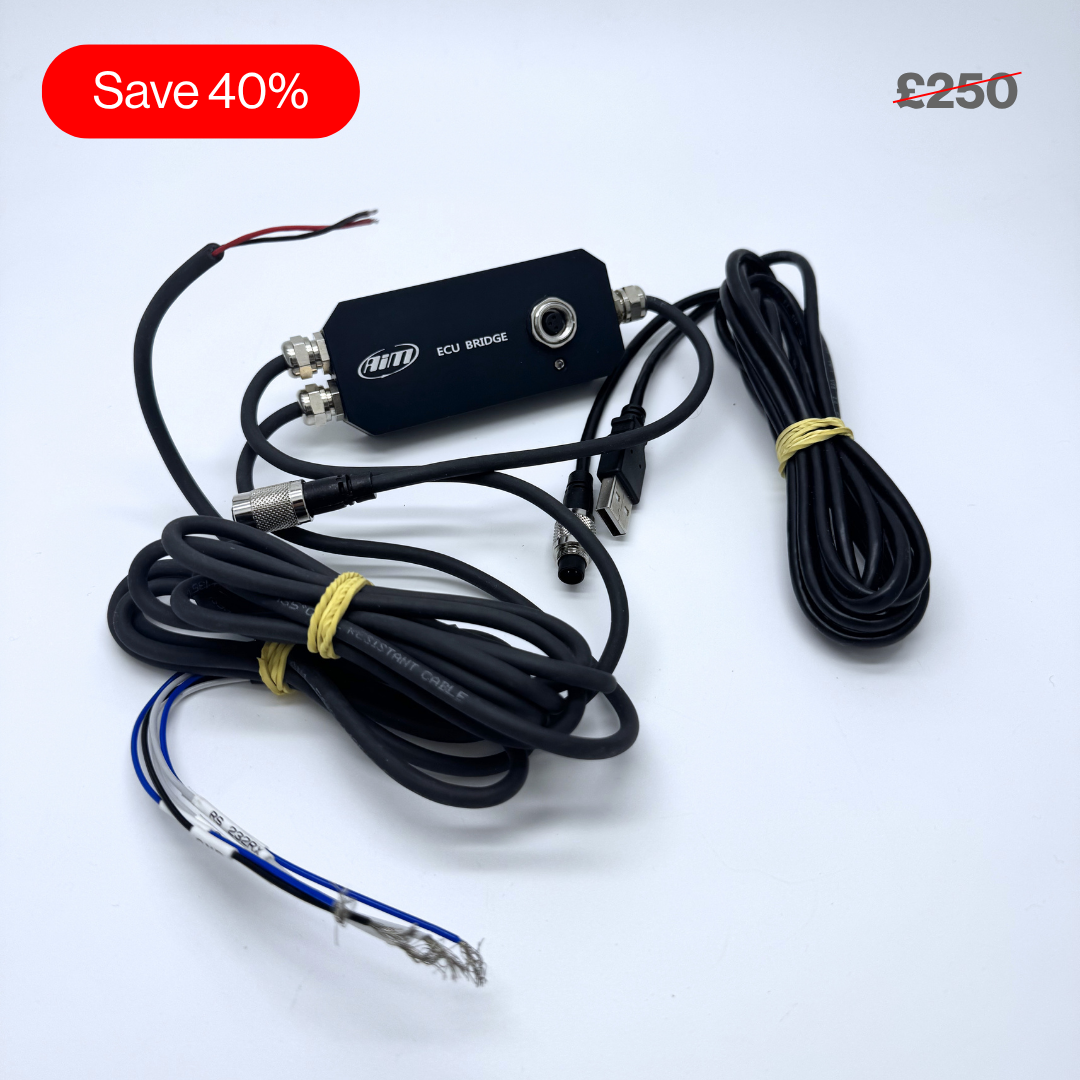
Out of Production ECU Bridge
Pairs well with

Same Day Shipping
When you order before 15:00 BST
Monday - Friday

Worldwide Shipping


All Orders are Carbon-Neutral


Out of Production ECU Bridge
If you’ve got a question, you’re looking for information, or you just want to chat, please find a host of available help options below.
The Easiest Way to Show Engine Data
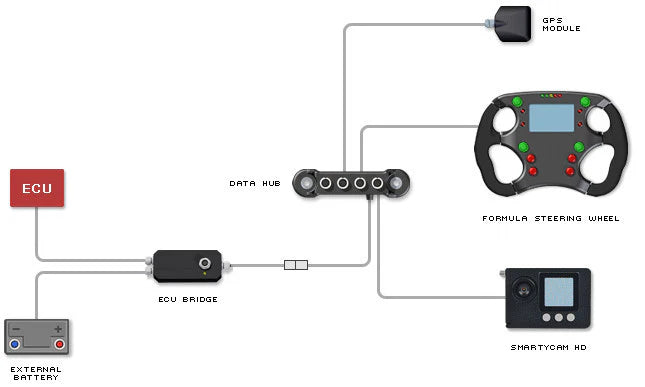
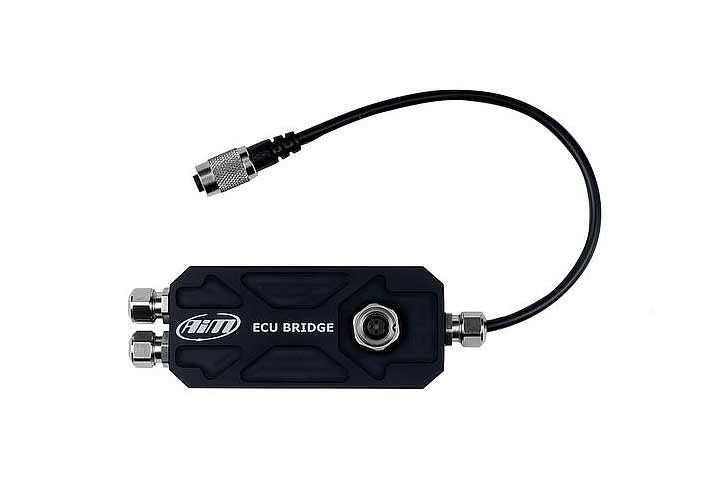
The Aim ECU Bridge, with CAN/RS232 Communication Cable, is for direct installation on aftermarket ECUs to the G-Dash, Formula Steering Wheel 2 and SmartyCam HD.
Why Choose the Aim ECU Bridge
The ECU Bridge is available in two variants; with an OBDII connector for immediate plug & play connection to the OBDII port of cars with stock ECUs; with CAN/RS232 connection for direct installation on aftermarket ECUs.
They are compatible with Aim MXL Dash, Aim G-Dash and Aim Formula Steering Wheels, and of course with the Aim SmartyCam HD and Aim SmartyCam GP HD racing cameras.
How the ECU Bridge Works
The ECU Bridge is needed whenever engine data needs to be viewed on a display or a SmartyCam video (if no recording is required.)
It is compatible with MXL Dash, G-Dash and Formula/GT Steering Wheels, and with the SmartyCams.
The ECU Bridge is to be used when the Engine Control Unit transmits data by either OBDII, CAN or RS232.
Aim has developed hundreds of different protocols to make compatibility with virtually all ECUs possible, either stock or after market ECUs. The ECU Bridge has to be properly configured with Race Studio software to communicate with the different visors/cameras on one side and ECUs on the other side.
Technical Information
Technical Specs
Diagram

Pinouts


Connections
Included in the Box
ECU Bridge
-

Free Aim Software
Downloads
