


SB-R
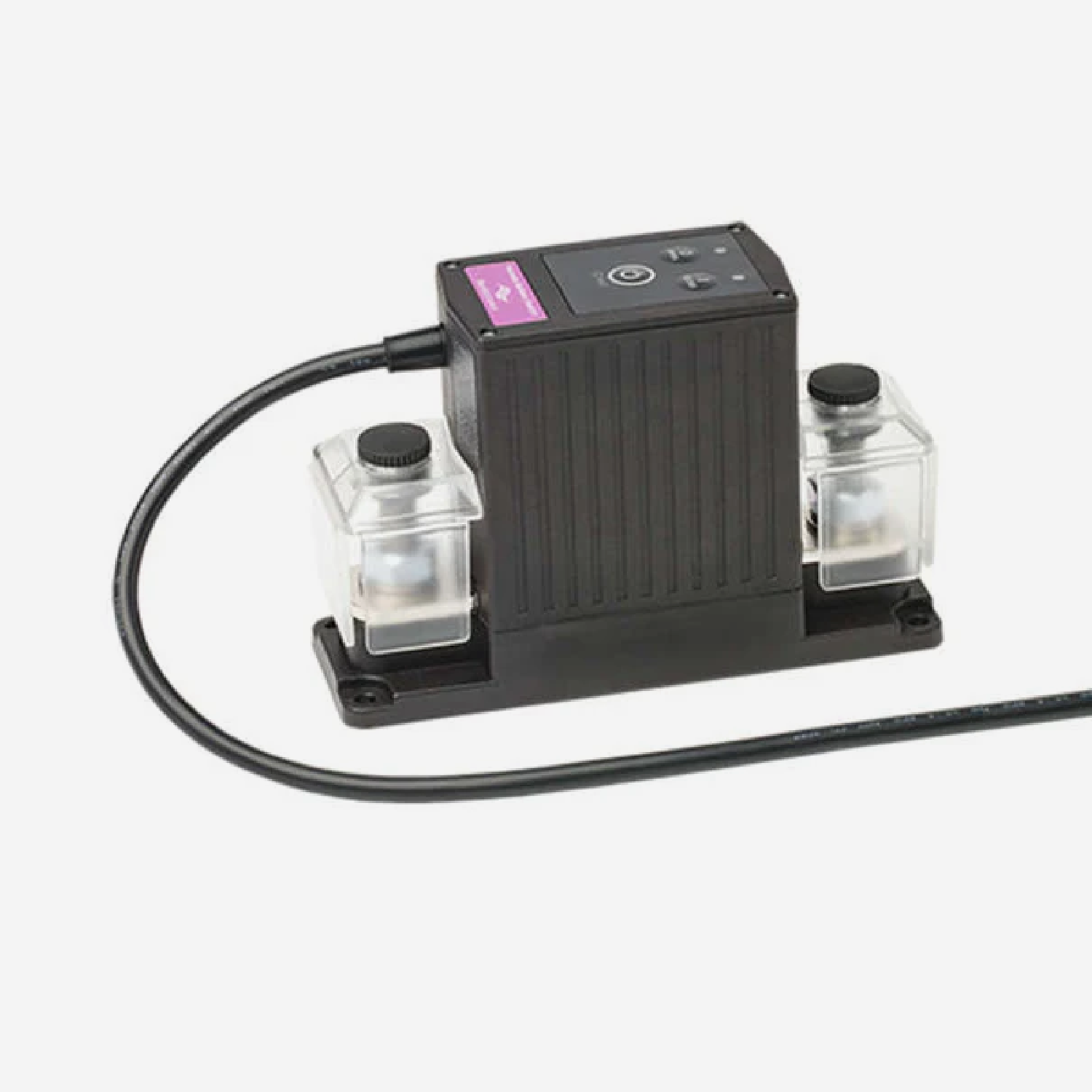
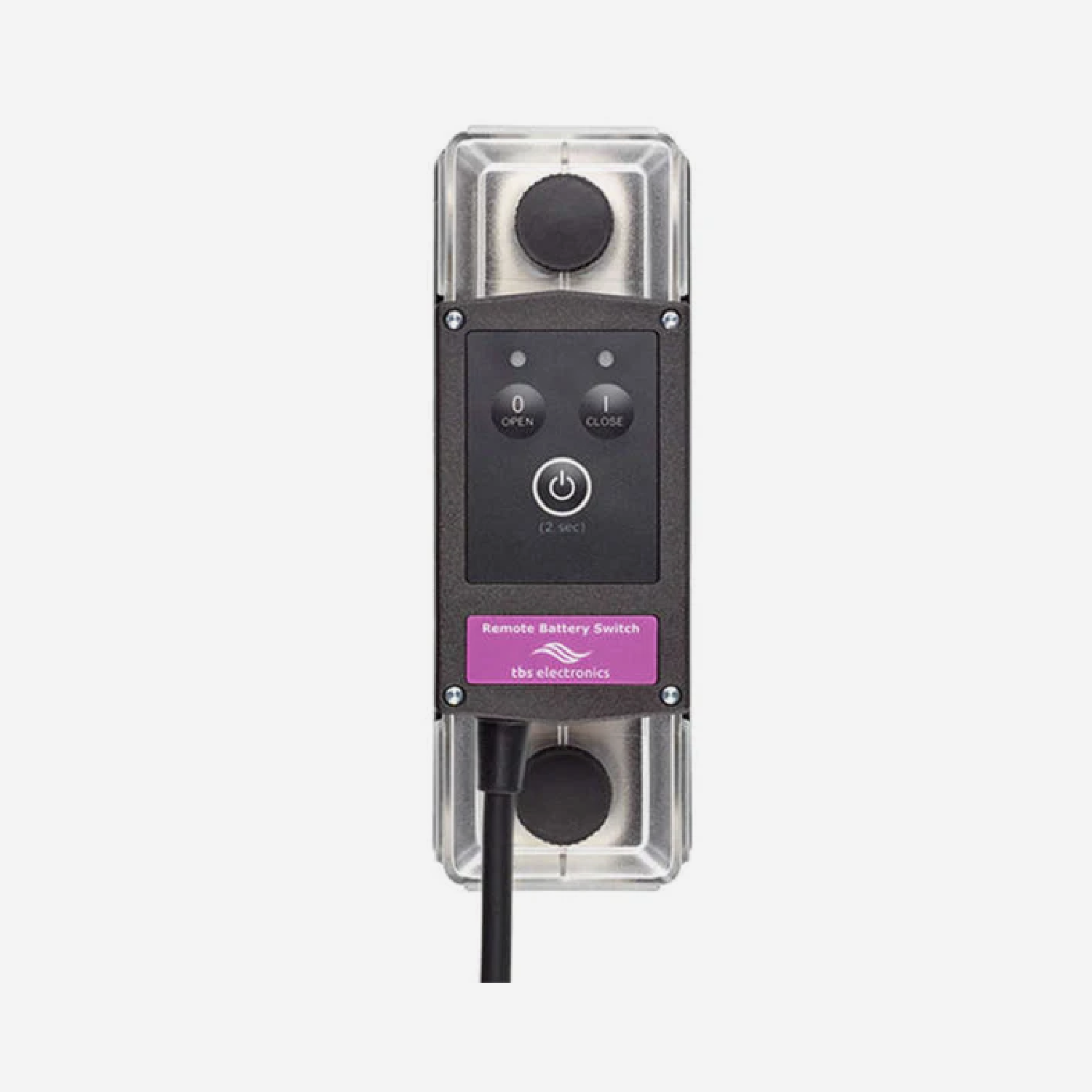
スーパーBリレー TBS RBS 12V500A / 24V500A (Nomia & Nomada)
Pairs well with

Same Day Shipping
When you order before 15:00 BST
Monday - Friday

Worldwide Shipping


All Orders are Carbon-Neutral


スーパーBリレー TBS RBS 12V500A / 24V500A (Nomia & Nomada)
If you’ve got a question, you’re looking for information, or you just want to chat, please find a host of available help options below.
Super B Relay RBS
The Super B Relay TBS Remote Battery Switch (RBS) is a smart, high-current magnetic latching contactor that can handle continuous DC currents of up to 500Amps. The TBS RBS can be controlled by the Battery Communication Interface (BCI) and is suitable for the Nomada and Nomia lithium batteries. The TBS Remote Battery Switch is available in a 12V500A, 24V500A and 48V350A variant.
Included in the Box
Chosen TBS RBS
-

Free Aim Software
Downloads


FAQs
Please read our FAQs page to find out more.
How do you download the "Be In Charge" software & app?
Super B provides a Be In Charge Software tool, which can be used to read out the internal BMS system. The software uses a CAN to USB converter to connect to the communication interface. The software is capable of reading out the actual status, like battery/cell voltages and temperature, but also statistical information. Be In Charge software can also be used to update the installed firmware of the Li-ion battery. The Be In Charge software and hardware are not part of the Li-ion battery scope of delivery. Super B also provides a Be In Charge App for mobile devices such as Android and iOS. The app can be found in the Google Play Store or Apple App Store.
How do you install the Super B Battery in parallel to increase capacity?
To increase the system’s capacity, place the batteries in parallel in the same orientation. Place the aluminium connection tab over the plus terminal of the first and second batteries, then secure it with the spring washers and M8 bolts. Repeat the process for the other batteries. Place the protective caps over the terminals to avoid any short circuits. Repeat the same process on the minus terminals.
Connect the plus terminal of the first battery in the series and the minus terminal of the last battery to the corresponding cables on the battery interface box. Now connect the CAN cables in the correct position at the top of the batteries. Place the CAN terminator in the open port of the first battery. The remaining open terminal will connect to the battery interface box.
Note: When installing batteries in parallel, always use batteries of the same brand, type, age, capacity and state of charge.
How do you install the Super B Battery in a series configuration?
To increase the system’s voltage, place the batteries in parallel in alternating positions. Place the aluminium connection tab over the minus terminal and the plus terminal of the first and second batteries, then secure it with the spring washers and M8 bolts. Repeat the process for the other batteries. Place the protective caps over the terminals to avoid any short circuits. Repeat the same process on the remaining batteries.
Now connect the CAN cables in the correct position at the top of the batteries. Place the CAN terminator in the open port of the first battery. The remaining open terminal will connect to the battery interface box. The plus terminal of the first battery and the minus terminal of the last battery in the series should be connected to the corresponding cables on the battery interface box.
Note: When installing batteries in series, always use batteries of the same brand, type, age, capacity and state of charge.