


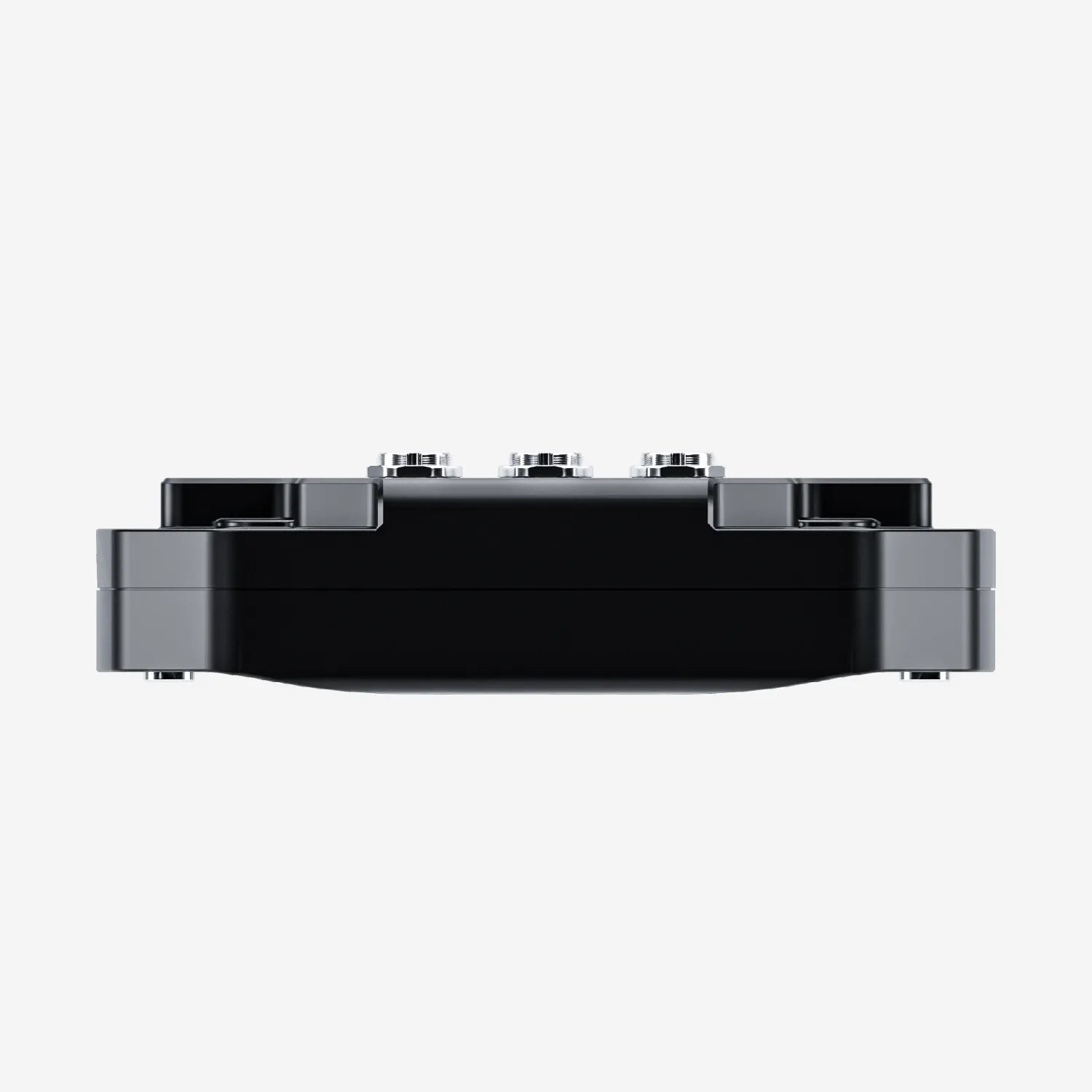
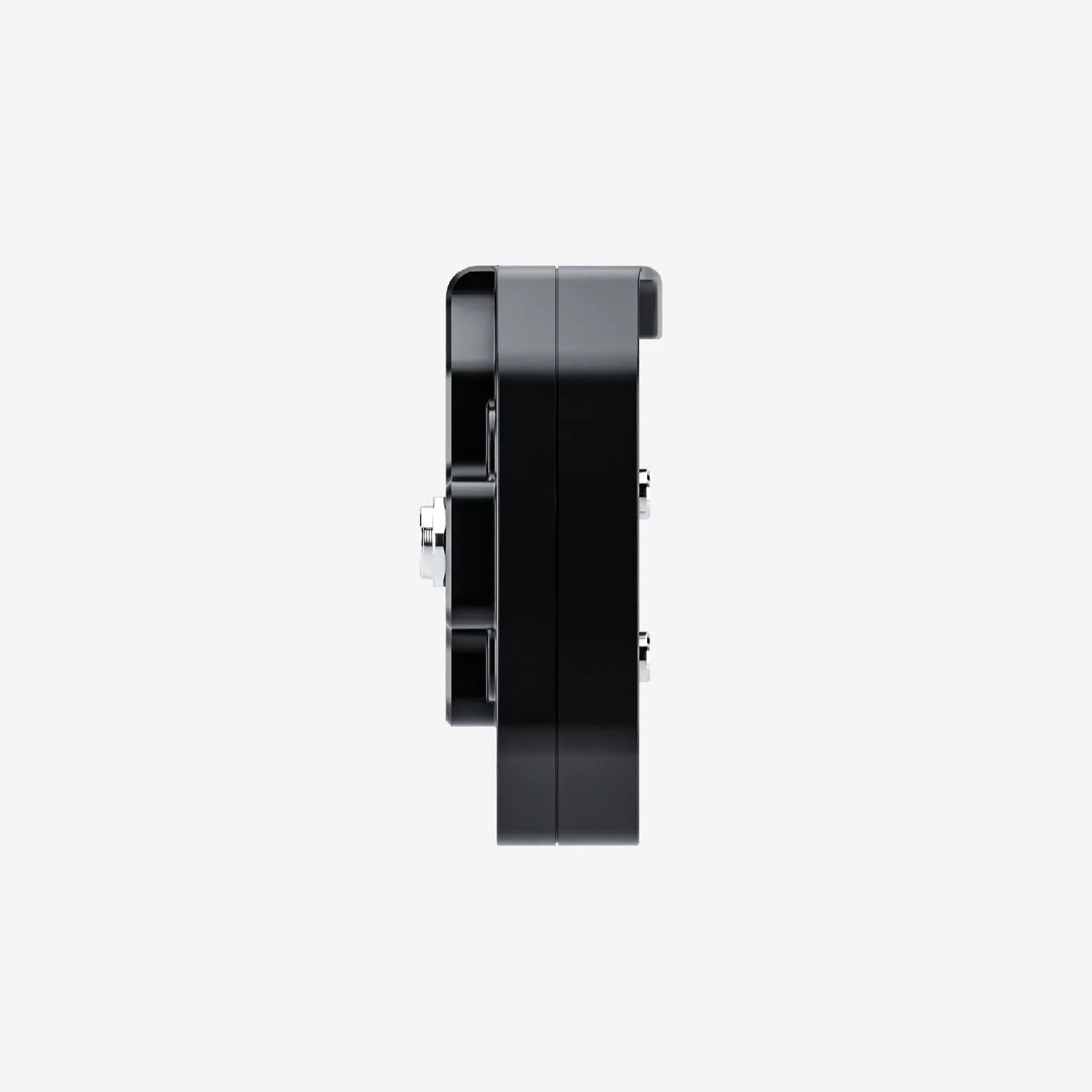
MXq Dash Logger
Pairs well with

Same Day Shipping
When you order before 15:00 BST
Monday - Friday

Worldwide Shipping


All Orders are Carbon-Neutral


MXq Dash Logger
If you’ve got a question, you’re looking for information, or you just want to chat, please find a host of available help options below.
A Compact GPS Dash For Drag Racing
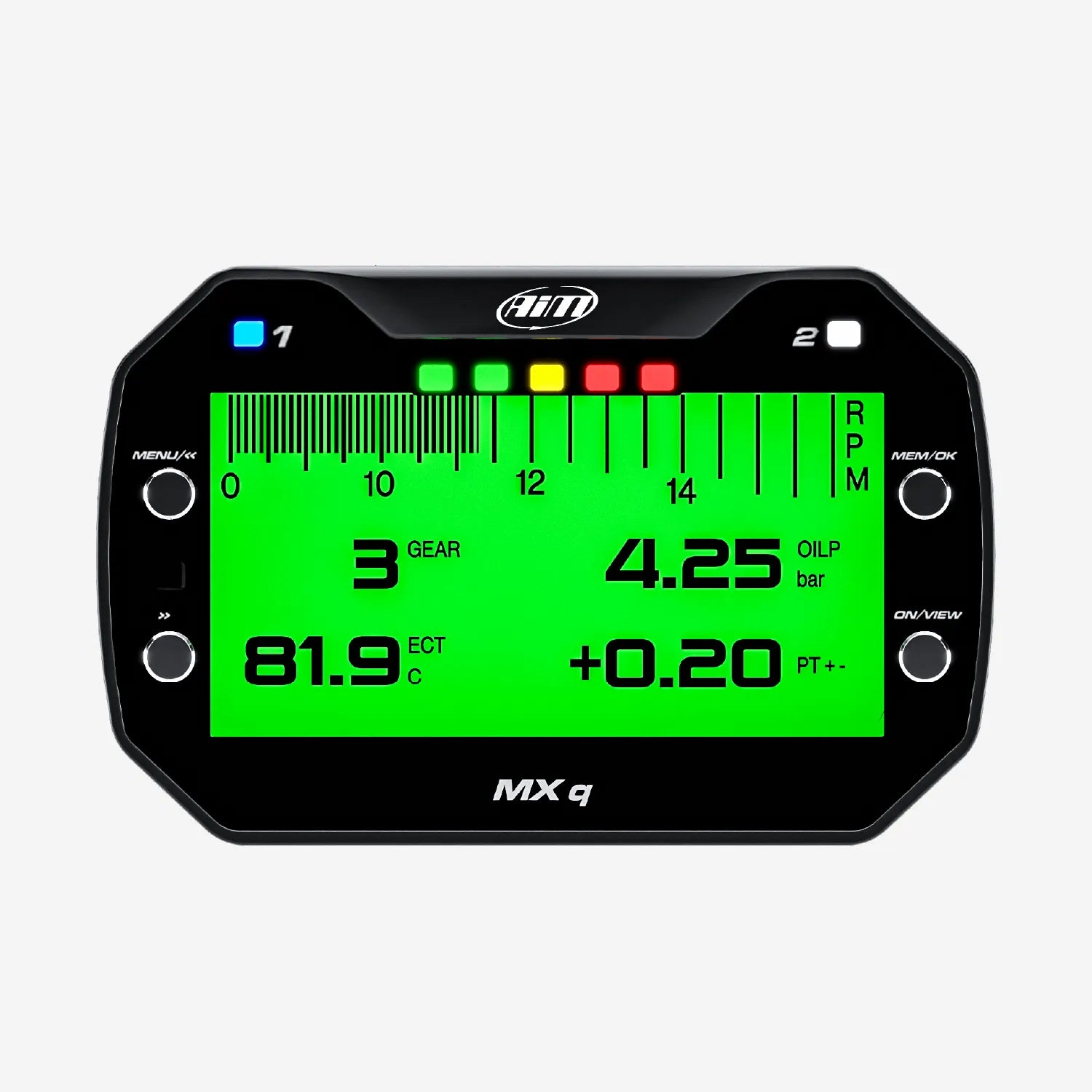
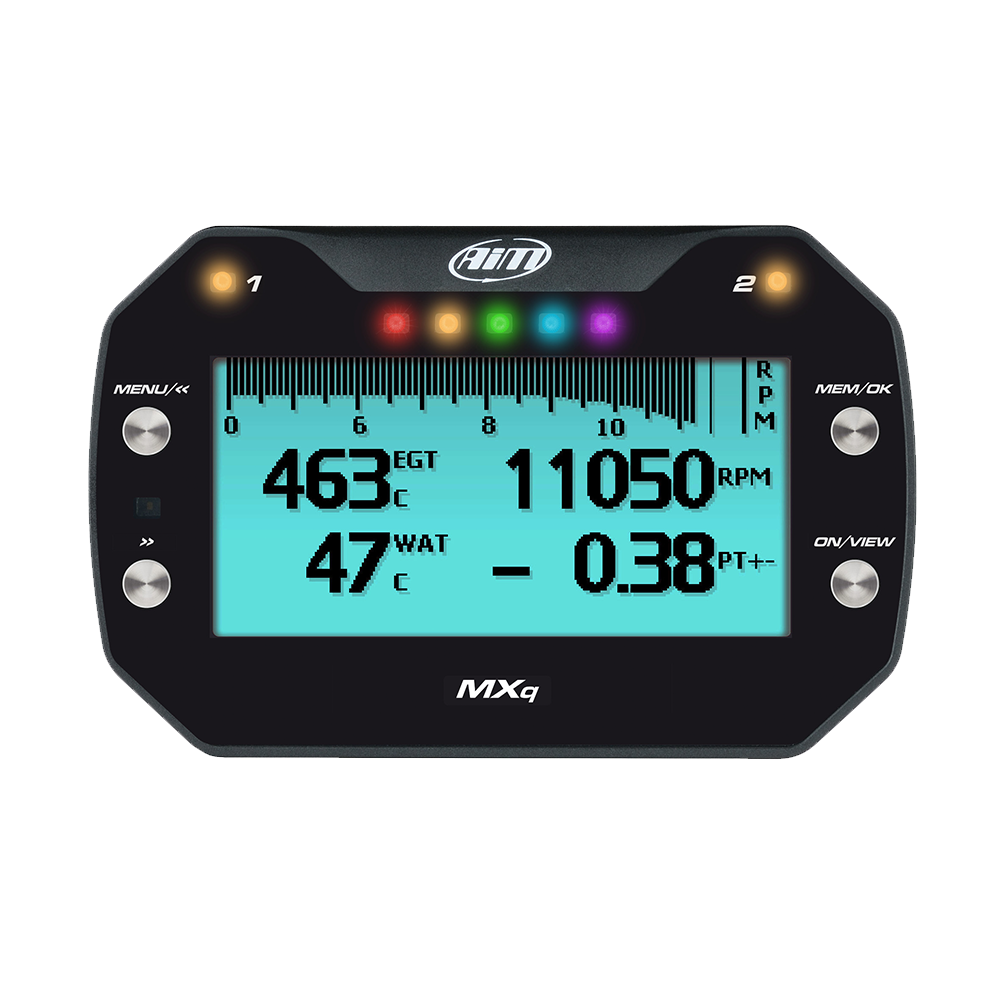
The MXq is an entry-level dash logger that provides all the information needed by drag racers: it samples and shows key information such as speed, lap times, RPM, gears, and it has multiple math channels and much more. Its strength is in its compactness; the device is perfect for drag racing.

Why Choose the Aim MXq Data Logging Dash
The compact LCD MXq dash display features advanced data logging capabilities and is designed for racers needing all the essential information to monitor the behaviour of their vehicle and to improve their performance. This dash is designed to acquire and display data from your ECU, as well as from the internal GPS receiver, analogue/digital inputs and predefined math channels.
A Wide Range of Data Sources
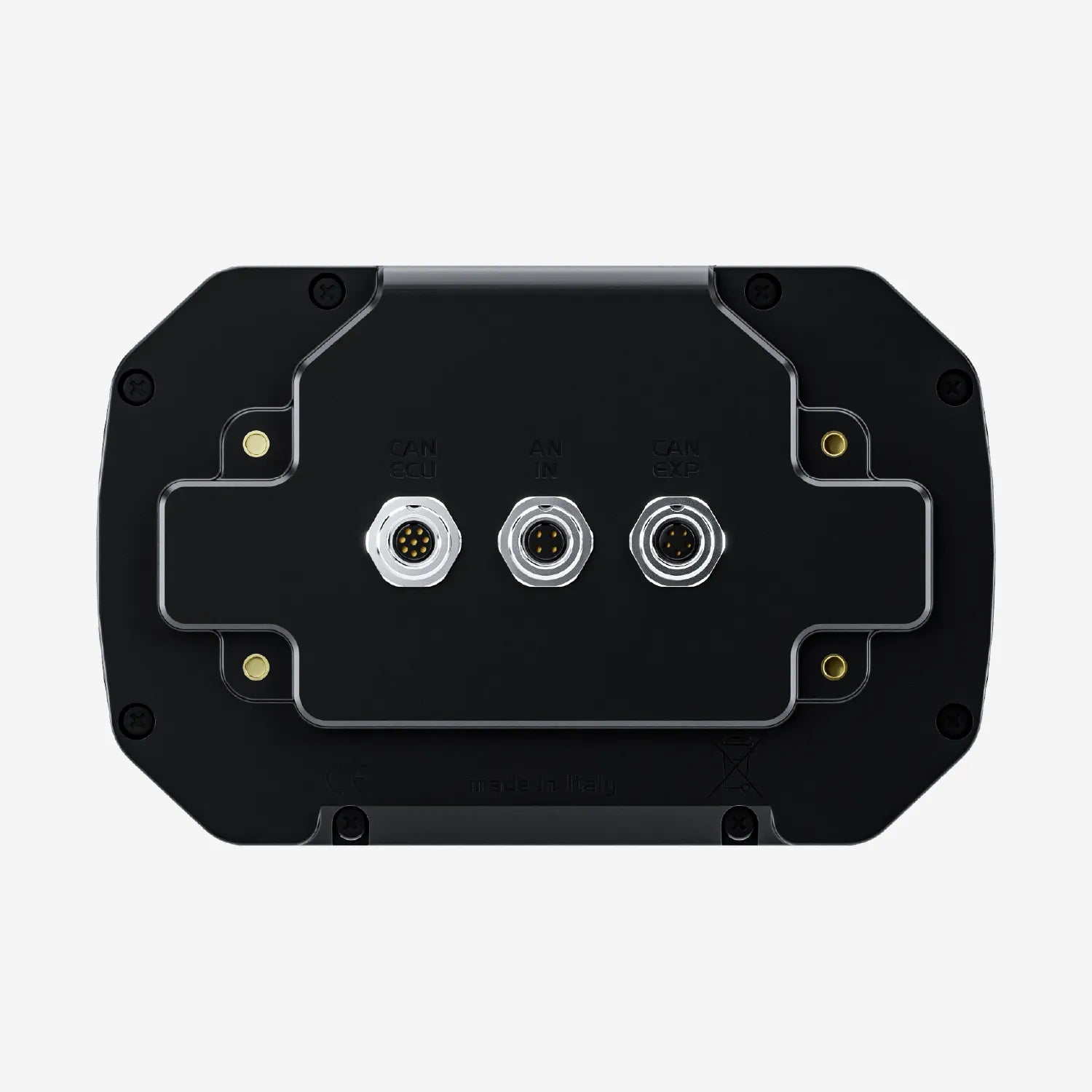
The MXq features 2 CAN connections for obtaining information directly from the ECU, with a wide range of compatible ECU systems available to choose from. The MXq offers the most straightforward method of installation whilst offering 1 analogue and 1 digital input for additional data input.

Delta Times
The Delta Times feature provides instant feedback on your performance, showing how your current timing compares to your best.
Set a reference lap and visualise where you are gaining and losing time. The integrated lights will display green or red accordingly.

Display, Configurable Pages & Lap Times
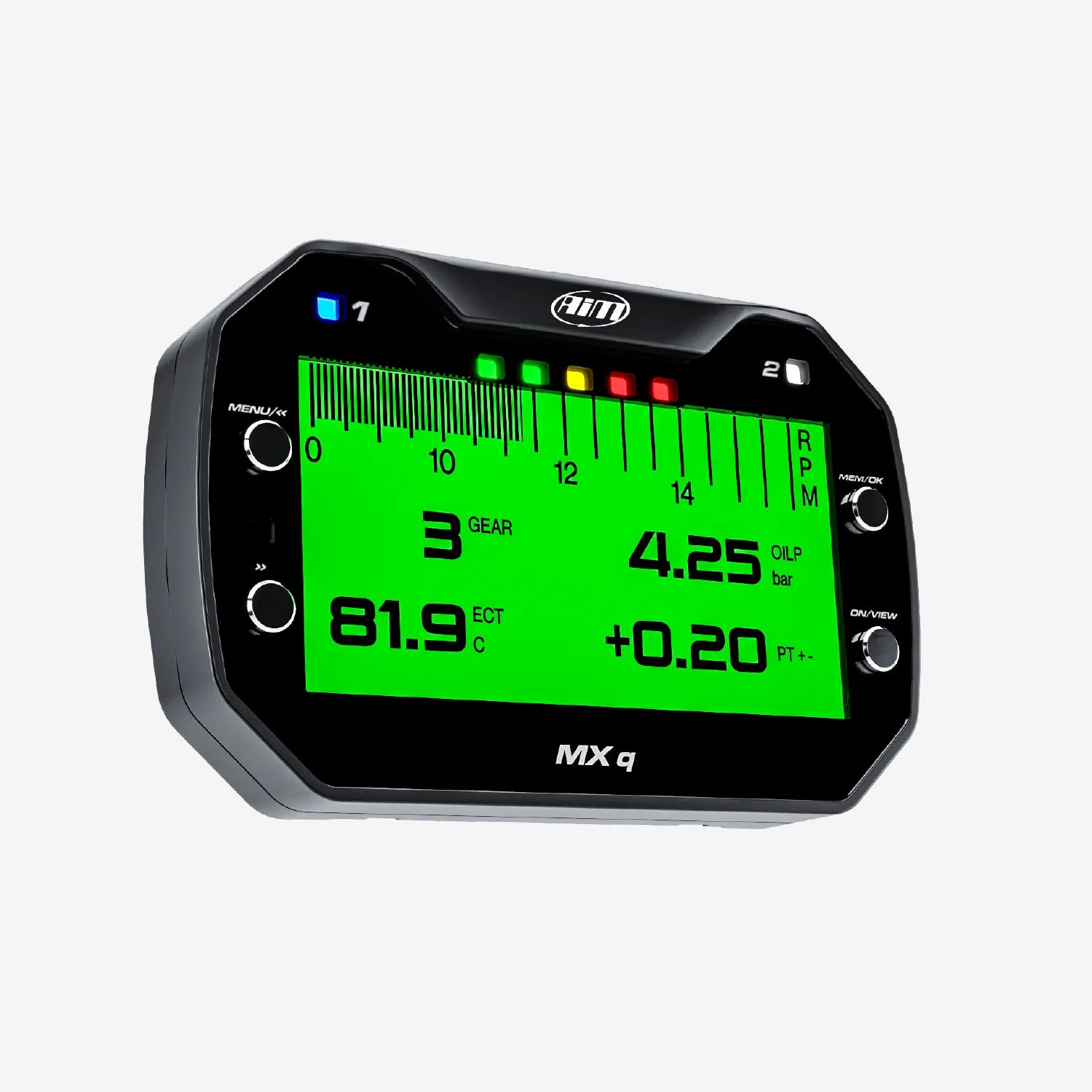
The MXq can be backlit in one of eight available colours; it also features an ambient light sensor that makes brightness and contrast ideal in all light conditions.
The MXq can also swap among pages showing lap times and data in a customisable way to suit your needs. Choose the data and create pages displaying up to eight fields in each. You can visualise the rolling time, static or predictive lap time (as an absolute value or as a difference vs. the best lap).
Alarm LEDs are managed in a very flexible way. You can choose the situation that generates the alarm, the LED behaviour (blinking frequency and colour) when the alarm appears, and the conditions for its switch off. A warning message can also be shown.
Data Recall On-Screen
The information that is displayed on the screen can be fully configured to prioritise the most important information for the driver. If there’s too much information on the screen, the driver can scroll between multiple pages using the integrated buttons so that nothing is missed.
After the session has ended, all the data can be recalled on the screen, including a summary of the driver's best laps along with max/min RPM, speed and temperatures. If you prefer going through the data in more detail, the MXq and secure data transfer to a laptop or PC up to 50 metres away, so you no longer need to take the laptop to the vehicle.

Configurable RGB LEDs
The MXq display has an integrated shift light system that features 5 fully configurable LEDs which can be customised to your requirements and for each gear. 2 further LEDs can be configured to operate as warning alarms, allowing you to customise colours, alarm types (solid or flashing), flashing frequency and accompanying text messages. Alarm priorities can be set to suit your specific requirements, and the backlight can be switched between 8 available colours, all with high contrast and easy to read graphics.

Race Studio 3 Analysis
In Race Studio 3, you can also analyse all data recorded by MXq LCD dash loggers and download it to your PC.
Graphs, histograms and tables will help you study your performance, providing objective support to avoid mistakes and improve your performance, as well as tuning the engine and adjusting the setup of your vehicle.
You will also be able to manage the map of all your racing tracks and compare two laps by watching the video recorded by the SmartyCam 3 cameras.

Expand Your System
Expand your MXq's capabilities with a range of compatible accessories to guarantee precision and reliability.
The LCU-One S allows you to perfectly tune the carburetion of your engine to keep it at its best and improve the engine's performance. Alongside the Analogue CAN Converter, you can choose, according to your needs, among 5 different split harnesses. Up to 4 thermocouples or 4 analogue channels 0-5V/0-12V are available.
The SmartyCam 3 series also connects to record synchronised video and telemetry ready for analysis in Race Studio 3.
Technical Information
Technical Specs
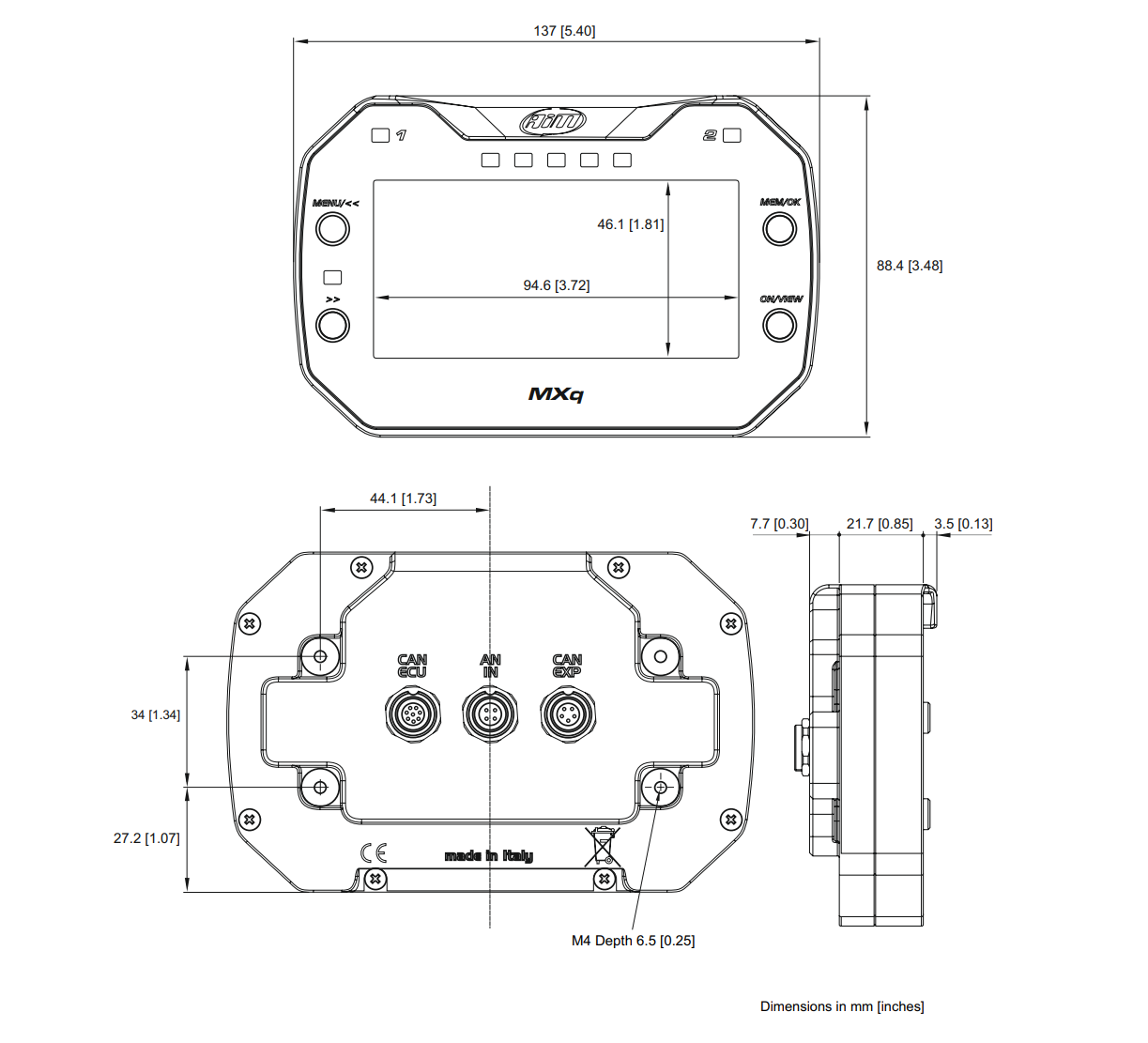
Diagram
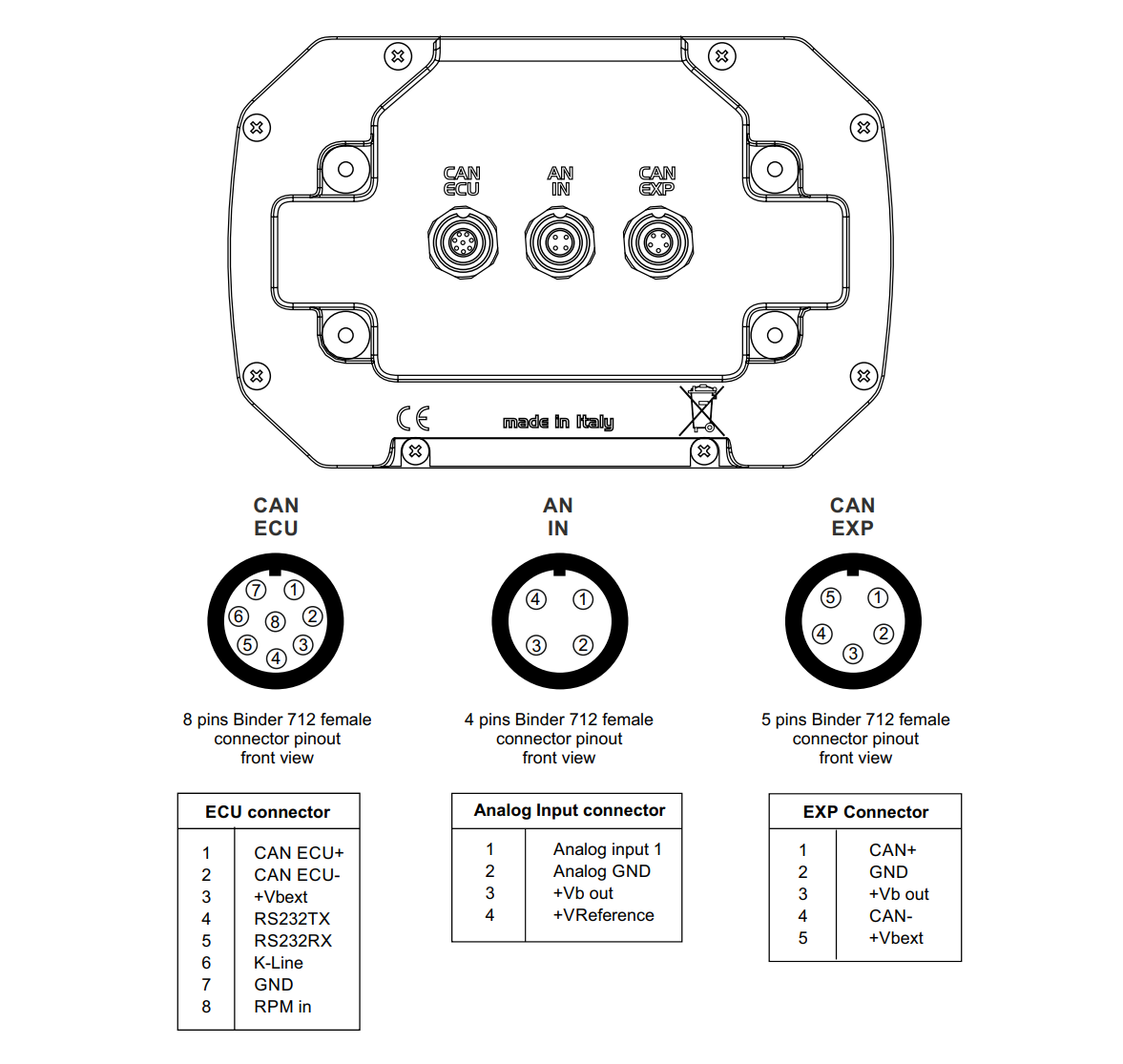
Pinout
Included in the Box
MXq
Your Chosen Connection Cable
-

Free Aim Software

Downloads


Comparison Table
Compare models side-by-side. Swipe horizontally on mobile.
| Specs |
MXq Dash Display Logger
|
MXm Dash Display Logger
|
|---|---|---|
|
Key Features
| ||
|
Size & Weight
| ||
|
Waterproof
| ||
|
In the box
| ||
|
Technical
| ||
|
Display
|

