


Aim SmartyCam 4 Corsa & Solo 2 DL with Double Bracket Track Day Kit
Choose Accessories
Pairs well with

Same Day Shipping
When you order before 15:00 BST
Monday - Friday

Worldwide Shipping


All Orders are Carbon-Neutral


Aim SmartyCam 4 Corsa & Solo 2 DL with Double Bracket Track Day Kit
If you’ve got a question, you’re looking for information, or you just want to chat, please find a host of available help options below.
The Ultimate Track Day Kit
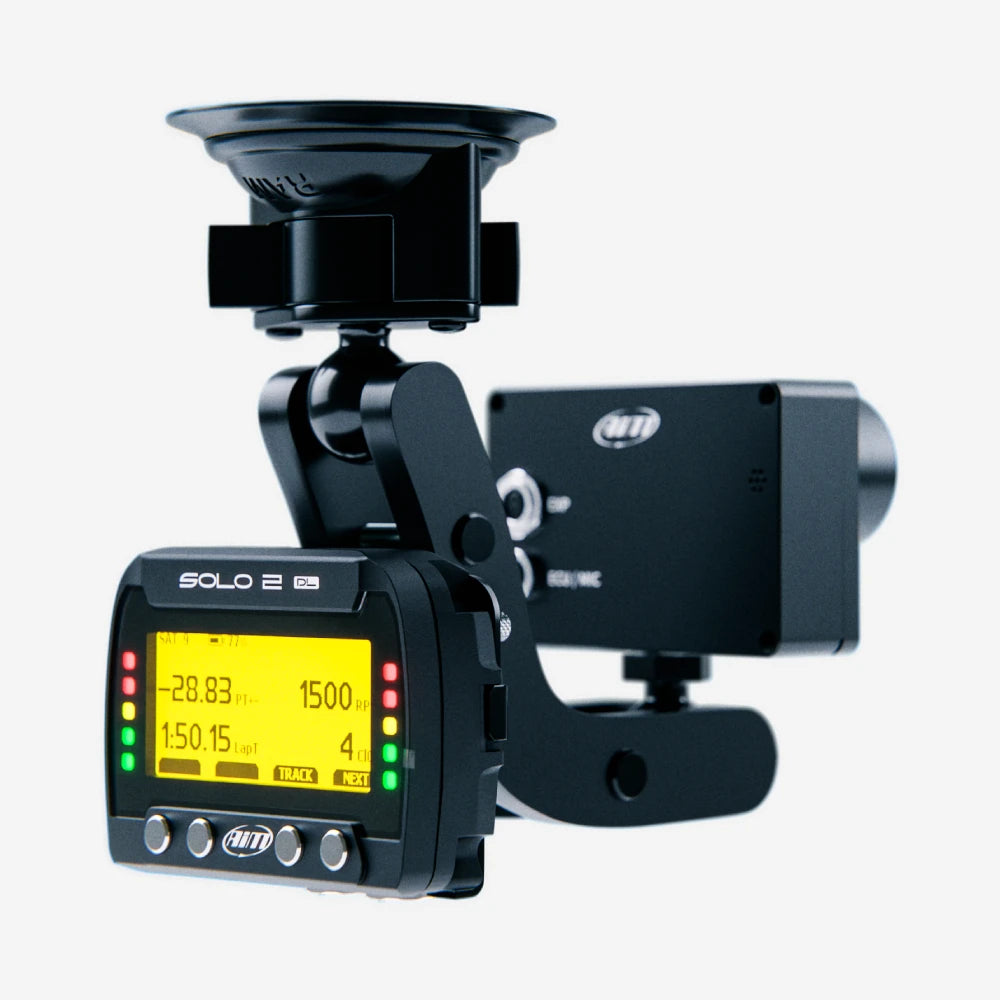
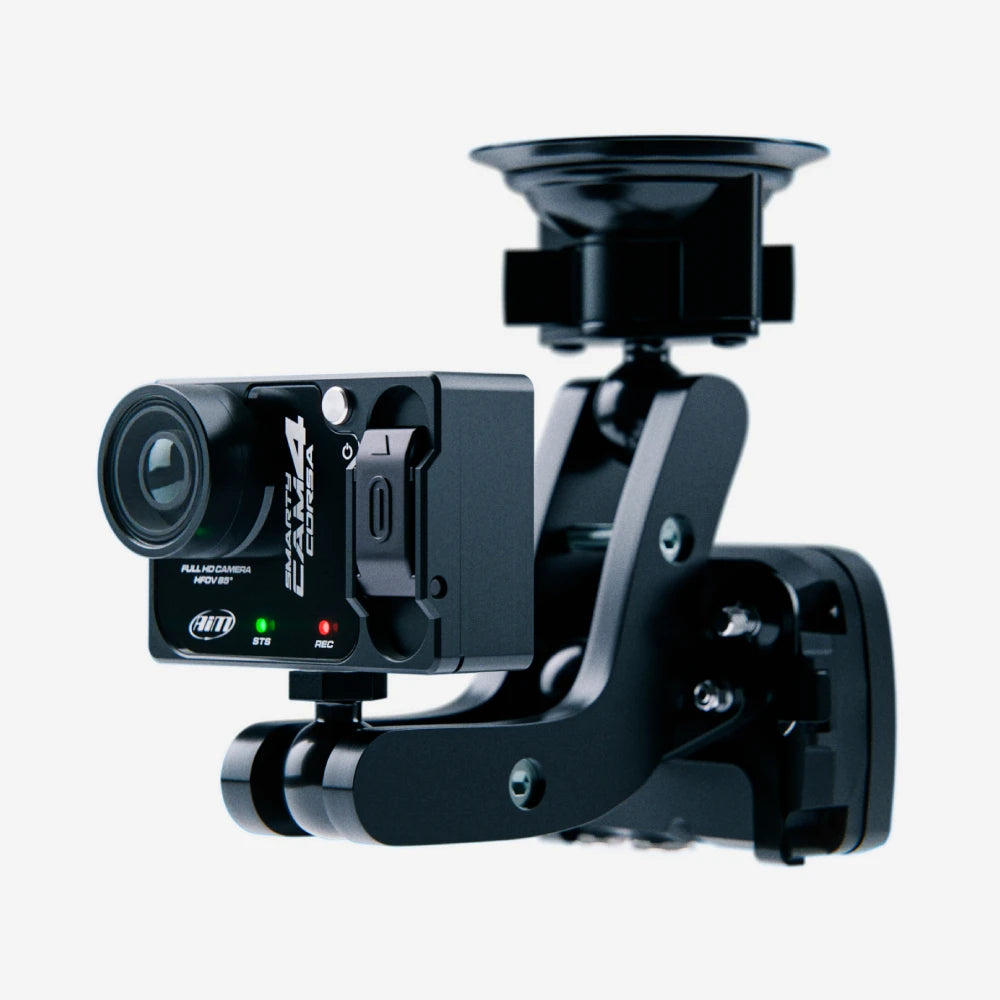
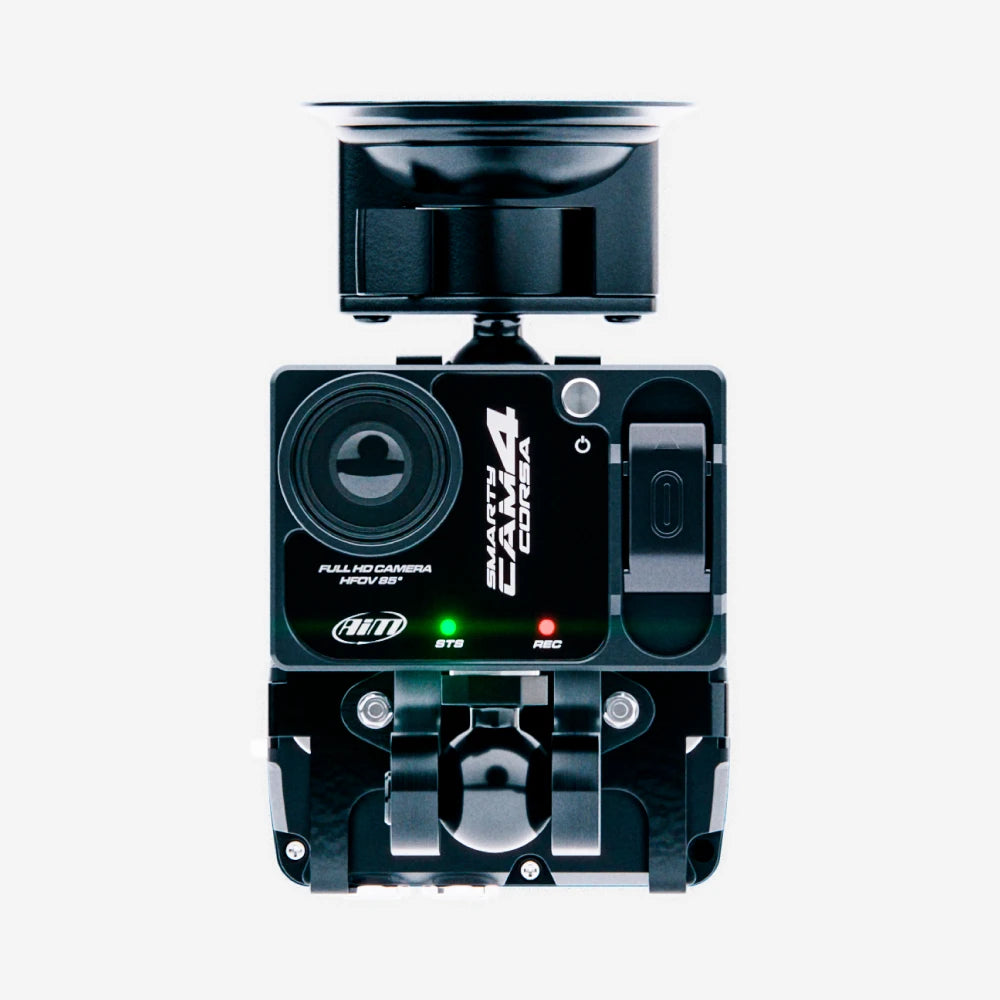
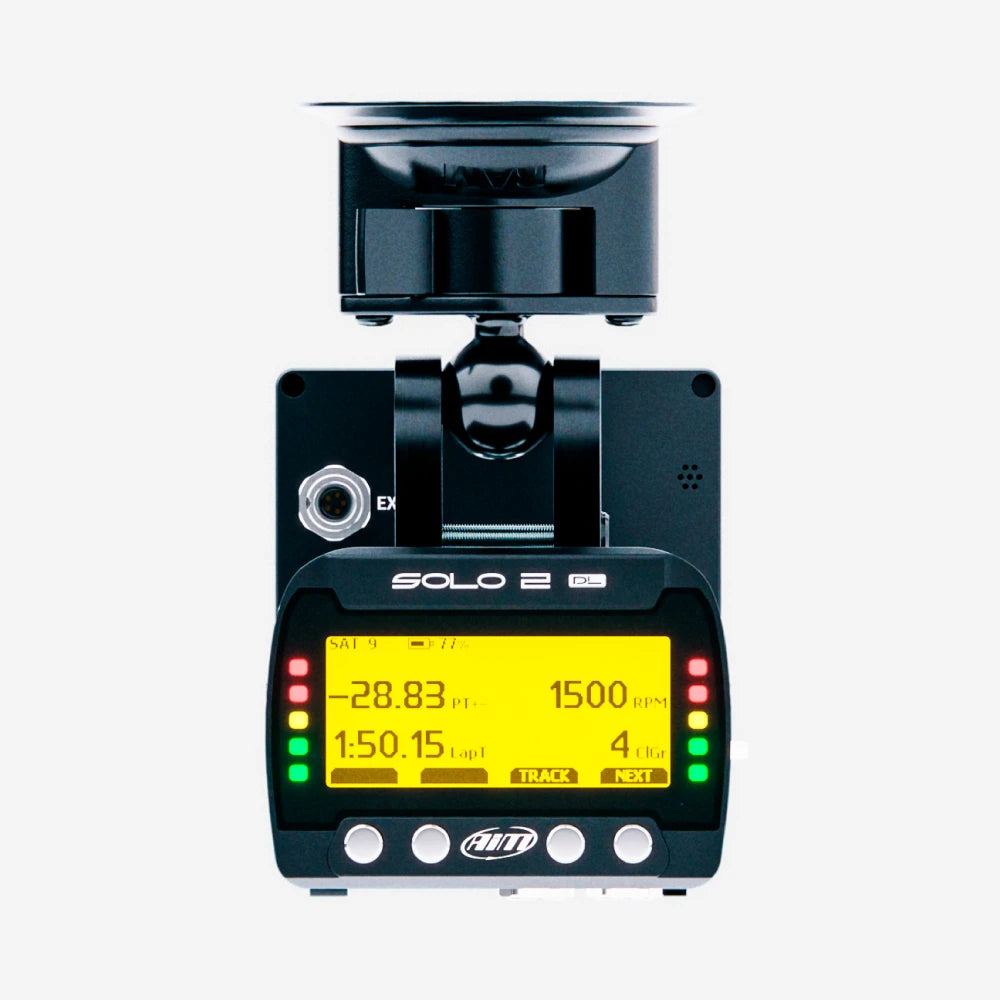
The Aim SmartyCam 4 Corsa & Solo 2 DL with double bracket is a must-have kit for competitive testing and track days. It combines the Solo 2 DL data logging lap timer with the SmartyCam 4 Corsa onboard motorsport camera with 85º angle lens, allowing you to easily review parameters such as speed, engine revs and cornering G-force against track position to see where lap times can be improved.

Accurate Lap Timing, Real Time & Post-Session Review
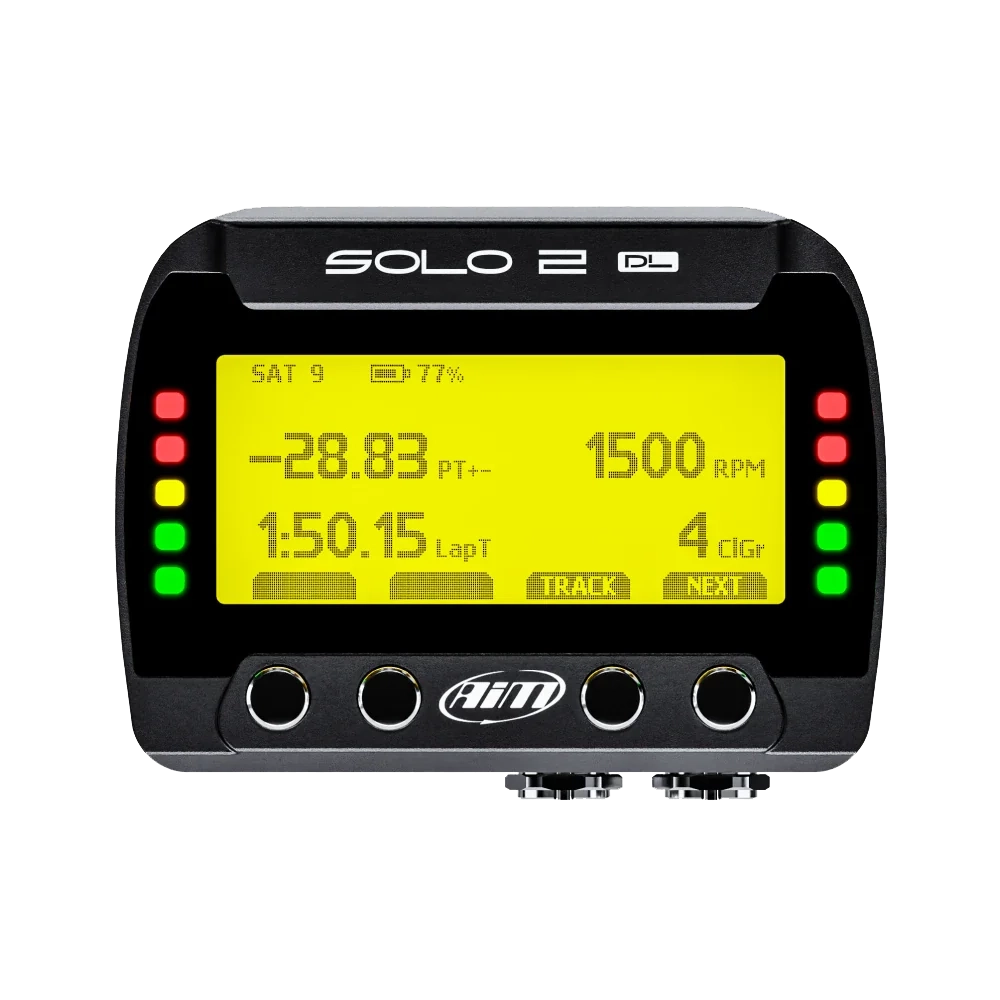
The Solo 2 DL lap timer provides key information: lap times, lap count, delta times and predictive lap times. With over 4,000 tracks already loaded onto the database from across the globe, you can automatically select your nearest track based on your current position.
Log your vehicle’s ECU data for reviewing after a race day to help improve driver performance or vehicle set-up, and capture every lap in full HD and overlay lap and ECU data onto the footage for the ultimate lap-by-lap review.
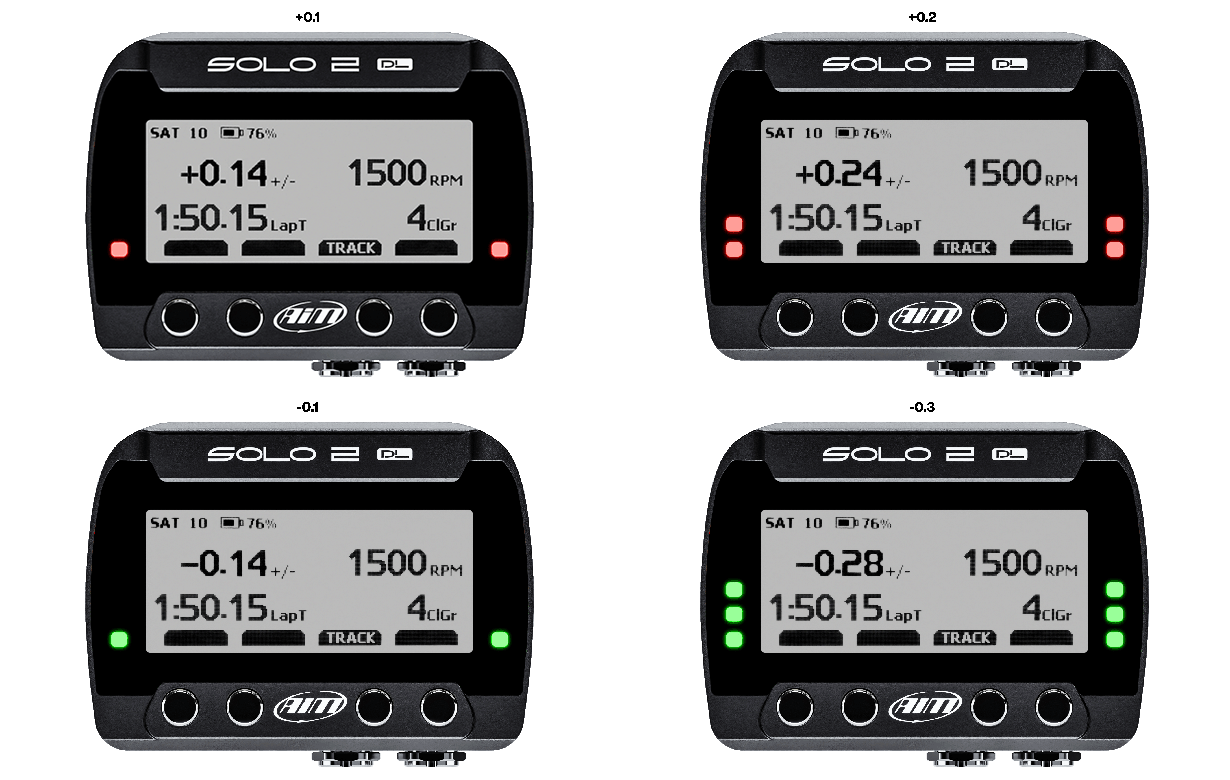
On-Screen Delta Feedback
Delta times provide instant feedback on your performance, showing how your current timing compares to your best.
At the end of your test, you can review all the key information on your display or download to our free Race Studio 3 software for more comprehensive analysis.

Paired With The Best Onboard Motorsport Camera
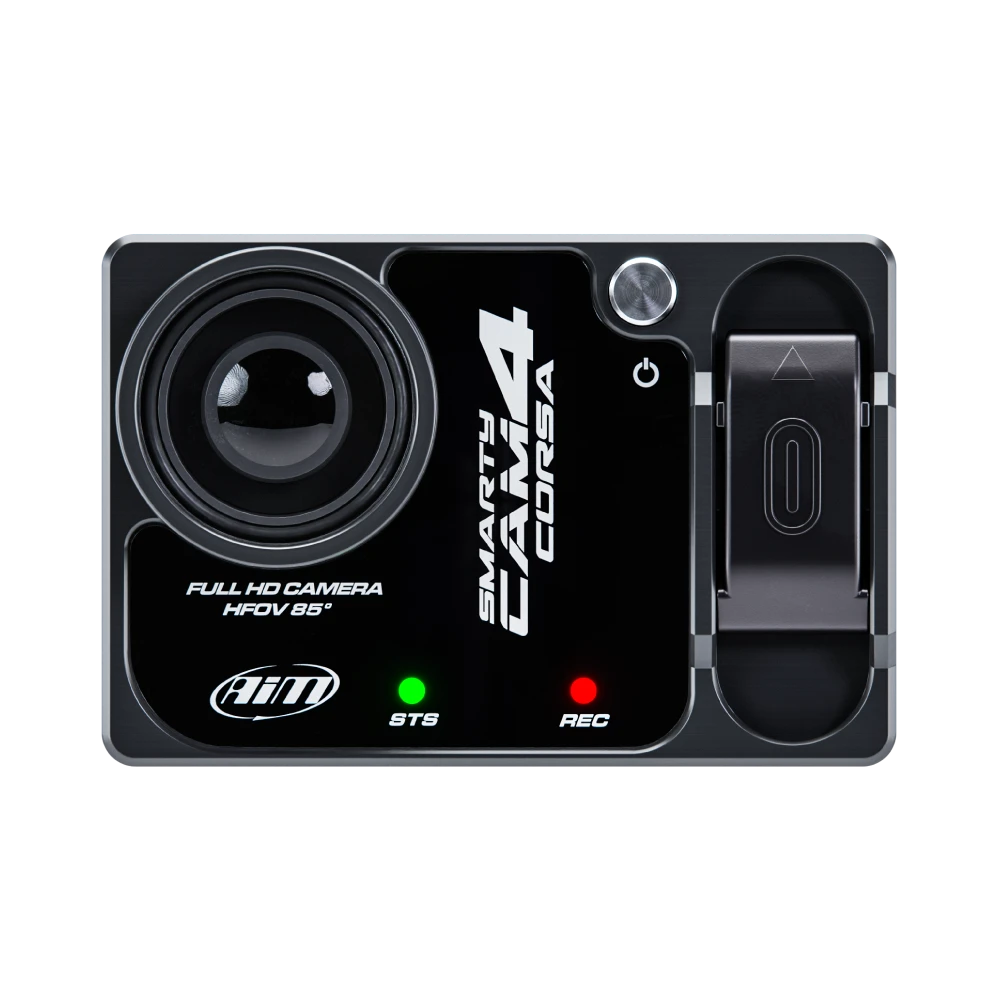
The Aim SmartyCam 4 Corsa combines exceptional video quality with advanced data integration to give drivers and teams the information they need to improve performance. It automatically starts and stops recording using its integrated 3-axis accelerometer, allowing you to stay focused on driving.
At the heart of the camera is a Sony 12-megapixel CMOS sensor, delivering significantly improved image quality with sharper detail, better colour accuracy, and stronger low-light performance. An integrated LSI image stabiliser helps reduce vibration, optical distortion, and horizon movement, producing smooth, stable footage even in demanding track conditions.
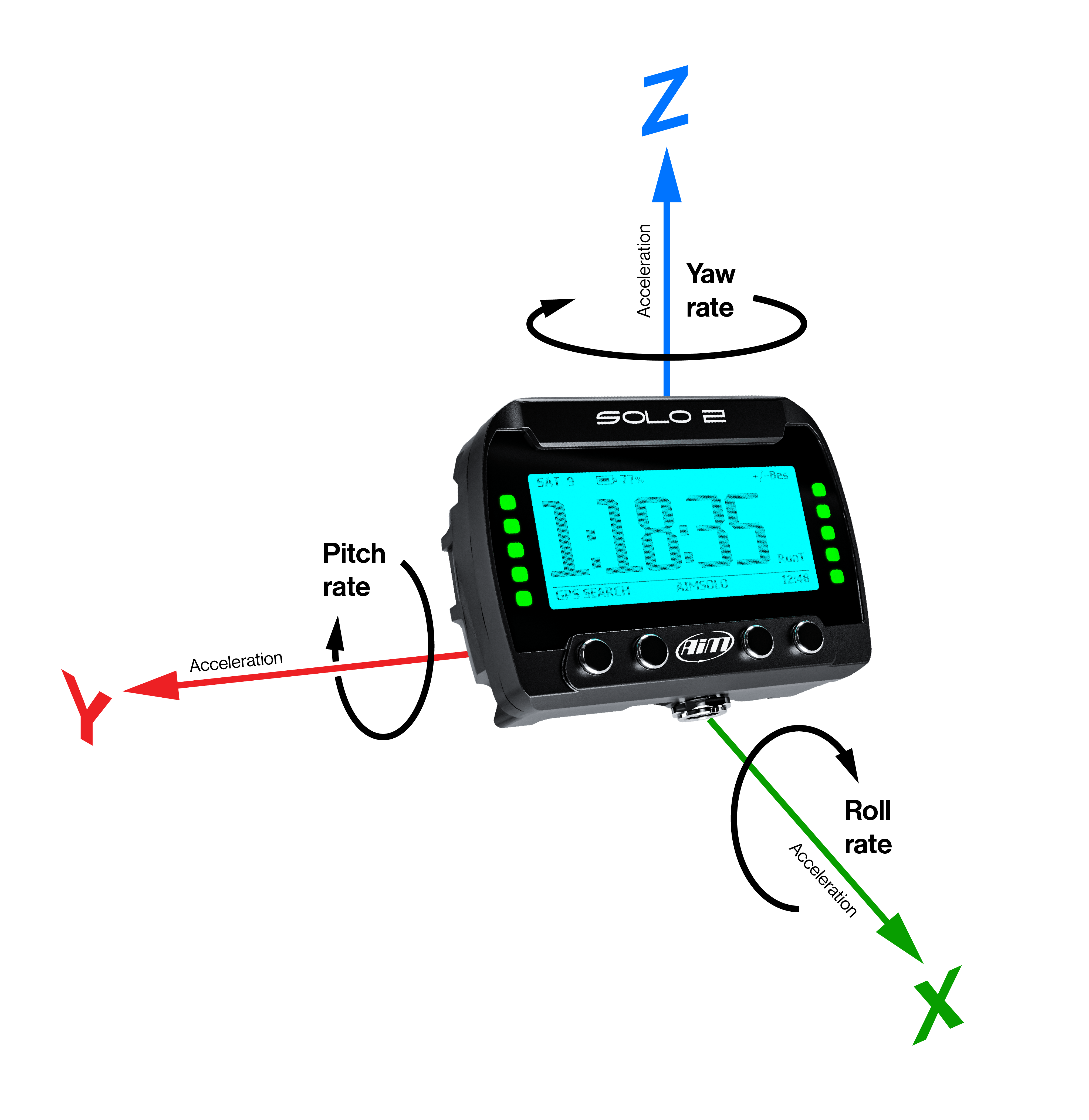
Inertial Platform
The Solo 2 DL calculates, displays, and records lap times, sector times, position & vehicle speed, with a sampling rate of up to 25Hz, and 3D acceleration & gyro. This allows you to see your exact racing line, compare it to optimal lines for faster lap times, track your vehicle’s movements and provide detailed data on acceleration, braking and cornering forces.
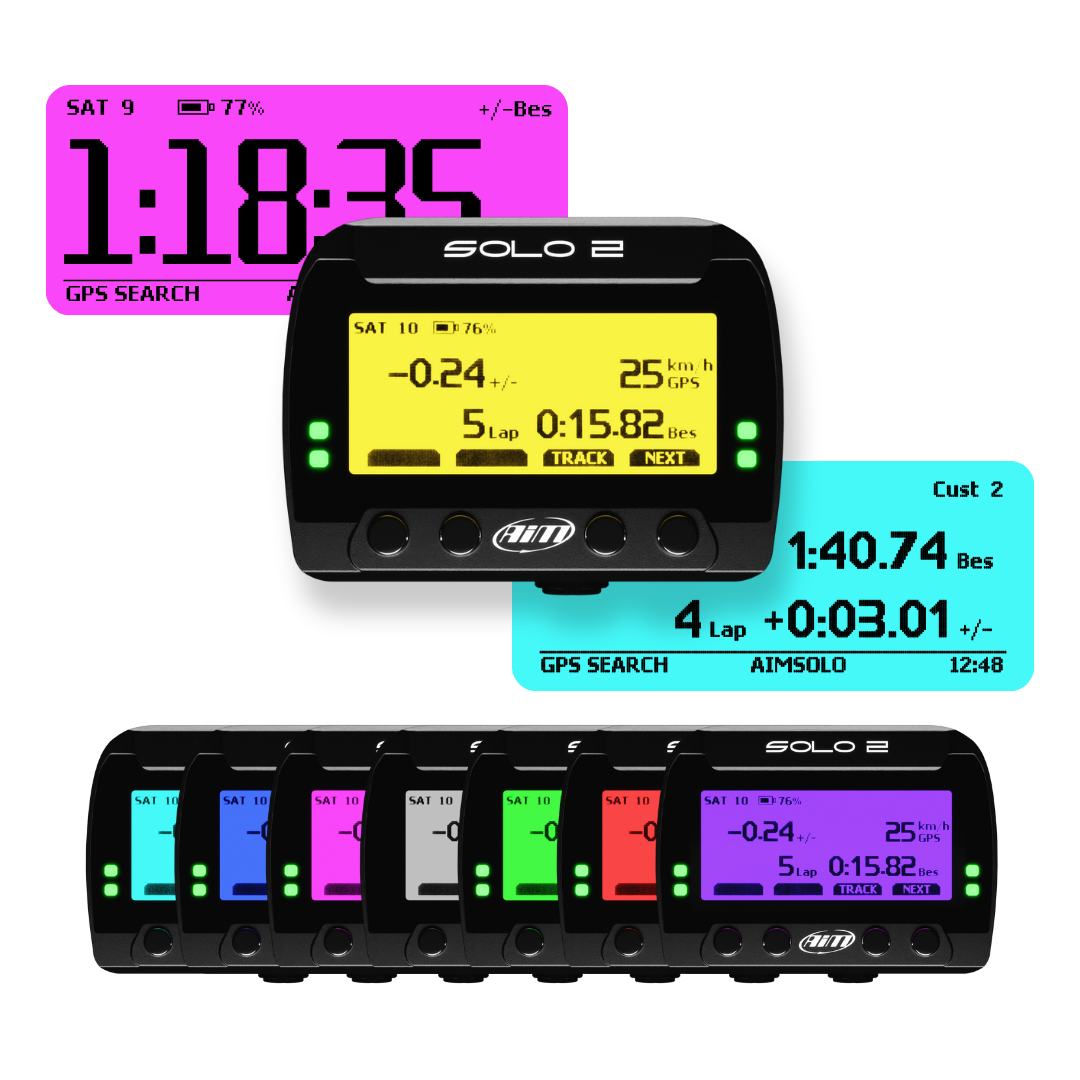
Advanced Display, Track Recognition & Easy Connection
The Solo 2 has a sharp, high-contrast display which helps sailors easily identify the data displayed on screen, as well as 8 different backlight colours.
Thousands of pre-loaded worldwide maps are available, the lap timer automatically recognises your position as soon as it's switched on. Once you start to go, it automatically recognises the start line coordinates and starts sampling lap times every time you go past.
The Solo 2 allows you to create a new temporary or permanent track layout too. Even if there is no map already, the device will create one for you.

Predictive Lap Timing
The Solo 2 will calculate your predictive lap time based upon:
- Best lap of the day
- Best lap of the session
- Previous lap
- User reference lap

Sync & Analyse Your Data & Video Like Never Before
Both the data recorded from the Solo 2 DL and the video from the SmartyCam 4 Corsa can also be combined in our free analysis software, Race Studio 3. This allows you to review your driving and compare data such as speed, G-forces, throttle position and more, and acts as a performance tool to assist you in improving your driving skills by providing a visual reference for driving lines and technique.
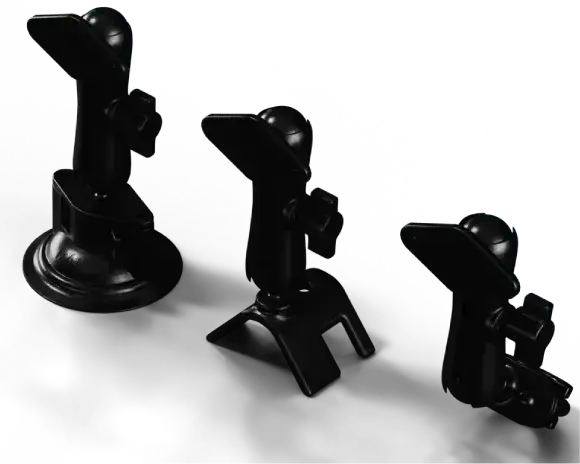
A Compact Mounting Solution
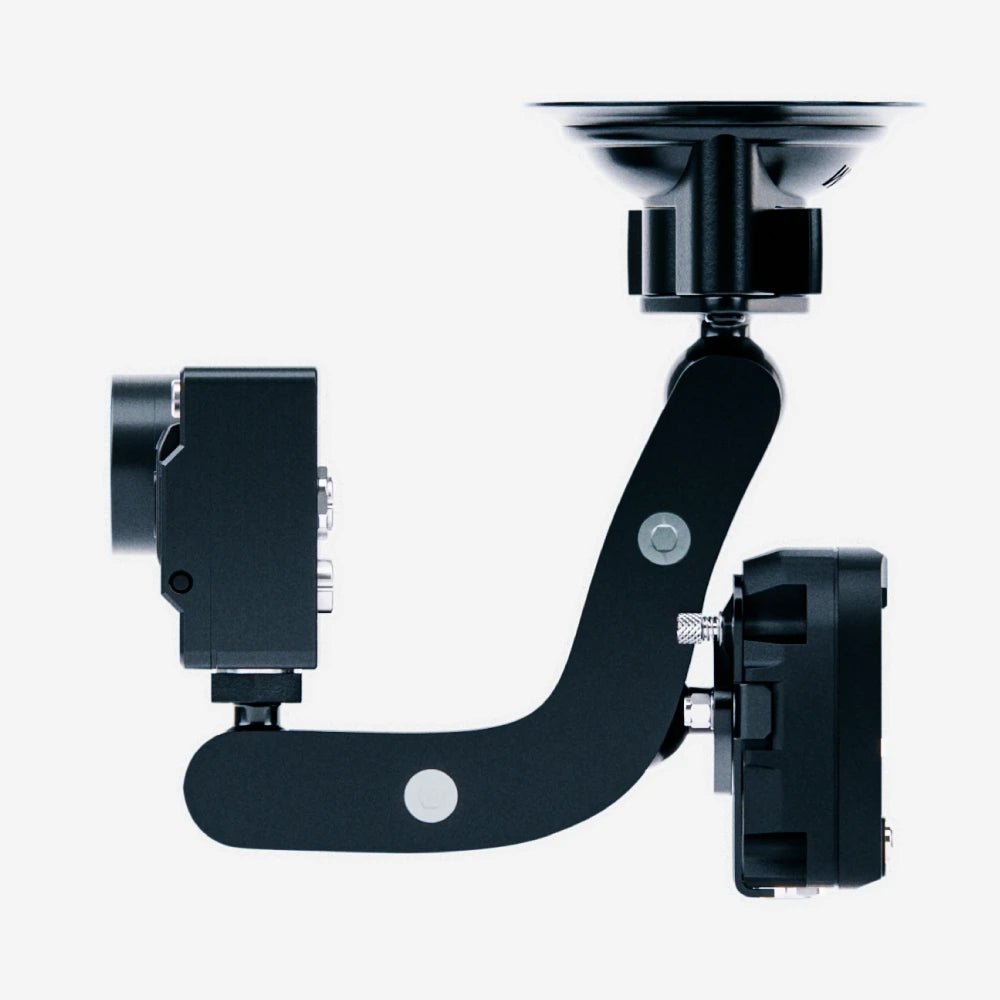
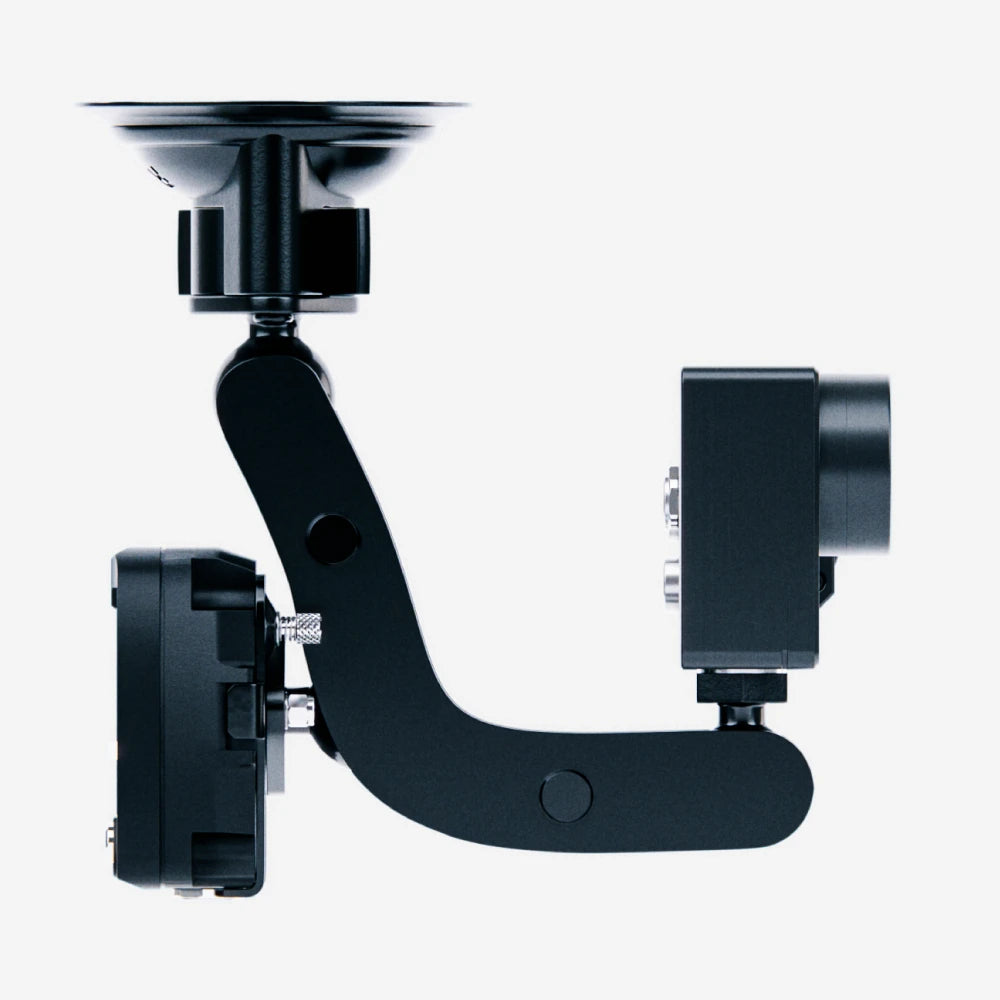
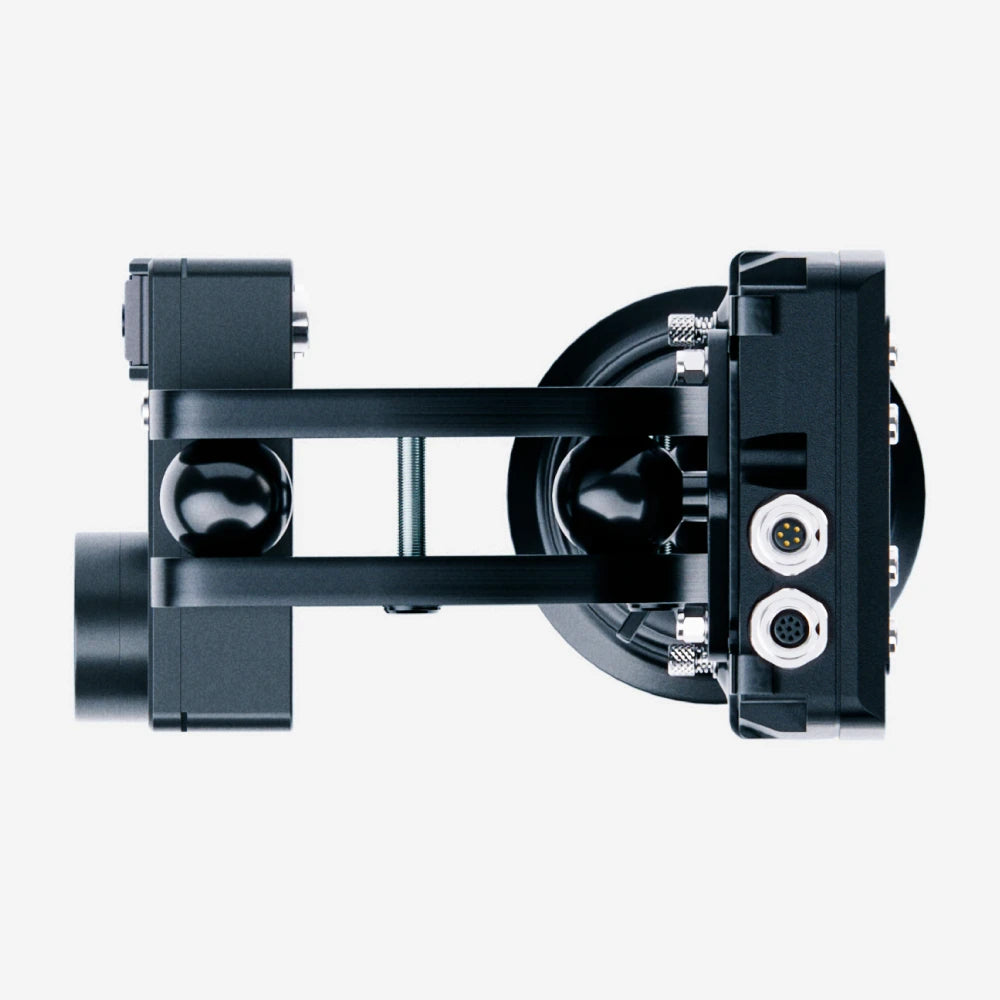
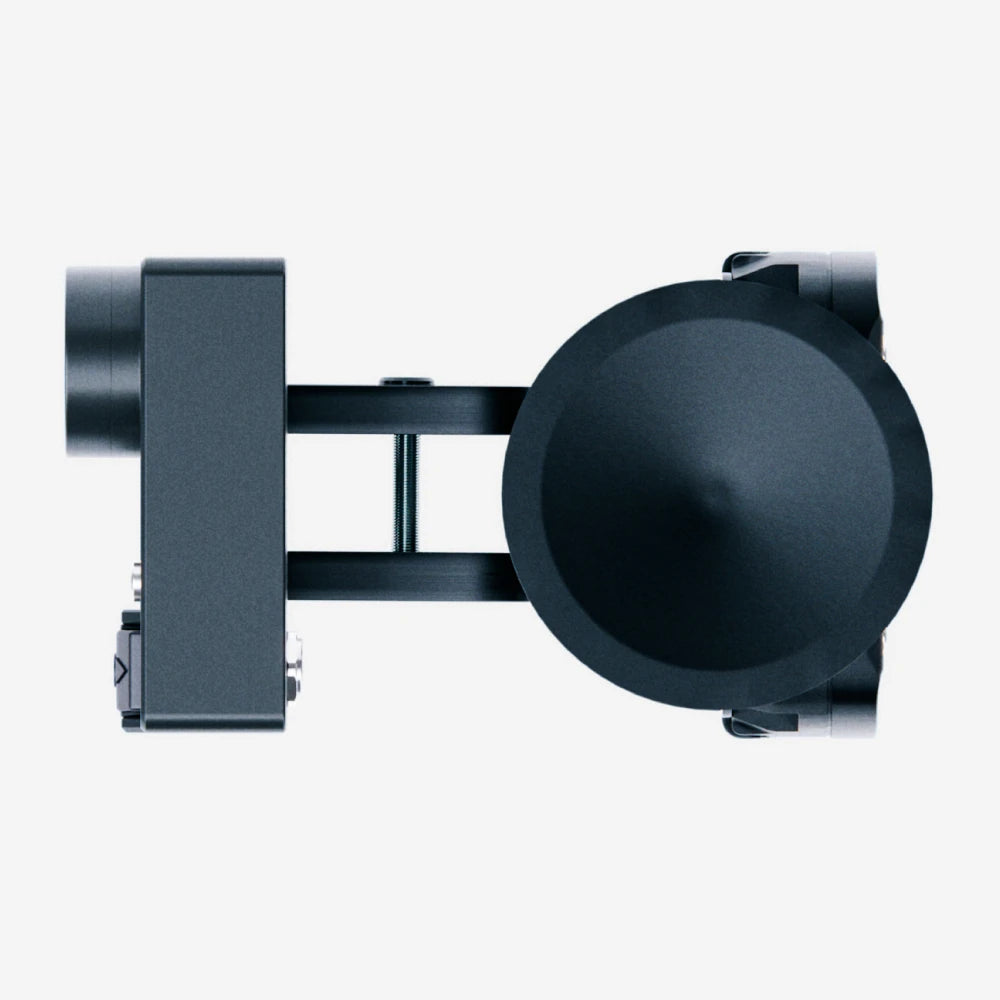
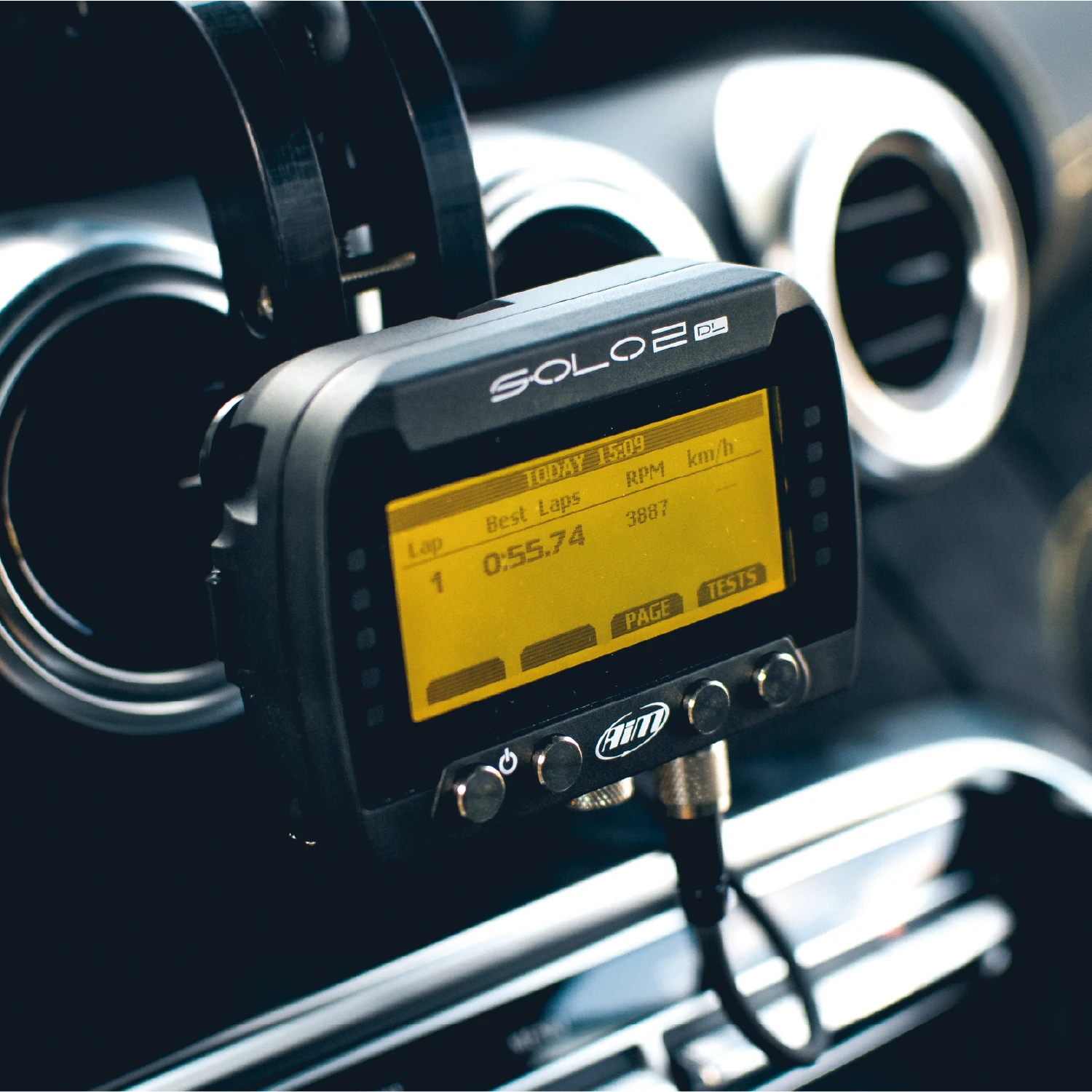
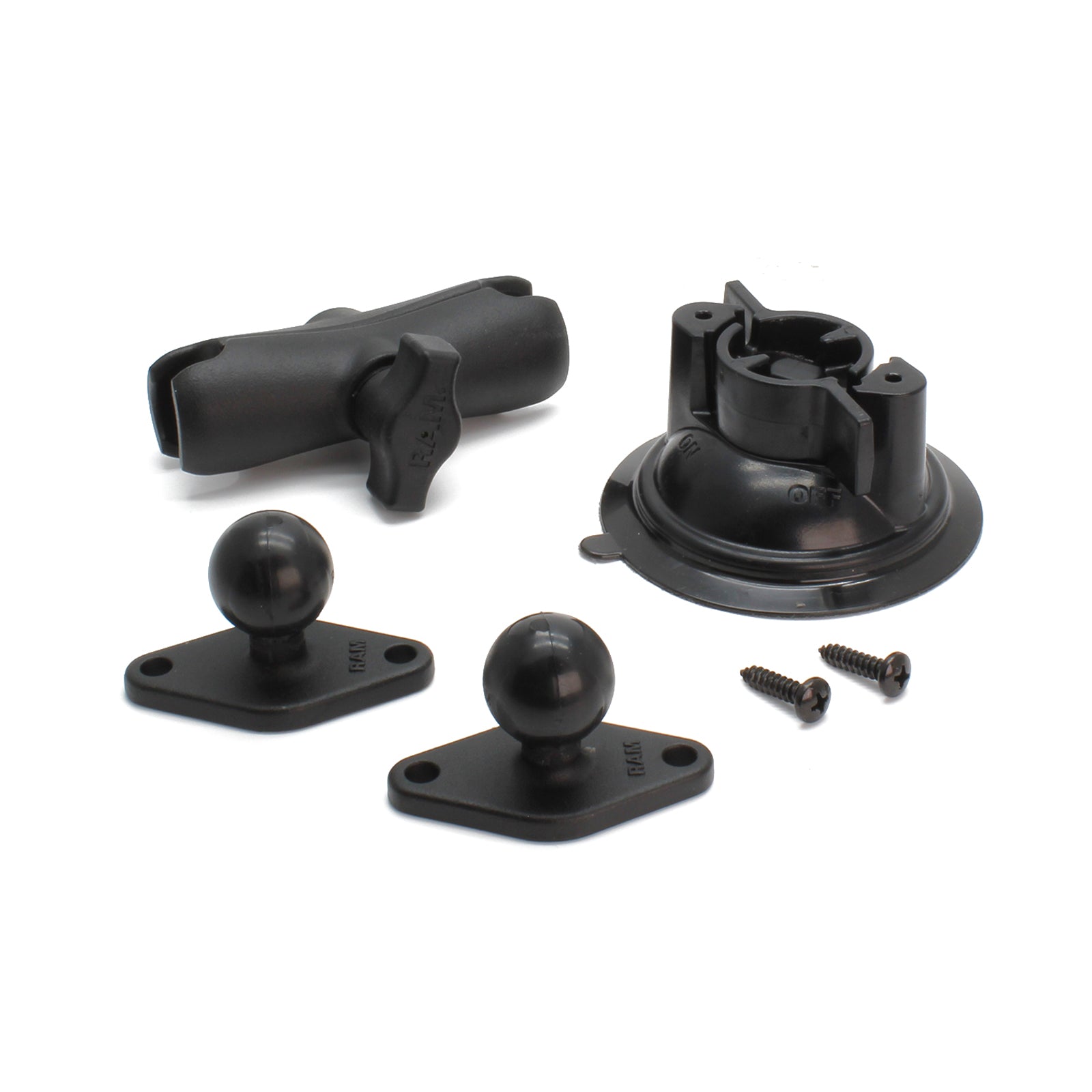
Providing a compact and neat mounting solution, both the Solo 2 DL and SmartyCam 4 Corsa can be secured in place on the included double bracket mounting frame. The kit can be mounted in the vehicle via a powerful suction cup for use on the windscreen or dashboard, or by securely fastening to a roll cage. This provides various options depending on circuit or driver requirements for a quick and easy transfer from vehicle to vehicle.
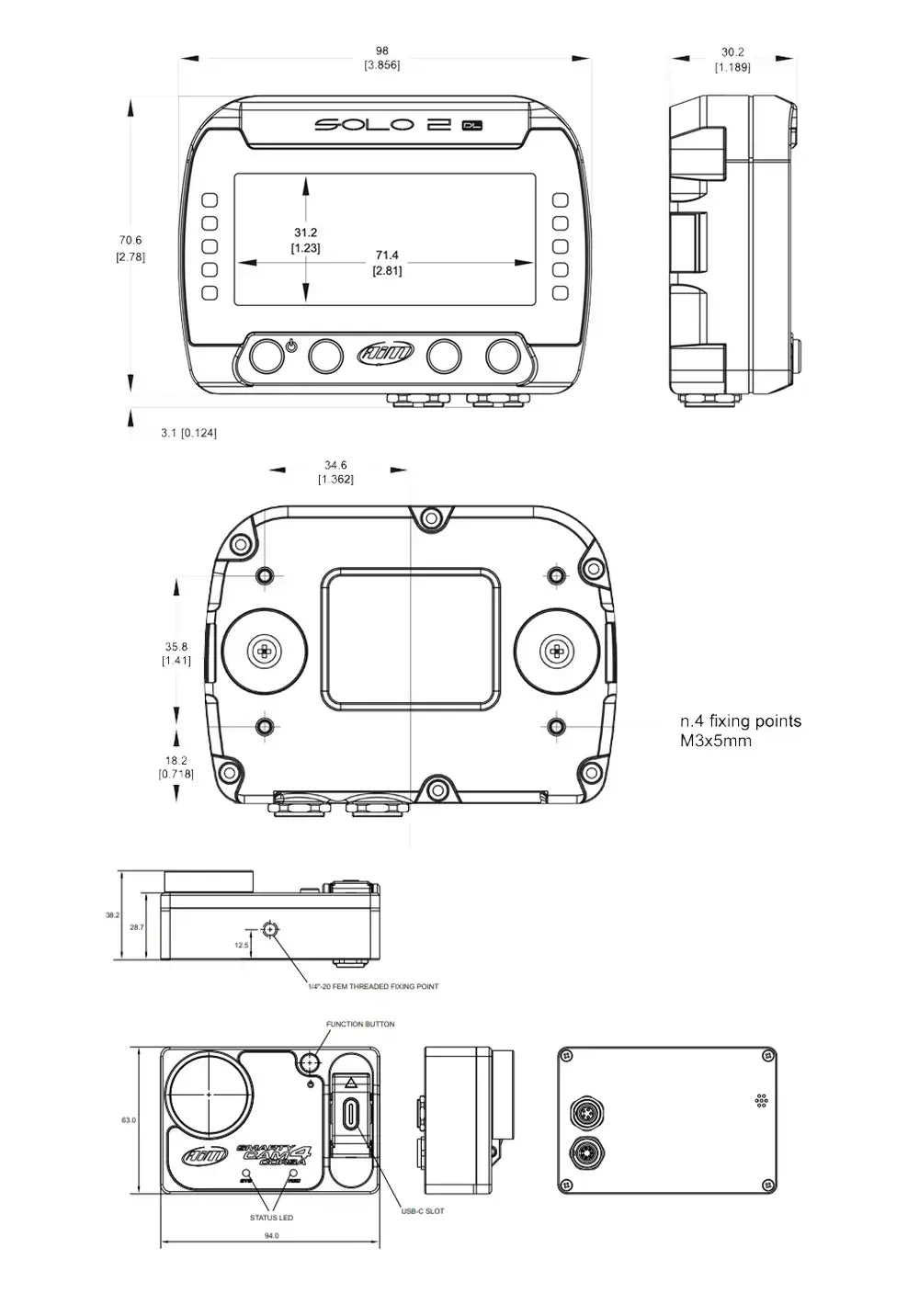
Technical Information
Technical Specs
Diagram
Pinouts


Included in the Box
SmartyCam 4 Corsa
Solo 2 DL
2x 12V Mains Charger
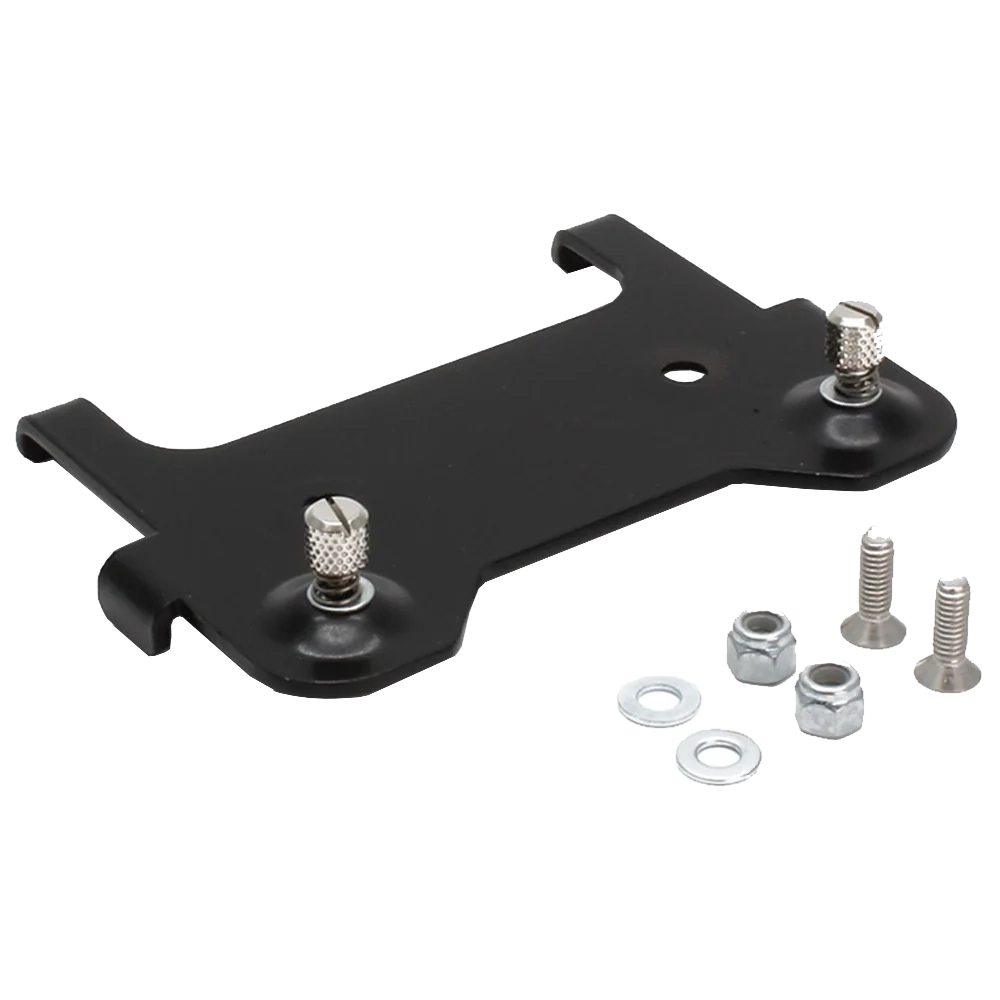
Solo 2 Mounting Bracket with Screws
Suction Cup Mount
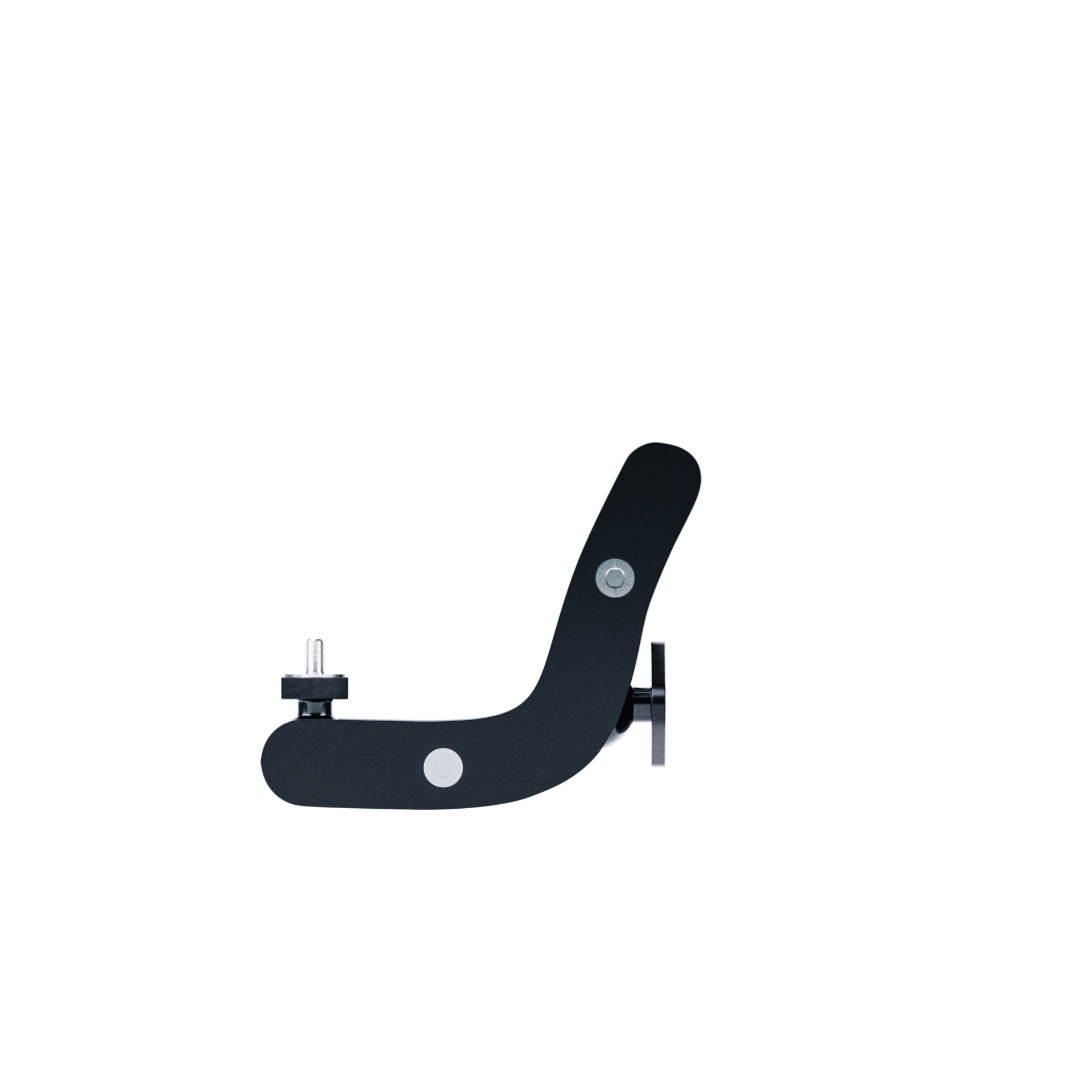
L Bracket
Your Chosen Connection Cable
22cm CAN EXP Cable
-

Free Aim Software



Downloads


Videos
Overview

Connection Example
FAQs
Please read our FAQs page to find out more.
How does the Aim Solo 2 DL motorsport lap timer work?
The Aim Solo 2 DL is a GPS lap timer that allows you to analyse instant speed, timing splits, live data and predictive, theoretical and delta times. It connects directly to the car's ECU and multiple satellite constellations (GPS and GLONASS), providing performance data in real time.
What technology does the Aim Solo 2 DL use?
The Aim Solo 2 DL uses a range of different technologies to enhance user experience. It has a 25Hz GPS receiver for precise lap timings and position markers, a 100Hz 6-axis inertial platform that provides data on roll, pitch and yaw. It also has integrated data logging capabilities via CAN bus, for advanced and comprehensive data collection.
How do you connect the Aim Solo 2 DL to the car’s system?
The Aim Solo 2 DL manages all the hardware ECU connections as well as all the communication lines: CAN, RS232 or K-Line. Choose between the CAN/RS232 external power cable, CAN/K-Line/external power cable with the OBDII connector or RPM/external power cable. If your car doesn't have an ECU, you can connect the Solo 2 DL to an RPM wave to synchronise RPM to the position on the track thanks to the RPM power cable.
How do you display gear information on the Aim Solo 2 DL?
Selected gear information can be sourced by gear potentiometer, ECU stream message, or it can be calculated in real time by the Solo 2 DL through speed and RPM. Each mode requires a specific gear configuration.
Does the Aim Solo 2 DL come with a warranty?
All Aim products come with a 12-month warranty as standard, but you can purchase an extended warranty for an additional 12 months.
Does the Aim Solo 2 DL work with other Aim products?
Yes, the Aim Solo 2 DL is compatible with other Aim products, acting as a central hub for motorsport data acquisition during track days. It features an expansion port (via CAN connection) that allows for easy integration of additional sensors and systems.
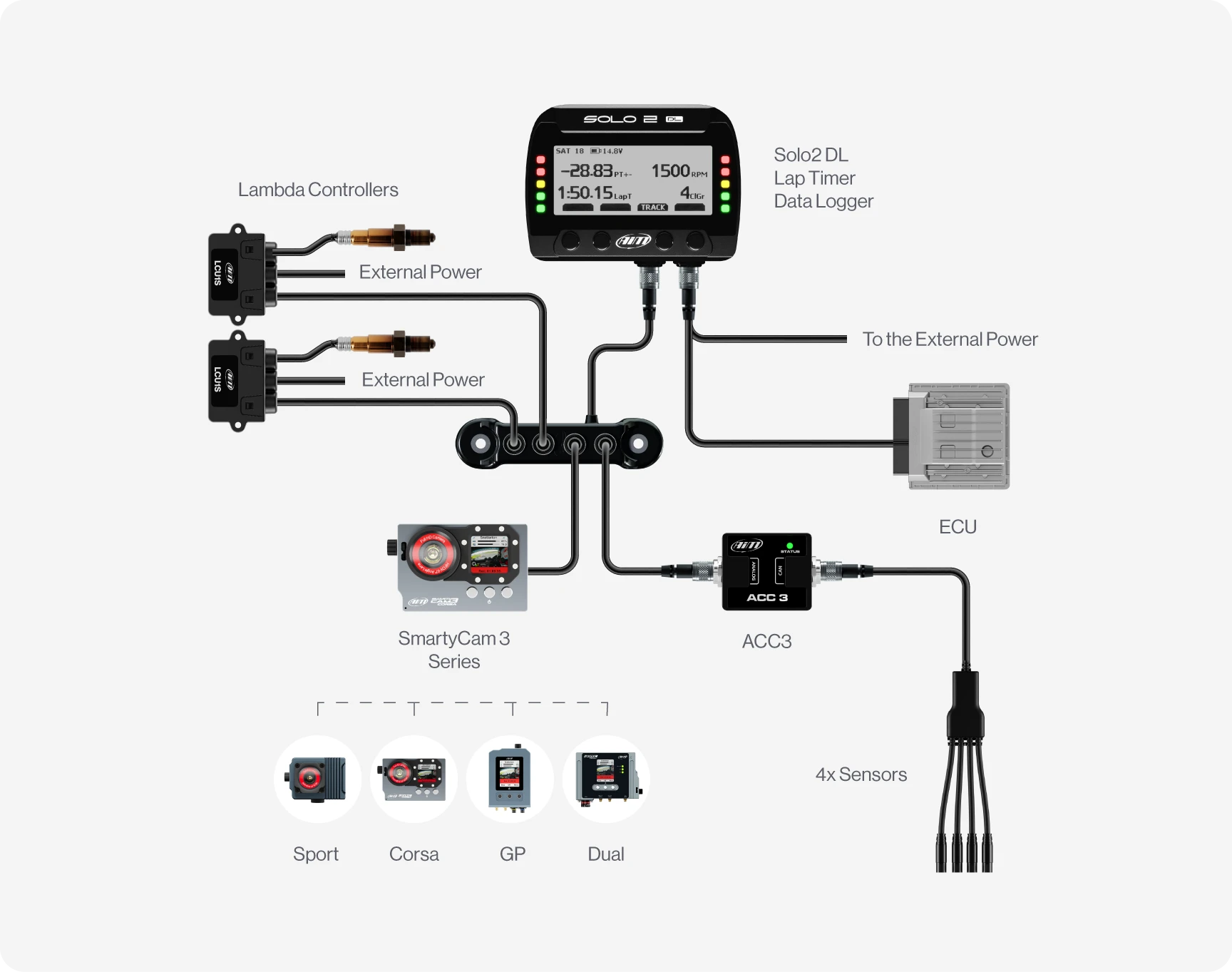
The Solo 2 DL can work seamlessly with our SmartyCam 3 series for data overlay and high-quality recordings. It can also be paired with an Aim ACC3 to add 4 additional analogue channels for external sensors. Data Hubs can also be added to the system to provide additional CAN channels, which is ideal if you're already using the CAN expansion port. Please see the "Connections" tab for more examples.
How does the Aim SmartyCam work with the Solo 2 DL?
The Aim SmartyCam connects via CAN connection to receive real time engine (RPM, speed and gear) and GPS data from the Solo 2 Data Logger to overlay this data directly onto video footage. By pairing the Solo 2 DL with a SmartyCam, you can get lap times, speed and other data as part of your track recordings.
How do I mount the Aim SmartyCam 4 Corsa & Solo 2 DL Track Day Kit?
The Aim SmartyCam 4 Corsa & Solo 2 DL Track Day Kit comes with a double bracket to mount the devices in the same place. The suction cup double bracket provides a stable and vibration-resistant mounting solution, ensuring maximum visibility of your laps.
How do you add a new track to the Race Studio 3 database?
There are more than 4,000 pre-loaded track maps in the Race Studio 3 database. However, you can add an open or closed circuit in Menu > Type of Racing > Circuit Type, then select the "TRACK" and "CREATE" buttons. Follow the prompts onscreen or take a look at our track creation guide for more information on how to set up open or closed circuits.