


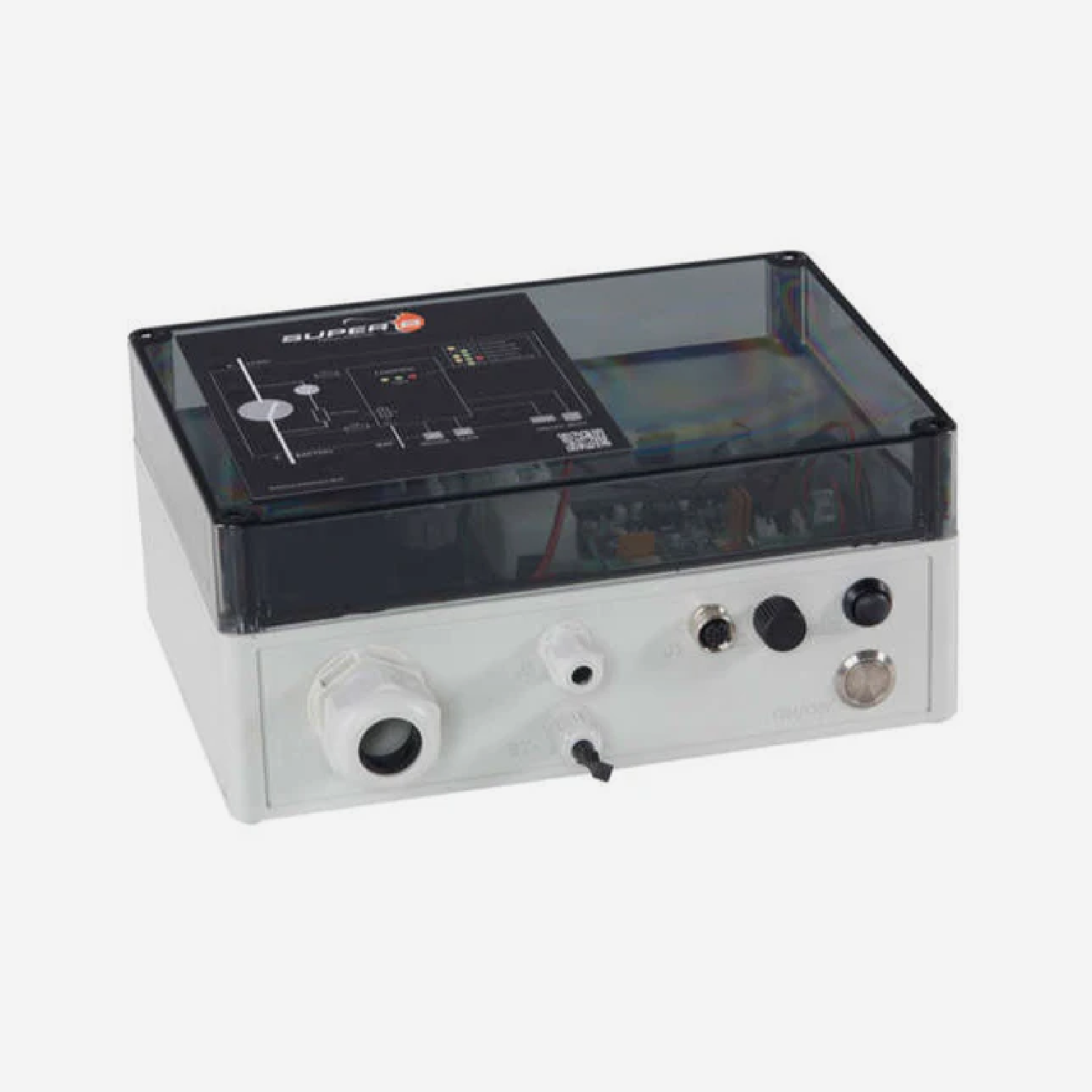
BIB
スーパー B バッテリー インターフェイス ボックス (BIB) (Nomia & Nomada)
Pairs well with

Same Day Shipping
When you order before 15:00 BST
Monday - Friday

Worldwide Shipping


All Orders are Carbon-Neutral

スーパー B バッテリー インターフェイス ボックス (BIB) (Nomia & Nomada)
If you’ve got a question, you’re looking for information, or you just want to chat, please find a host of available help options below.
What Is A Battery Interface Box?
The Super B Battery Interface Box (BIB) is a device capable of connecting and disconnecting a battery or a battery bank to a load/charger (DC bus) to protect the Li-ion battery or battery bank against improper use. The BIB communicates with the Battery Management System (BMS), ensuring safe operation and optimal performance.
The Battery Interface Box can be used in various applications, including off-grid, marine & industrial power supply and (renewable) energy storage. The BIB may not be used in medical and aviation-related applications.
Battery Interface Box Compatibility
The Super B Battery Interface Box is available in various variants to suit your needs: 12V350A, 24V350A, 48V350A, 12V600A, 24V600A and 48V600A. It is compatible with various Super B batteries, including the Nomia 12V210Ah and the Nomada 12V105Ah, as well as various cables and accessories.
The BIB also uses the CAN open protocol to communicate with batteries and other system components, allowing for integration into complex systems. For more information on which products the BIB is compatible with, take a look at the user manual.
Safe & Reliable
The BIB includes several safety features, such as automatic disconnection in case of missing batteries, pre-charge circuits to prevent inrush currents and programmable state of charge (SoC) thresholds to prevent deep discharge.
Battery Interface Box Features
Many key features make the Super B Battery Interface Box an ideal accessory for various applications:
- Auto-on allows the BIB to automatically connect the battery bank to the DC bus when certain conditions are met, such as the absence of alarms.
- Up to 16 batteries can be connected to the BIB without external CAN power.
- With the 12V BIB versions, external CAN power is always necessary.
- Collects the information from all Li-ion batteries in the battery bank, presenting it as one battery.
- The BIB is a standalone device, managing the connection and disconnection of the battery bank based on predefined conditions and battery statuses.
- Programmable power down on user-adjustable battery (bank) SoC level.
- Real time clock for accurate time-stamped function, statistics and error logging.
- Up to 100 Li-ion batteries can be connected to the BIB with the use of external CAN power.
- The BIB can be configured using a CAN-USB converter and the battery monitor software.
Technical Information
Technical Specs
Included in the Box
Super B BIB
-

Free Aim Software

Downloads


Videos
Connecting the Battery Interface Box
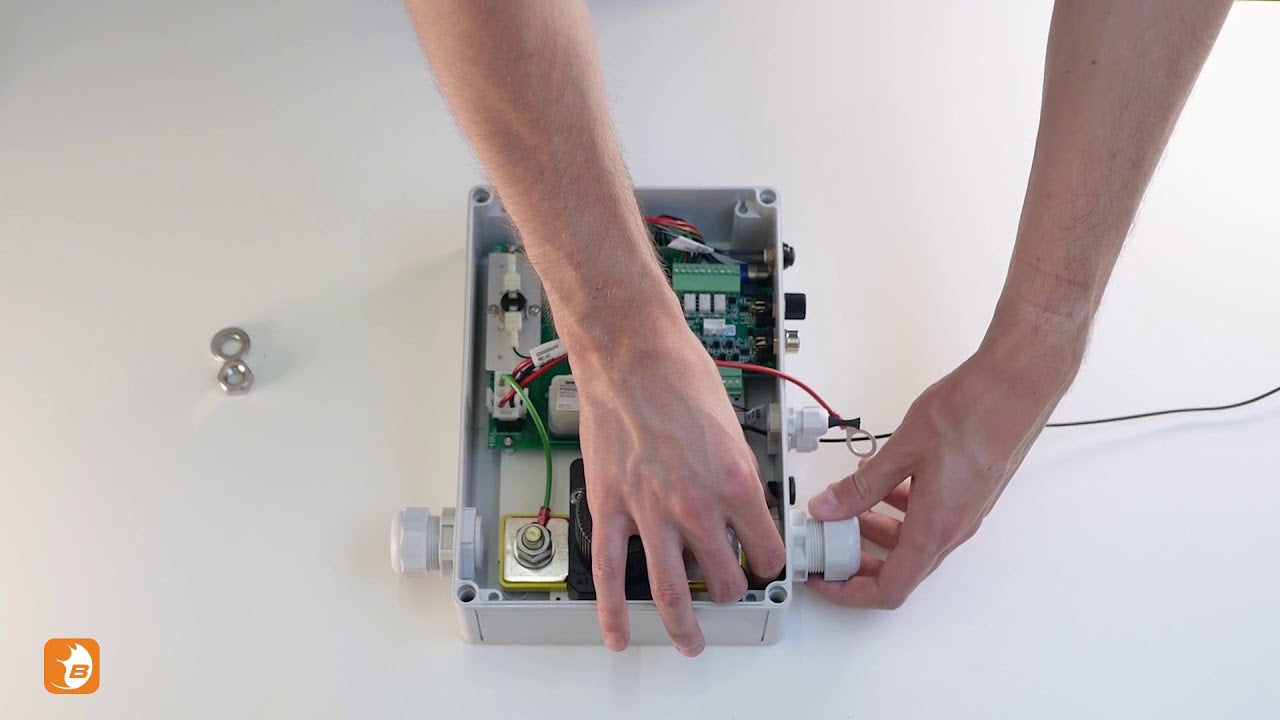
Connecting the BIB to a Nomada
FAQs
Please read our FAQs page to find out more.
How do you download the "Be In Charge" software & app?
Super B provides a Be In Charge Software tool, which can be used to read out the internal BMS system. The software uses a CAN to USB converter to connect to the communication interface. The software is capable of reading out the actual status, like battery/cell voltages and temperature, but also statistical information. Be In Charge software can also be used to update the installed firmware of the Li-ion battery. The Be In Charge software and hardware are not part of the Li-ion battery scope of delivery. Super B also provides a Be In Charge App for mobile devices such as Android and iOS. The app can be found in the Google Play Store or Apple App Store.
How do you install the Super B Battery in parallel to increase capacity?
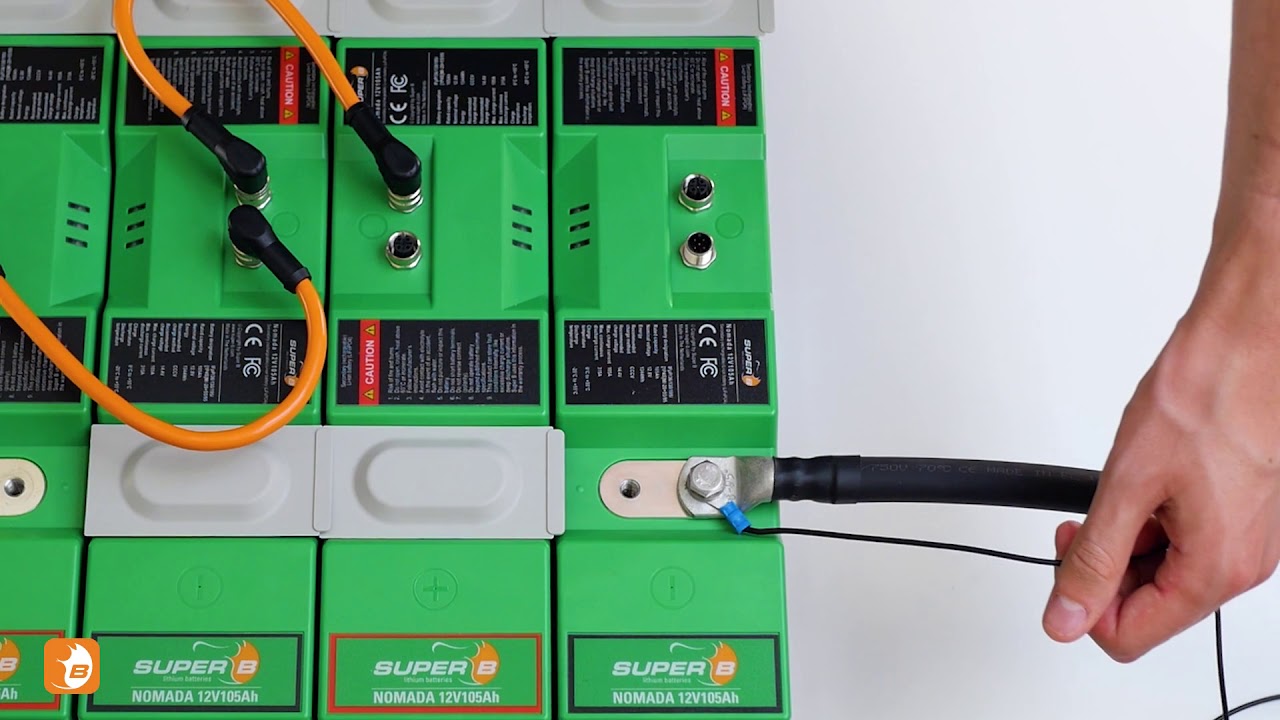
To increase the system’s capacity, place the batteries in parallel in the same orientation. Place the aluminium connection tab over the plus terminal of the first and second batteries, then secure it with the spring washers and M8 bolts. Repeat the process for the other batteries. Place the protective caps over the terminals to avoid any short circuits. Repeat the same process on the minus terminals.
Connect the plus terminal of the first battery in the series and the minus terminal of the last battery to the corresponding cables on the battery interface box. Now connect the CAN cables in the correct position at the top of the batteries. Place the CAN terminator in the open port of the first battery. The remaining open terminal will connect to the battery interface box.
Note: When installing batteries in parallel, always use batteries of the same brand, type, age, capacity and state of charge.
How do you install the Super B Battery in a series configuration?
To increase the system’s voltage, place the batteries in parallel in alternating positions. Place the aluminium connection tab over the minus terminal and the plus terminal of the first and second batteries, then secure it with the spring washers and M8 bolts. Repeat the process for the other batteries. Place the protective caps over the terminals to avoid any short circuits. Repeat the same process on the remaining batteries.
Now connect the CAN cables in the correct position at the top of the batteries. Place the CAN terminator in the open port of the first battery. The remaining open terminal will connect to the battery interface box. The plus terminal of the first battery and the minus terminal of the last battery in the series should be connected to the corresponding cables on the battery interface box.
Note: When installing batteries in series, always use batteries of the same brand, type, age, capacity and state of charge.