


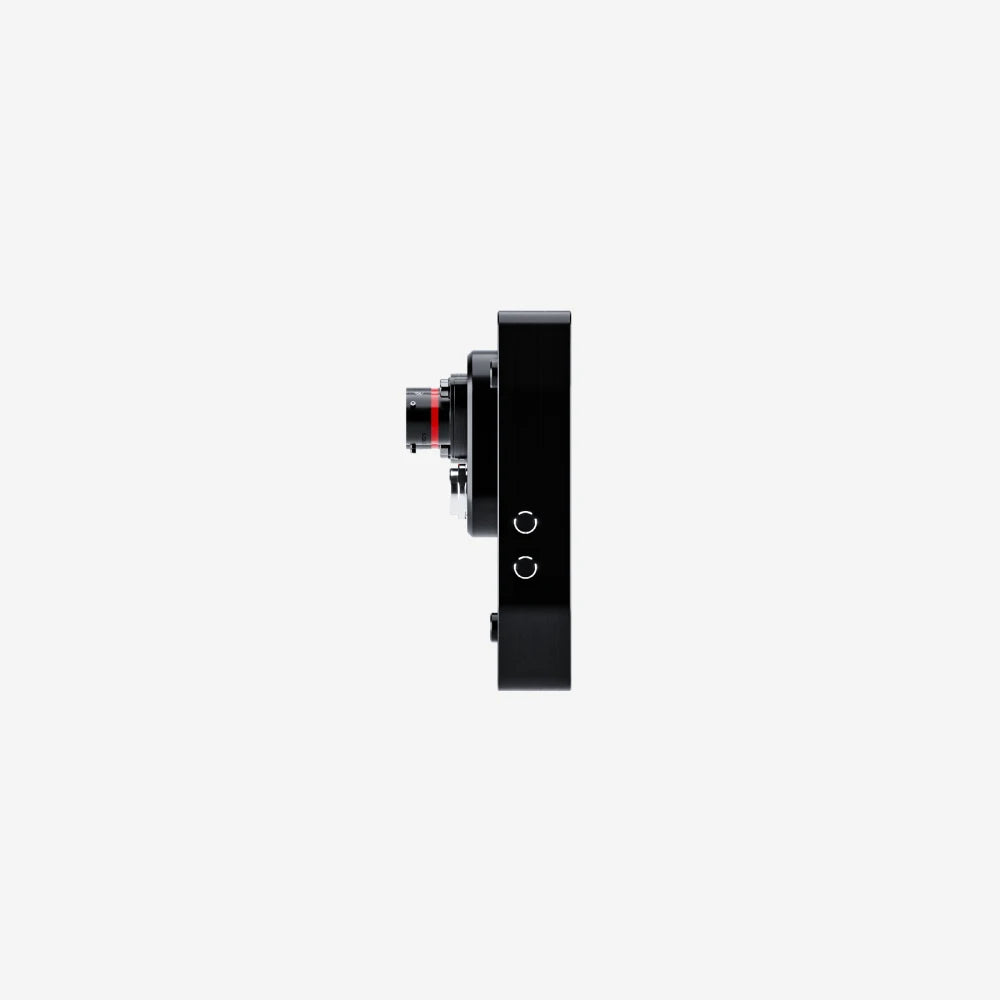
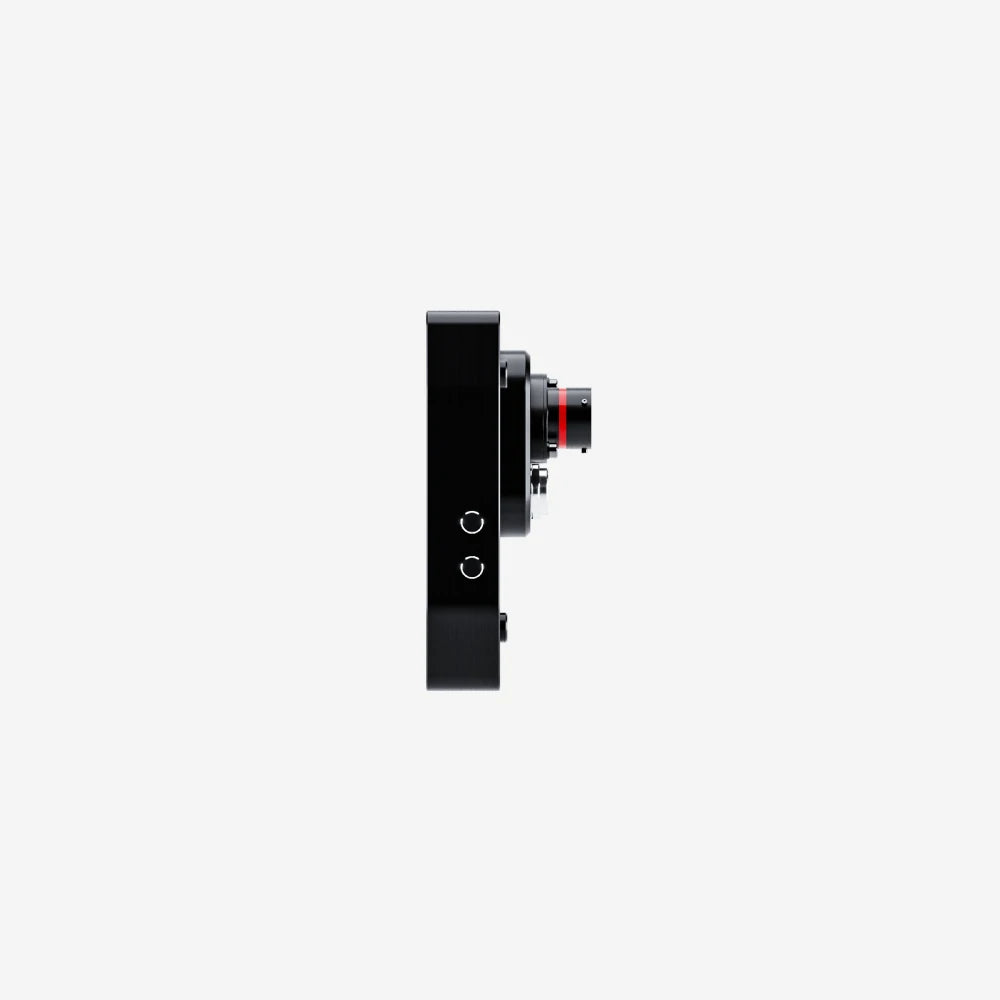
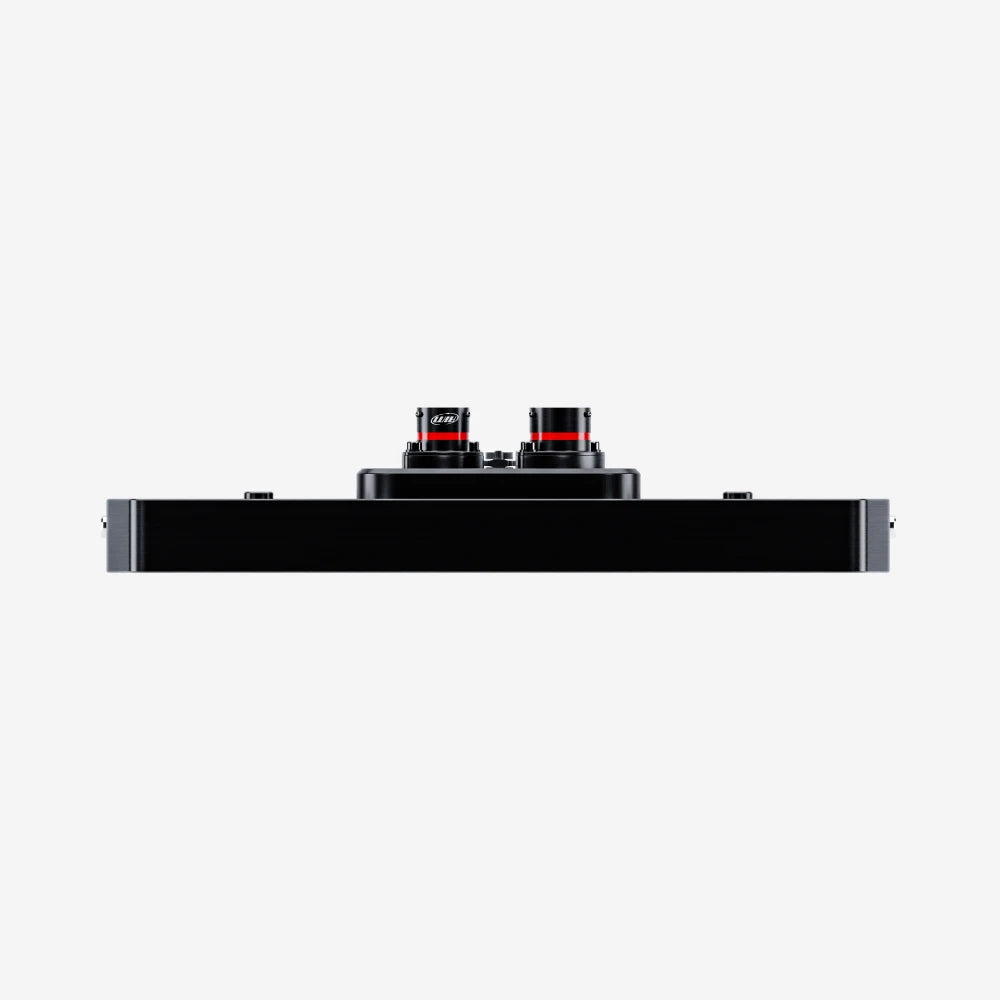
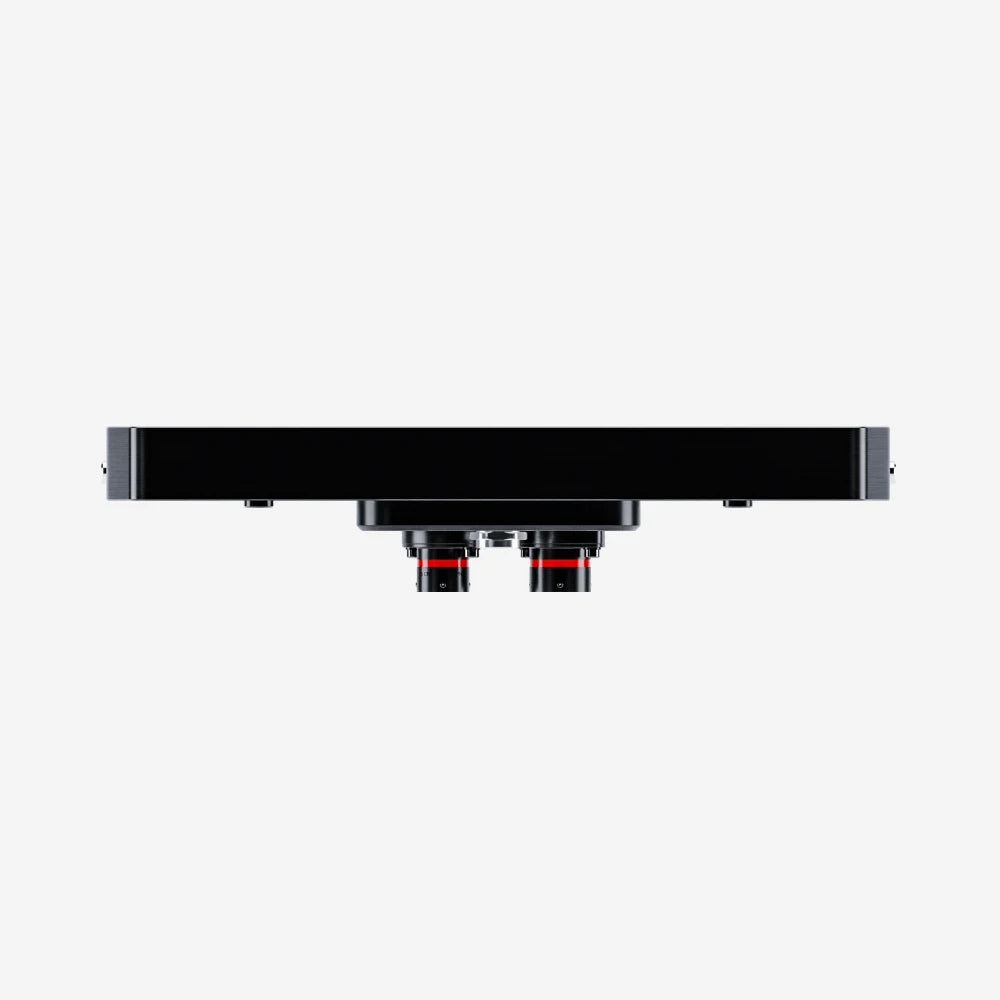
Aim MXT 1.3 10" TFT Car Dash Display Logger
Choose Accessories
Pairs well with

Same Day Shipping
When you order before 15:00 BST
Monday - Friday

Worldwide Shipping


All Orders are Carbon-Neutral


Aim MXT 1.3 10" TFT Car Dash Display Logger
If you’ve got a question, you’re looking for information, or you just want to chat, please find a host of available help options below.
Advanced Motorsport Display Logger
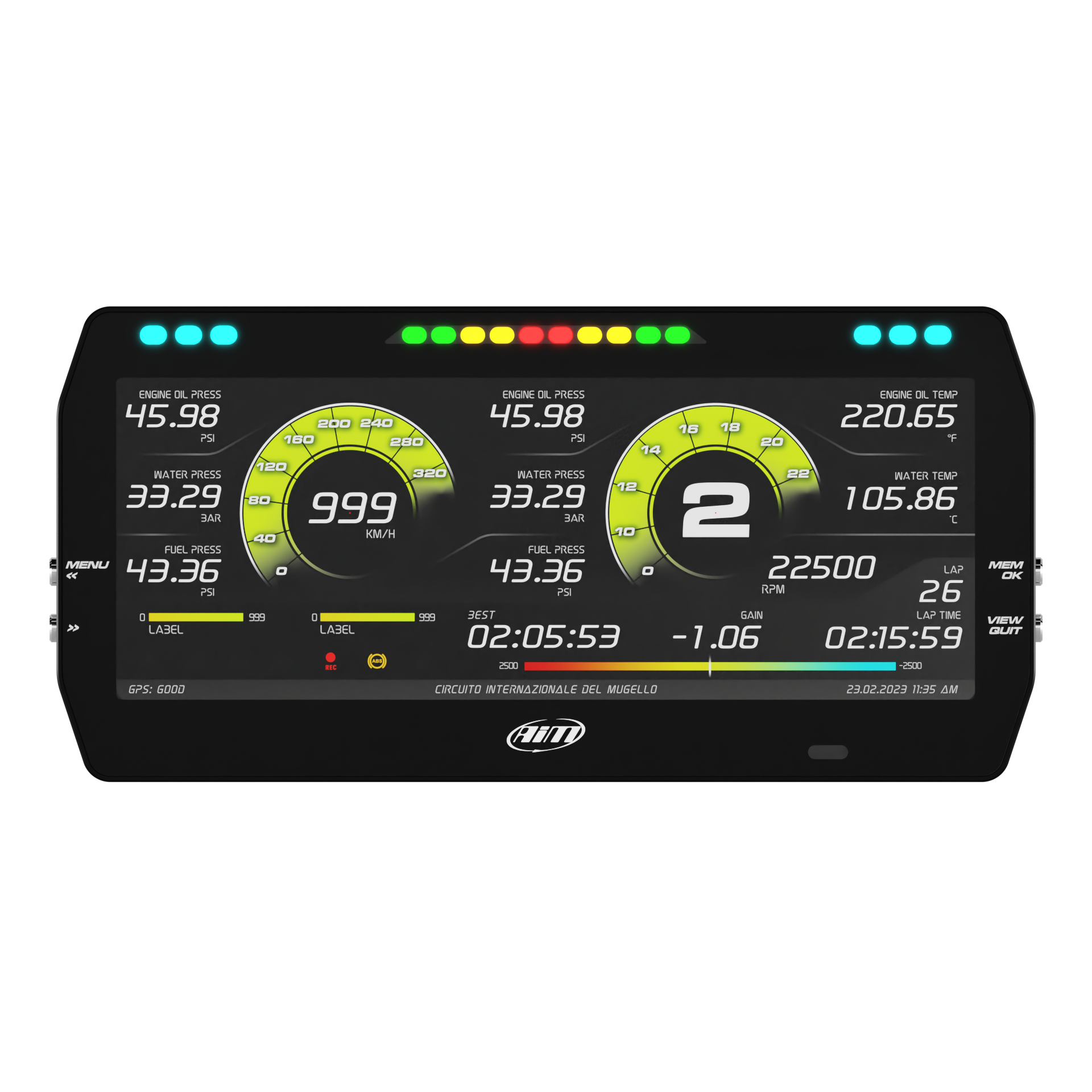
The MXT 1.3 display logger has a 10" TFT digital display which has been designed to acquire and display data coming from the ECU. It is an ideal choice for racers who want valuable data at their fingertips.
Note: The MXT Strada option is also available with road icons to suit a variety of vehicle applications.
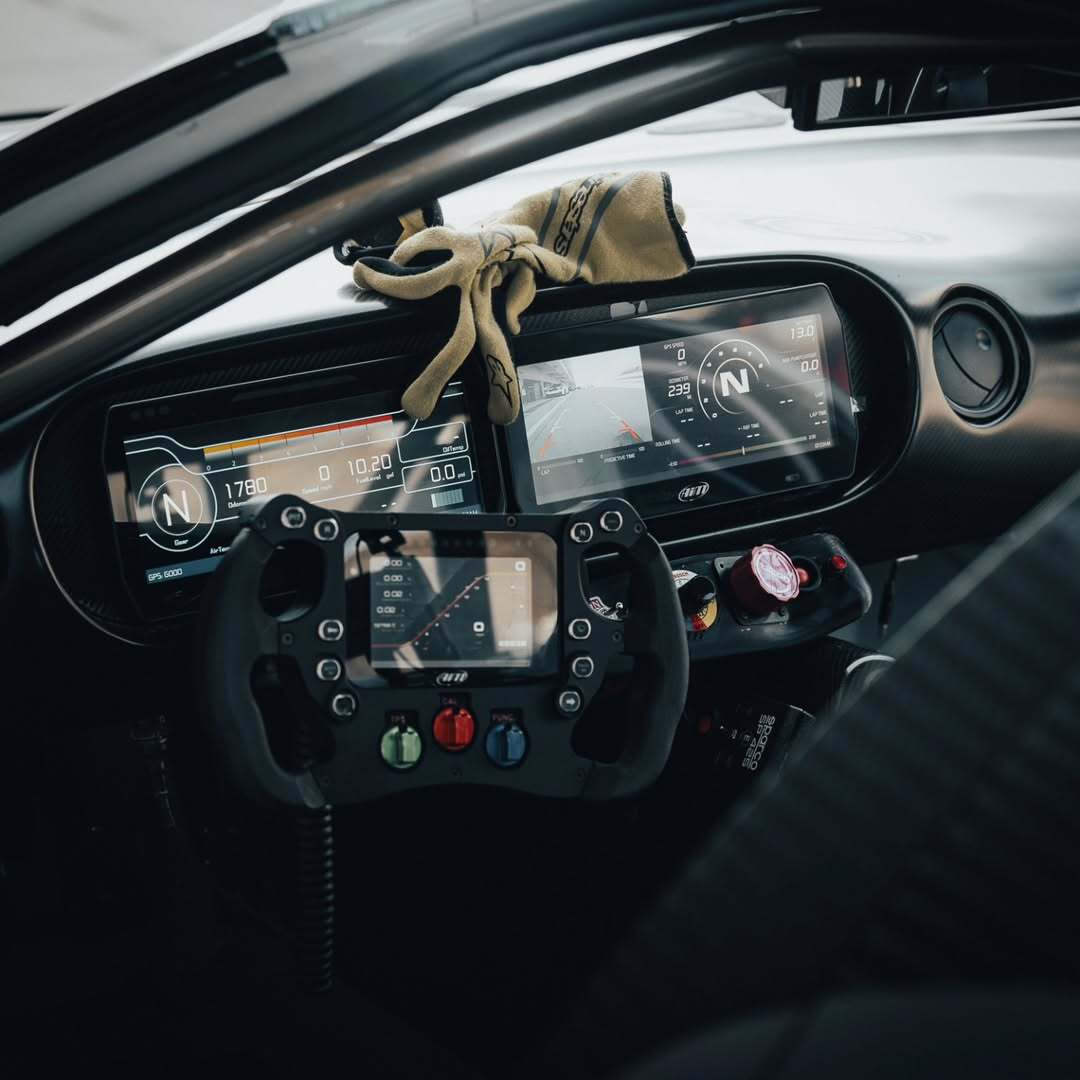
Why Choose the MXT 10" Car Dash Display & Data Logger
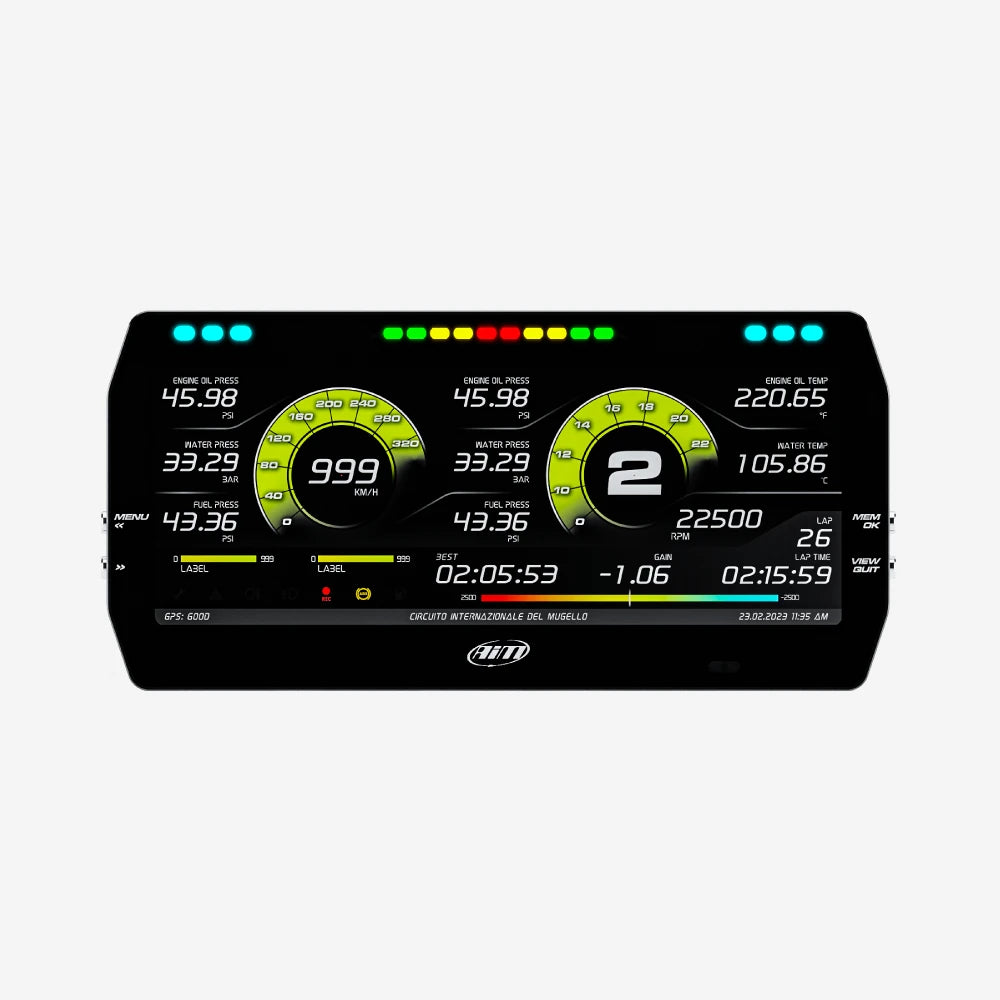
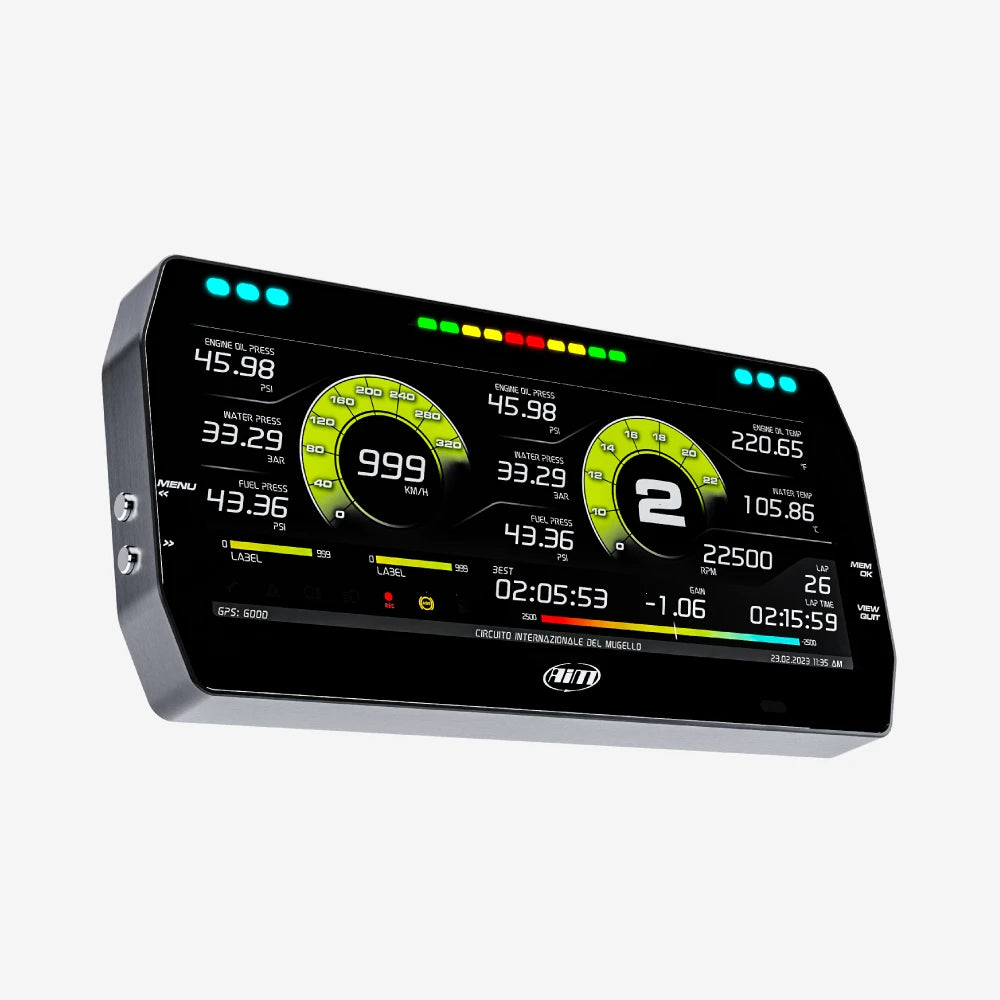
The Aim MXT 1.3 is a compact, but powerful motorsport display and data logger. It offers real time data on its 10” TFT screen, has customisable display layouts, lap timing capabilities thanks to the GPS09 Module (included in the kit), and is compatible with a range of Aim devices and expansions for the ultimate setup.
A Range of Data Sources
The MXT digital dash is designed to collect and display data from the ECU, the internal accelerometer & gyro, the included GPS09 Module, analogue & digital inputs, and predefined math channels. You can also expand its capabilities by adding up to 8 modules to enhance performance and data acquisition.
Easy Connection
Connecting the MXT 1.3 dash to the ECU is simple. You can sample dozens of channels straight from the car's ECU, (compatible with over 1,000 different ECUs) requiring only a cable connection to the ECU instead of multiple connections and analogue sensors.
The data you can sample will depend on your specific ECU, but it typically includes RPM, engine load, throttle position (TPS), oil, air & water temperature, oil pressure, battery voltage, speed, gear and lambda value (air/fuel ratio).

Delta Times
The Delta Times feature provides instant feedback on your performance, showing how your current timing compares to your best.
Set a reference lap and visualise where you are gaining and losing time. The integrated lights will display green or red accordingly.

Integrated Shift Lights & Customisable Alarms
With integrated shift lights, you can choose from a host of advanced multi-coloured RGB shift light patterns that can be customised to suit your requirements, and for each unique gear when required.
The MXT display logger also comes with 6 RGB LEDs, allowing you to customise colours, alarm types (solid or flashing), flashing frequency and accompanying text messages. Alarm priorities can be set to suit your specific requirements.

Configurable Pages
With its high-contrast 10” TFT display you can configure pages to suit your needs, the digital display also allows you to easily navigate through the pages to choose from a variety of styles, data types and measurement units.
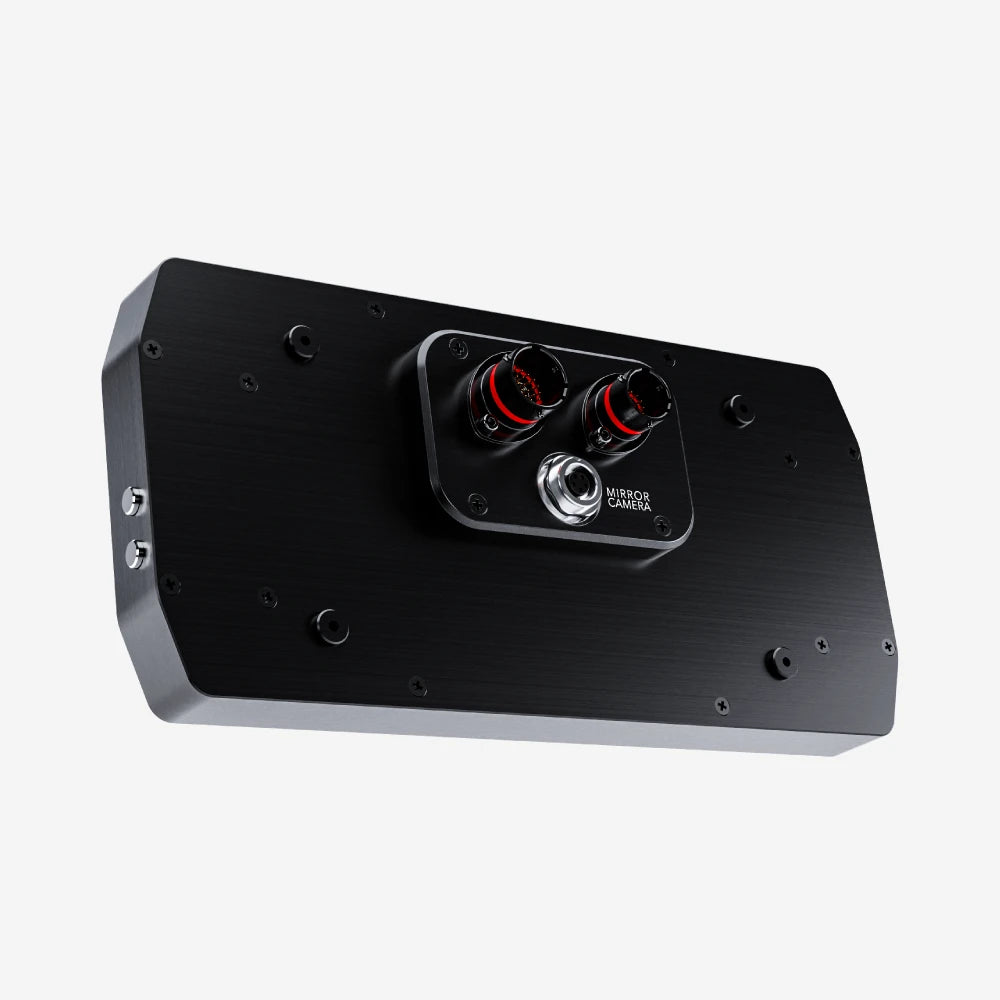
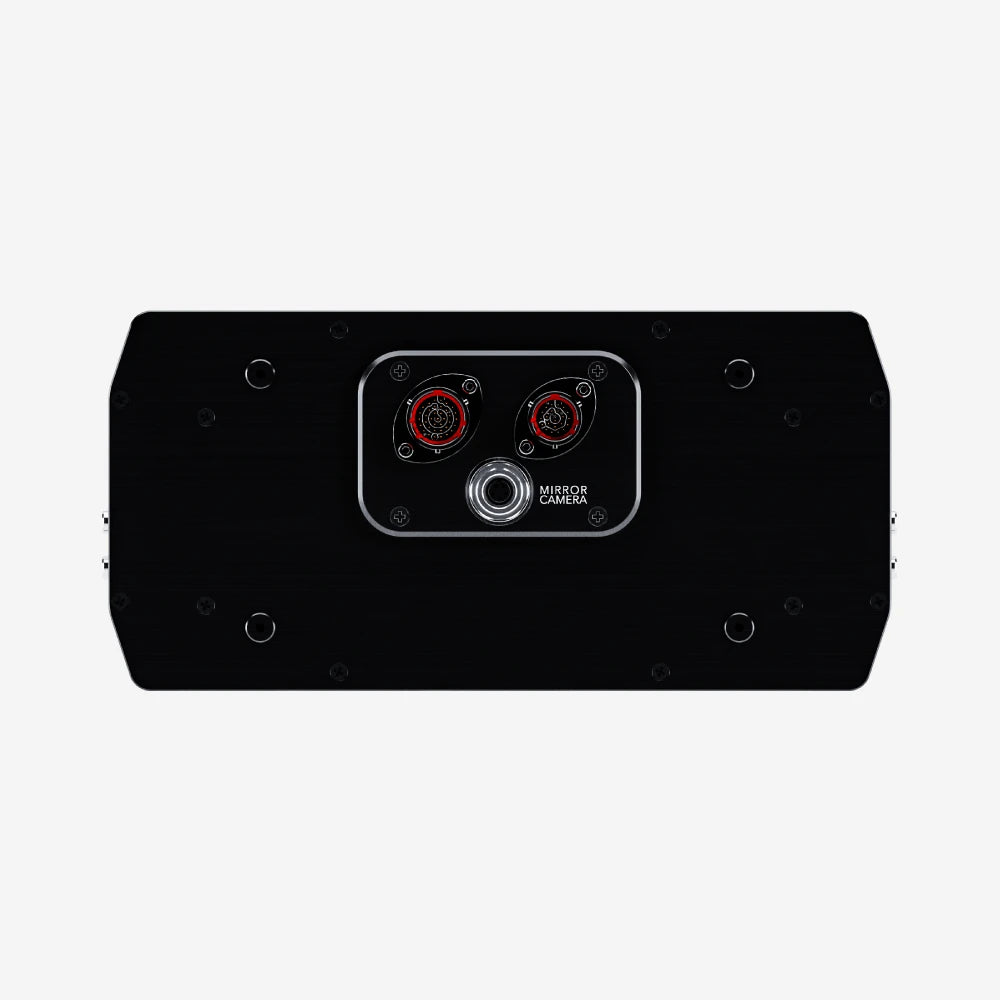
Two analogue camera inputs are available to switch your display into a mirror camera, activated by a push button or event. The camera is sold separately.
GPS Options
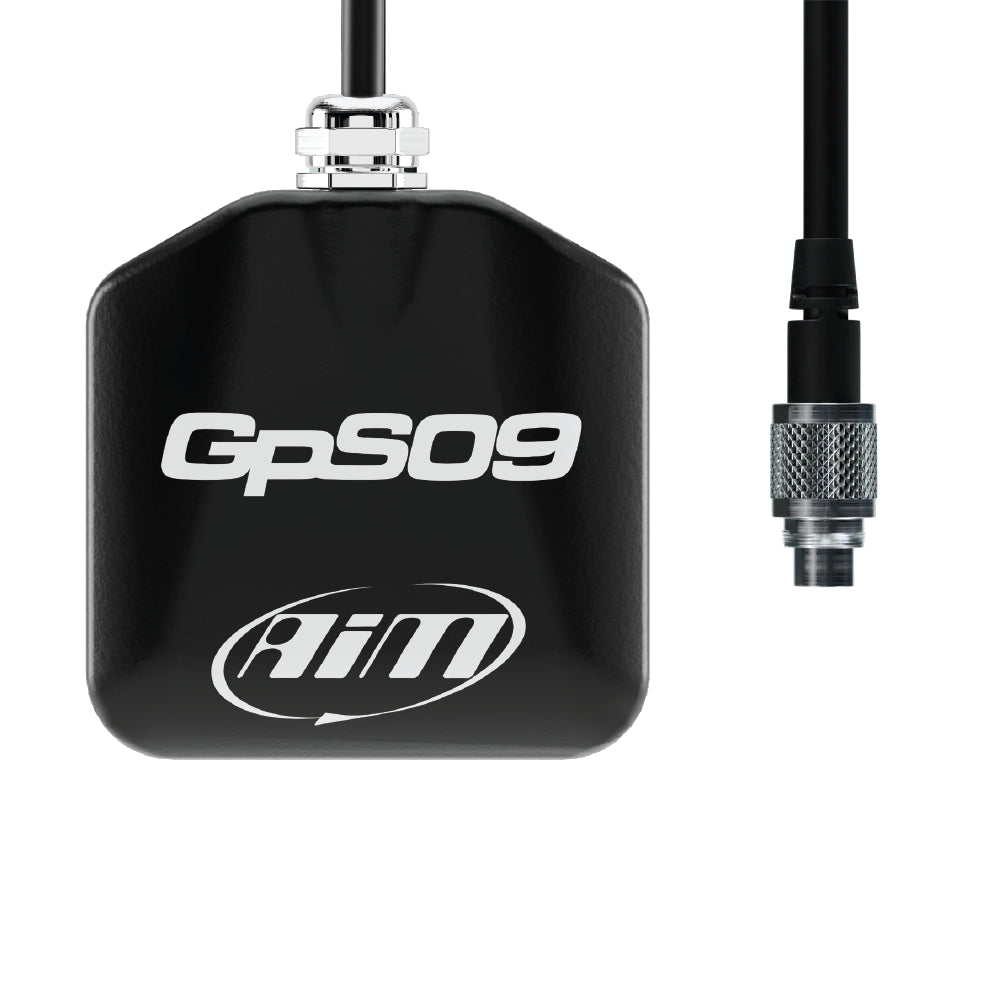
The GPS09 module connected via CAN to the MXT dash logger, simplifies lap time calculations and track position analysis. With 4,000+ worldwide tracks already stored with the start and finish line coordinates, you will have no problem when you're on the track.
As soon as the MXT is turned on, the GPS module will locate its position, identify track line coordinates and start immediately sampling lap and split time. If the track is not in the database, you can easily add the start/finish line coordinates to the MXT using our Race Studio 3 software.
Note: The included GPS Module is available with cable lengths of 0.5m, 1.3m, 2m or 4m. We also have an option for a roof-mounted version which is available with 2m or 4m length cables.
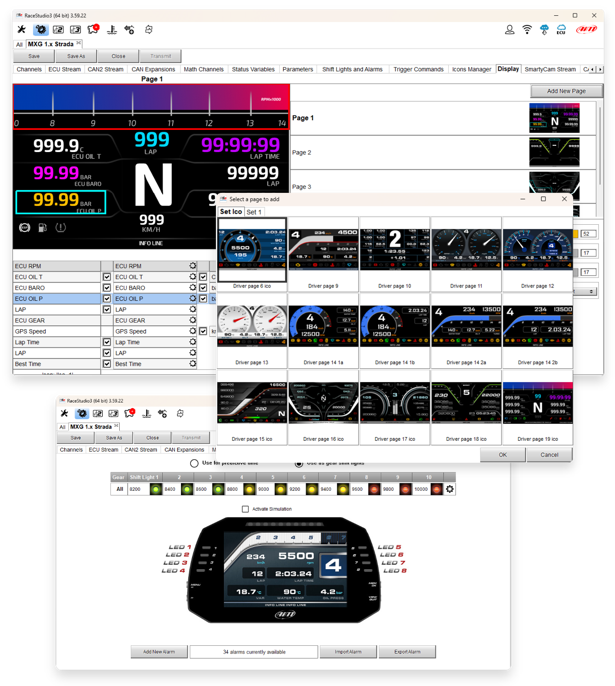
Free Analysis Software
Download your data and, with Race Studio 3; create, modify, delete, import and export configurations of:
- All channels
- ECU drivers
- Math channels
- Display pages
- Digital outputs
- Alarms
- Shift lights
- Expansions
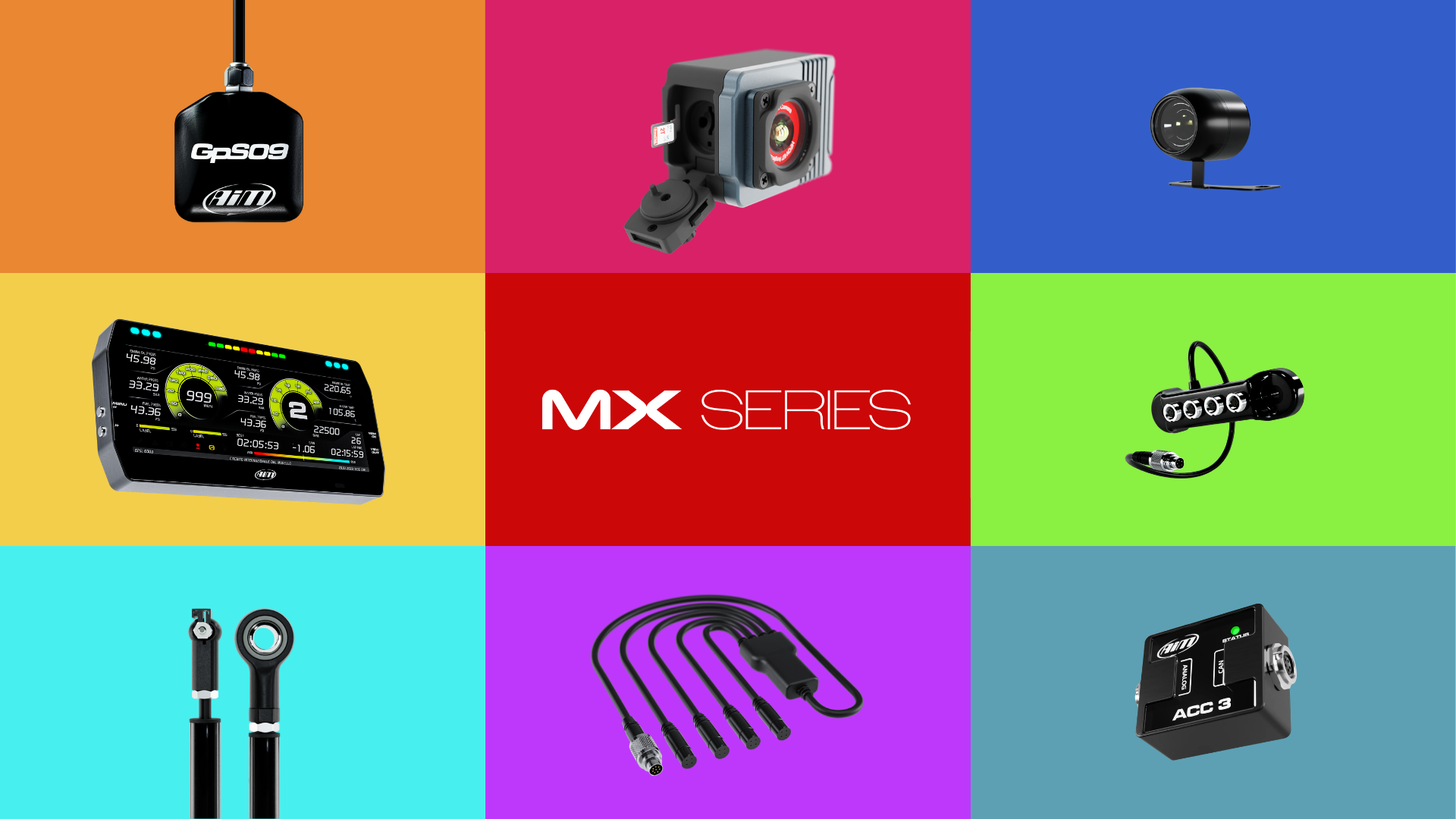
Expand Your System
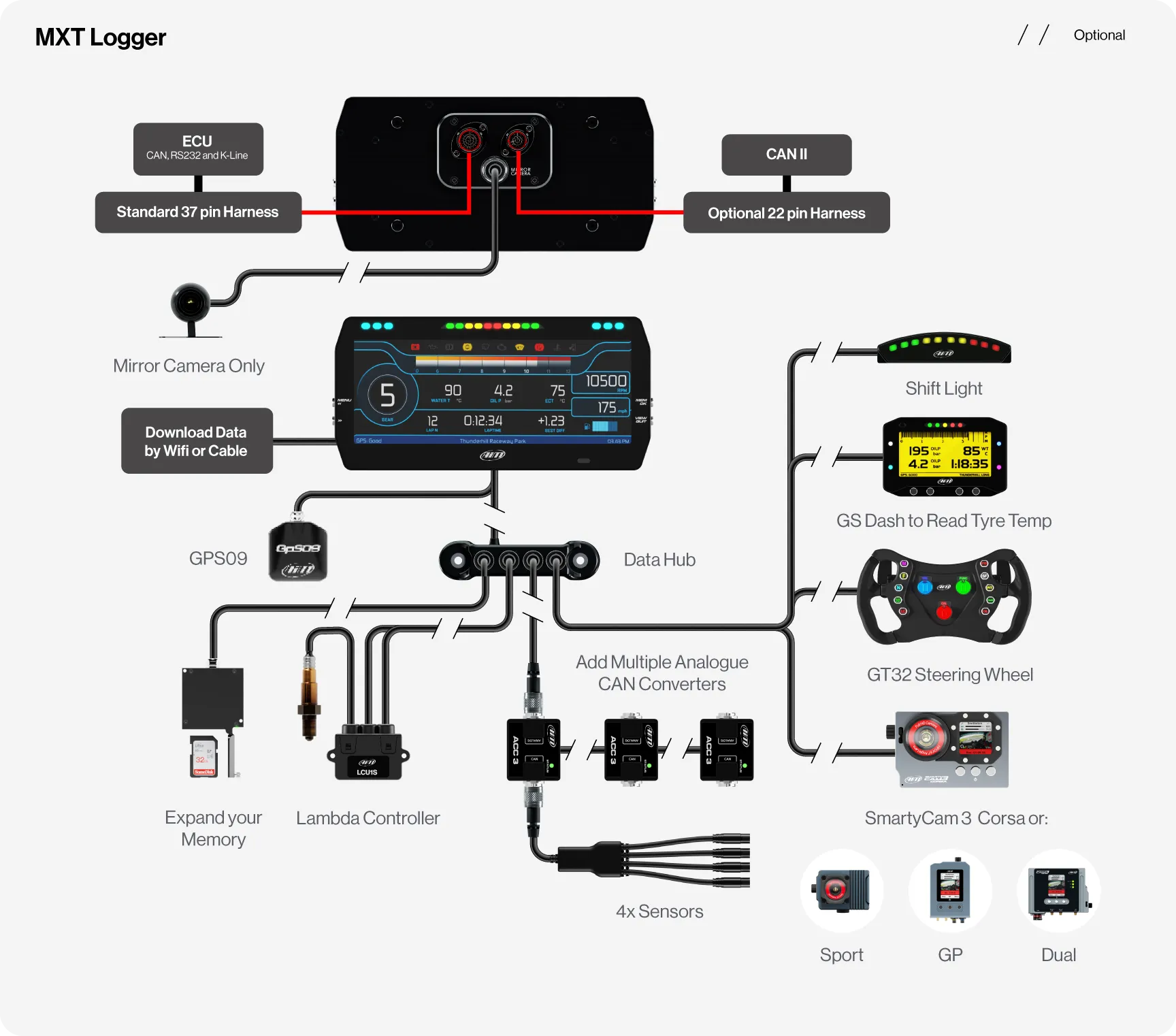
Expand your MX Logger’s capabilities with a range of compatible accessories to guarantee precision and reliability.
The LCU-One S allows you to perfectly tune the carburetion of your engine to keep it at its best and improve the engine's performance. Alongside the Analogue CAN Converter, you can choose among 5 different split harnesses. Up to 4 thermocouples or 4 analogue channels 0-5V/0-12V are available.
The SmartyCam camera series also connects to record synchronised video and telemetry ready for analysis in Race Studio 3.
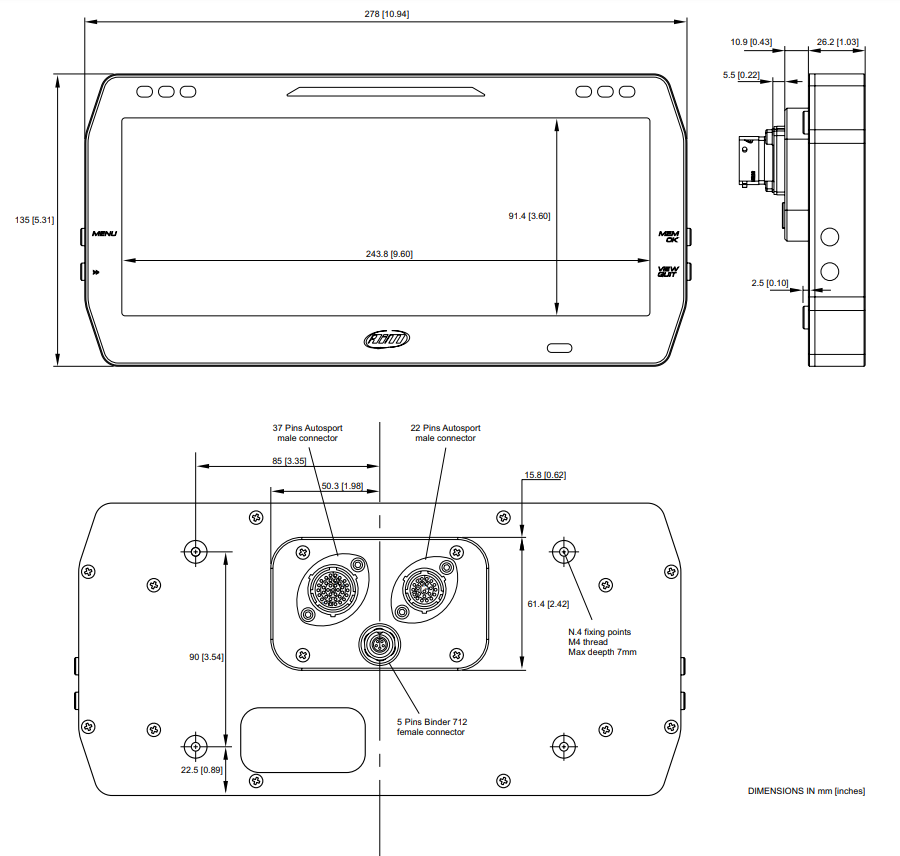
Please Note: A 37-pin harness comes standard in the kit. Should you need more data, you can add our 22-pin harness as an optional extra.
Technical Information
Technical Specs
Diagram
Included in the Box
MXT 1.3 Dash
GPS Module with Cable
USB Cable
Harness
-

Free Aim Software

Downloads


Connection Example
Comparison Table
Compare models side-by-side. Swipe horizontally on mobile.
| Specs |
MXT Dash Display Logger
|
MXG Dash Display Logger
|
MXP Dash Display Logger
|
MXS Dash Display Logger
|
|---|---|---|---|---|
|
Key Features
| ||||
|
Size & Weight
| ||||
|
Waterproof
| ||||
|
In the box
| ||||
|
Technical
| ||||
|
Display
|


FAQs
Please read our FAQs page to find out more.
How do the Aim MX Series Dash Display Loggers work?
The Aim MX Series Dash functions as a high-performance data hub by pulling real time information directly from the car's ECU via digital protocols like CAN bus, supplemented by external analogue sensors and a high-precision GPS09 Module. It translates this raw data, such as engine vitals, gear position, and G-force, into a fully customisable TFT display, featuring predictive lap timing and programmable LED shift lights.
While driving, the dash display logger provides instant feedback on performance, which can be reviewed on-screen or wirelessly downloaded to a laptop for an in-depth analysis of racing lines and efficiency.
What size is the MXT Dash Display Logger?
The MXT features a 10", 1,280 x 480 pixel resolution display, making it one of the largest displays in the MX Logger Series.
What alarms can be set on the MXT Display Logger?
The MXT Display Logger comes with 6 customisable RGB LEDs, which are determined by inputs from the car's ECU or other sensors. The MXT Dash Display Logger can be configured with alarms for gear position, lap time improvement, throttle position, low fuel, low oil pressure, low oil level and other customised alarms that have been set.
What are the best applications for the MXT Car Display Logger?
The MXT Car Display Logger is best suited to track day, race and high-performance road cars where drivers want live data, lap timing and detailed performance logging.
What are the differences between the MXT Logger and the MXT Strada?
The main difference between the MXT Logger and the MXT Strada Display is that the logger version has a built-in data logger. However, a Strada Logger can be purchased for the MXT Strada, which records data to an SD card. The MXT Logger also has 2 digital outputs, whereas the Strada only has 1. For a full comparison of the car MX Logger Series, take a look at the comparison tab.
Is the GPS Module included?
Yes, the Aim MXT 1.3 TFT Car Dash Display Logger comes with a GPS09 Module and cable. Choose between the standard version with 0.5m, 1.3m, 2m or 4m cable length options or the roof-mounted version with 2m or 4m cable length options.
How do I display gear information on my MXT Dash Display Logger?
Selected gear information can be sourced by gear potentiometer, ECU stream message, or it can be calculated in real time by the MXT Display Logger through speed and RPM. Each mode requires a specific gear configuration.
How do I connect & configure my SmartyCam with the MXT Display Logger?
To connect and configure your SmartyCam with MXT Display, you need to connect the devices, set up the configuration in Race Studio 3, and then transmit the configuration to the device. First, ensure your SmartyCam has power and a formatted SD card. Next, launch Race Studio 3 on your PC, which will detect the devices. Then, go to the "Configurations" page to create a new configuration or edit an existing one and add the "SmartyCam Stream" layer. In this layer, you will associate the necessary functions with the channels and transmit the configuration to the device.