


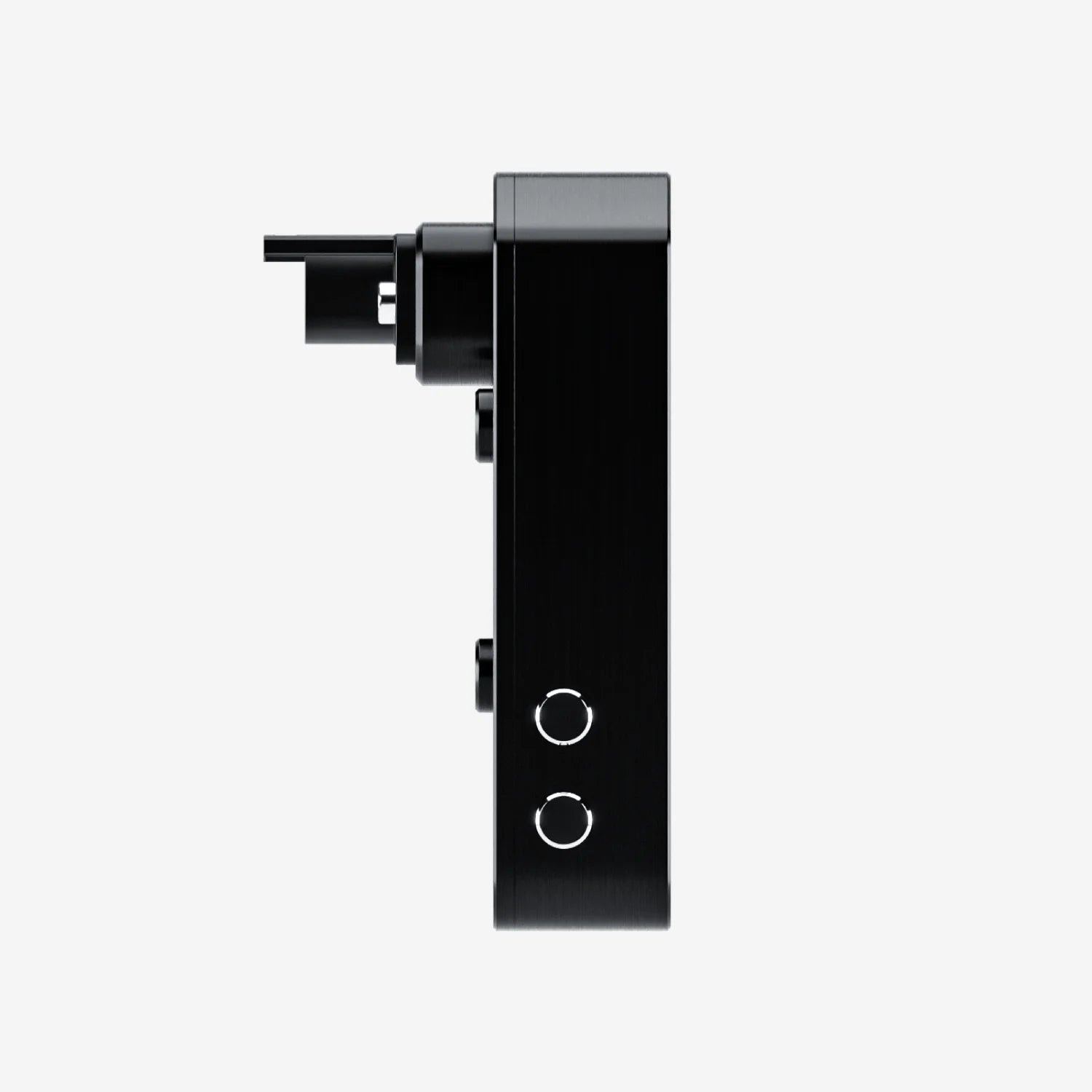
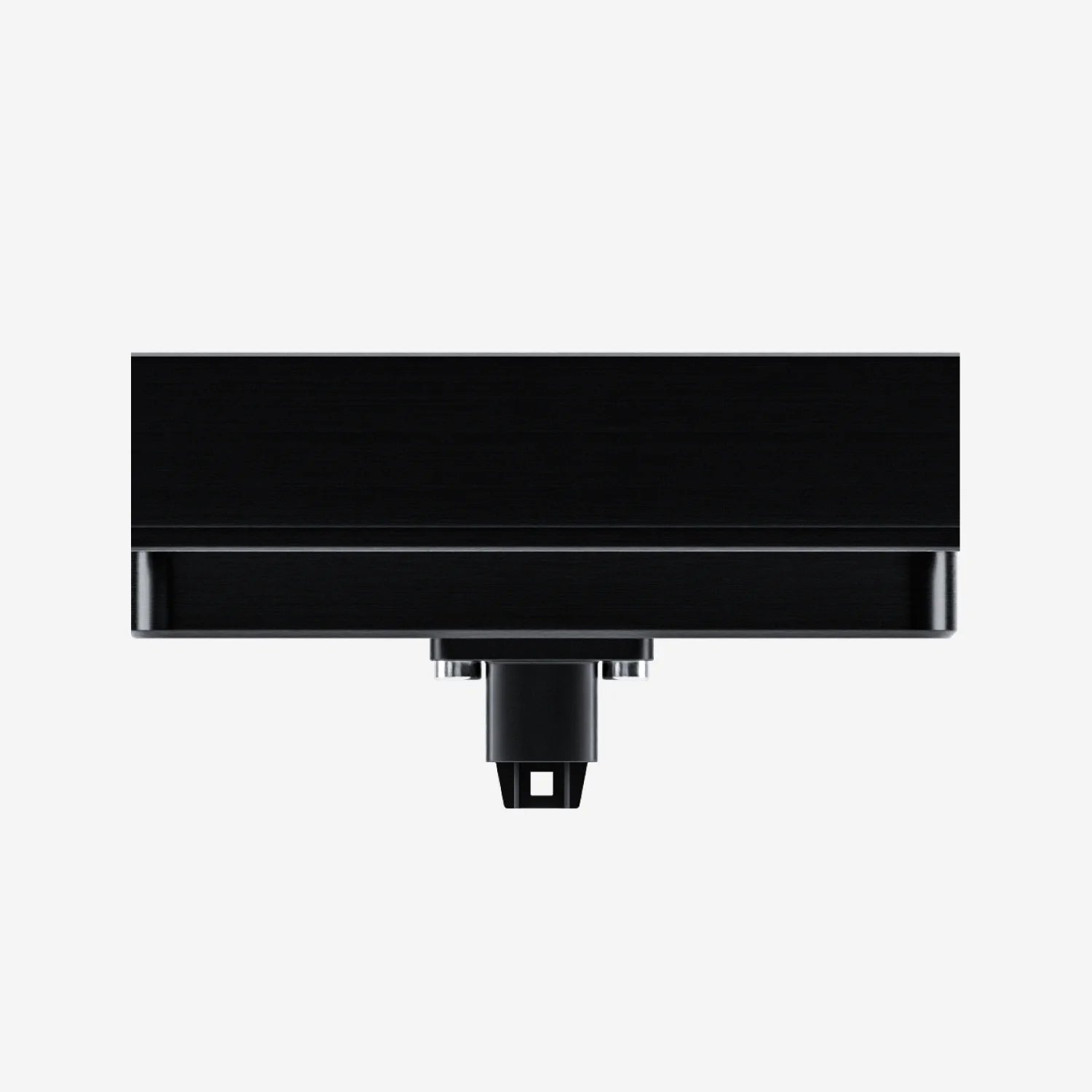
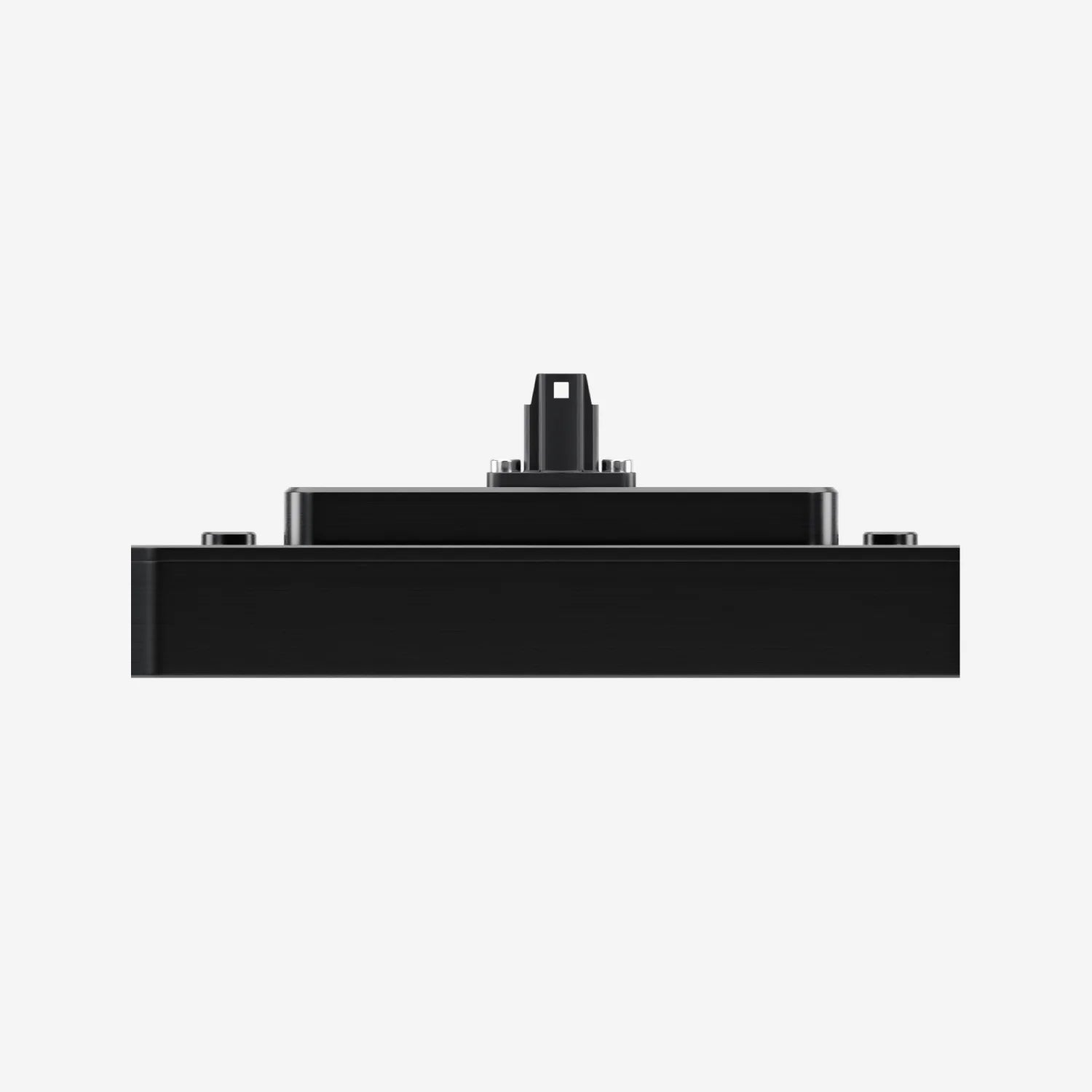
Aim 6" TFT Dash Display with Race Icons for PDM08/PDM32
Pairs well with

Same Day Shipping
When you order before 15:00 BST
Monday - Friday

Worldwide Shipping


All Orders are Carbon-Neutral


Aim 6" TFT Dash Display with Race Icons for PDM08/PDM32
If you’ve got a question, you’re looking for information, or you just want to chat, please find a host of available help options below.
Advanced PDM Display
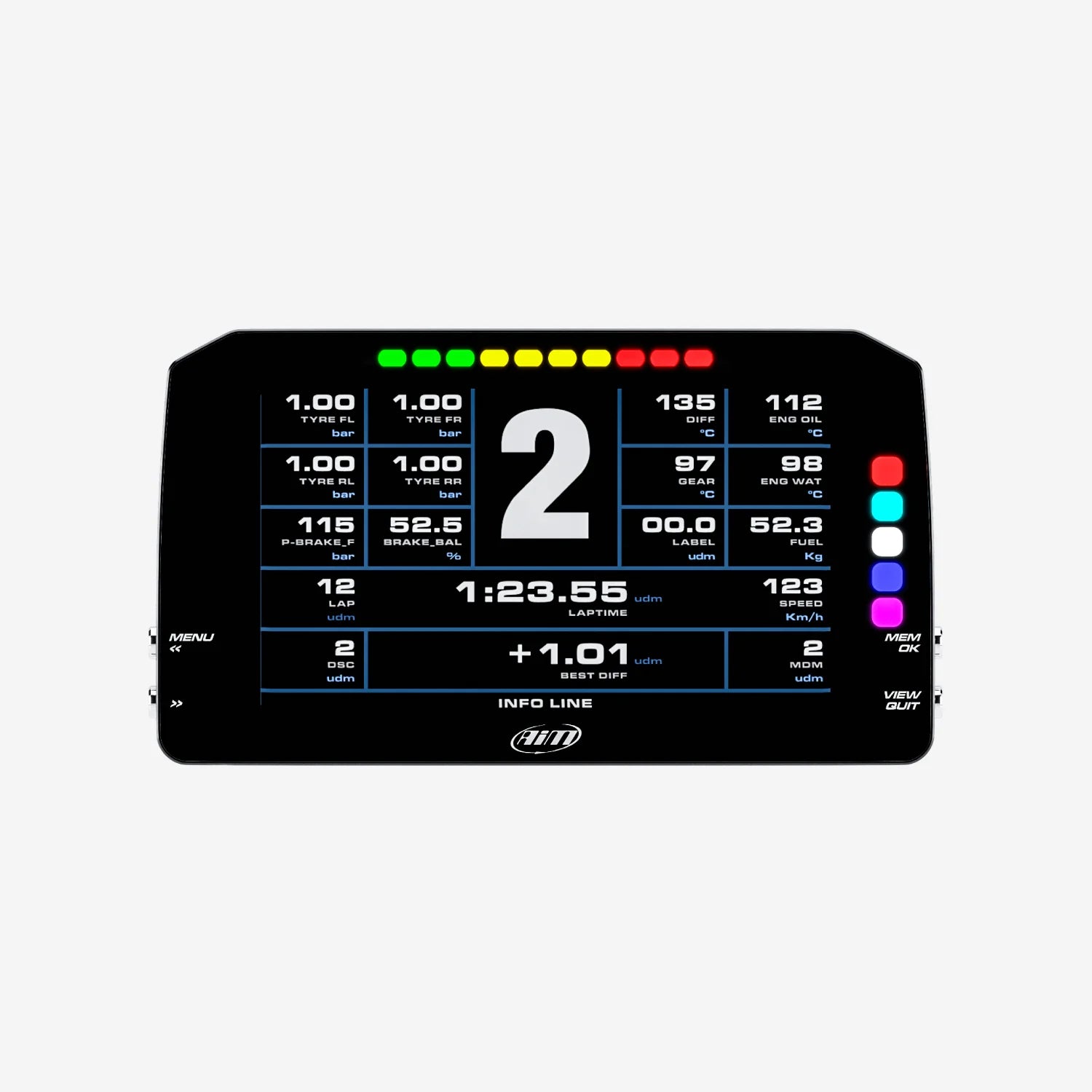
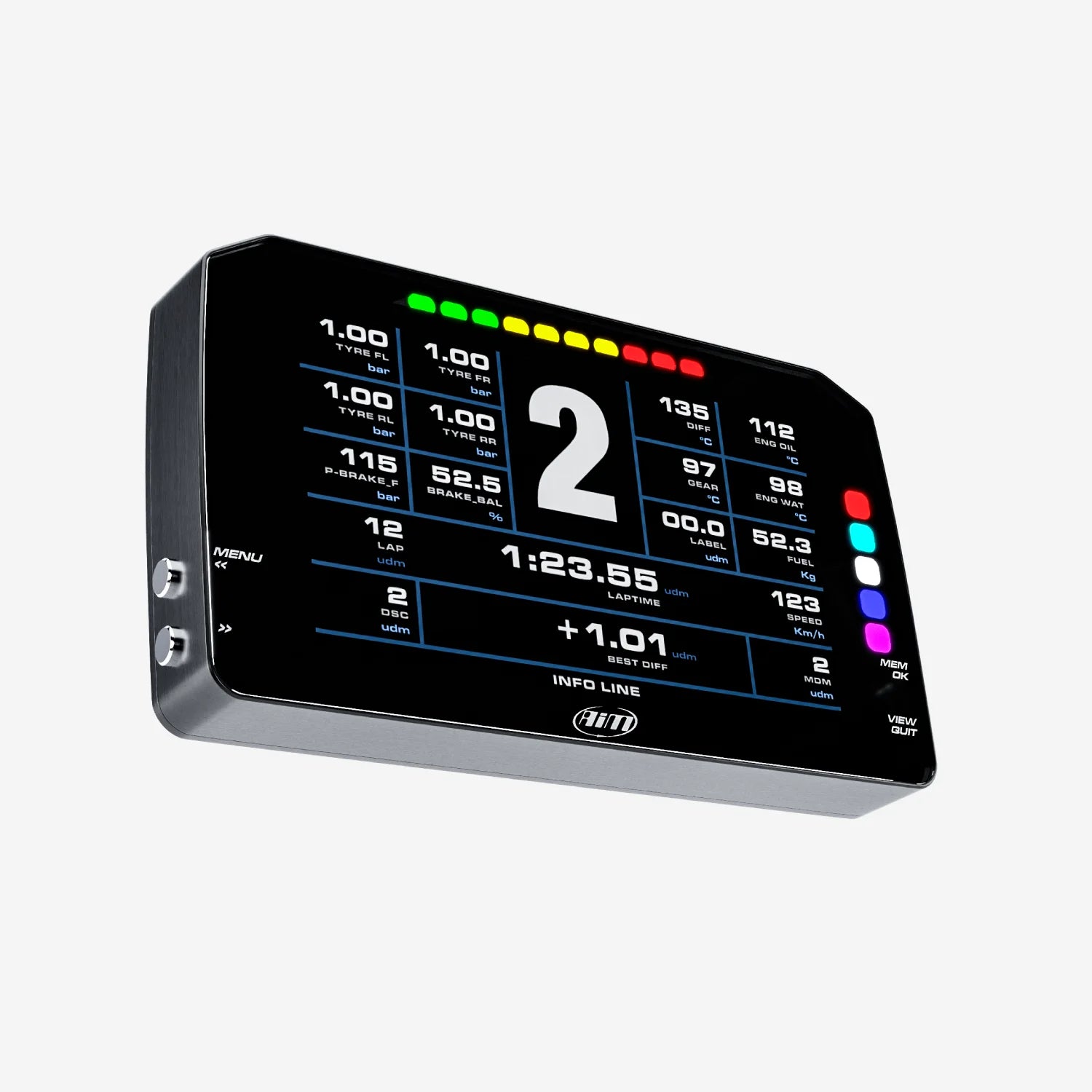
The 6" PDM Display with Race Icons is one of the most widely used PDM displays on tracks around the world. Its compact size makes it suitable for use as a replacement unit for those supplied with the Aim PDM kits or an upgrade for PDM kits that do not include a dash display.
Why Choose the 6” PDM Display
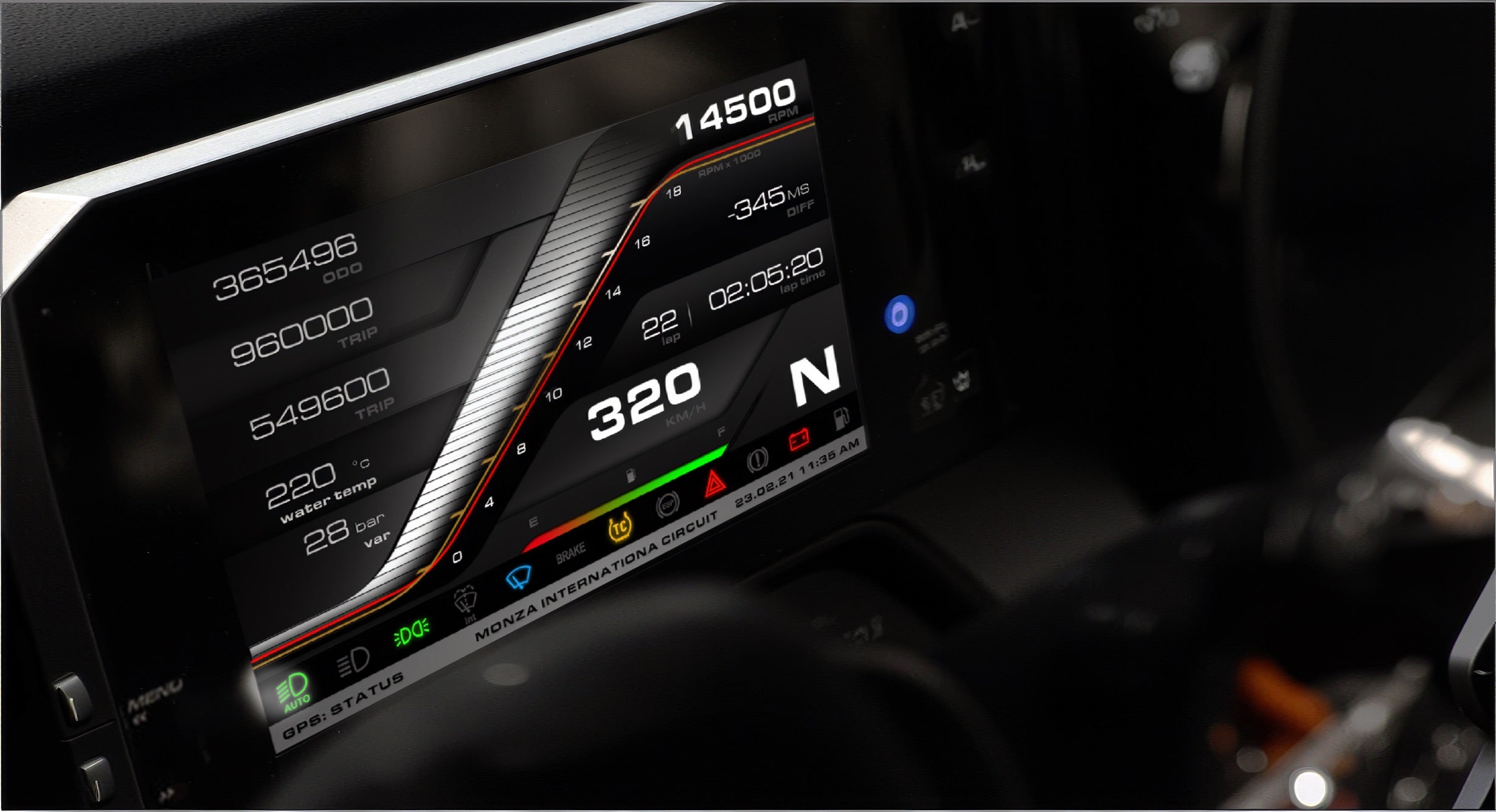
The 6" PDM Display is a TFT dash display suitable for replacing all of the dashboard gauges and warning lamps. The displays are available in 5”, 6" or 10" versions and with both "Road" or "Race" icon options. All versions have fully user-configurable displays and offer a range of layouts.
Check out the free downloads tab for all the information required on connection and programming to the PDM08 and the PDM32.
Please Note: The 6" Dash Display is ONLY for use with Aim PDM kits and can not be used as a stand-alone dash display.
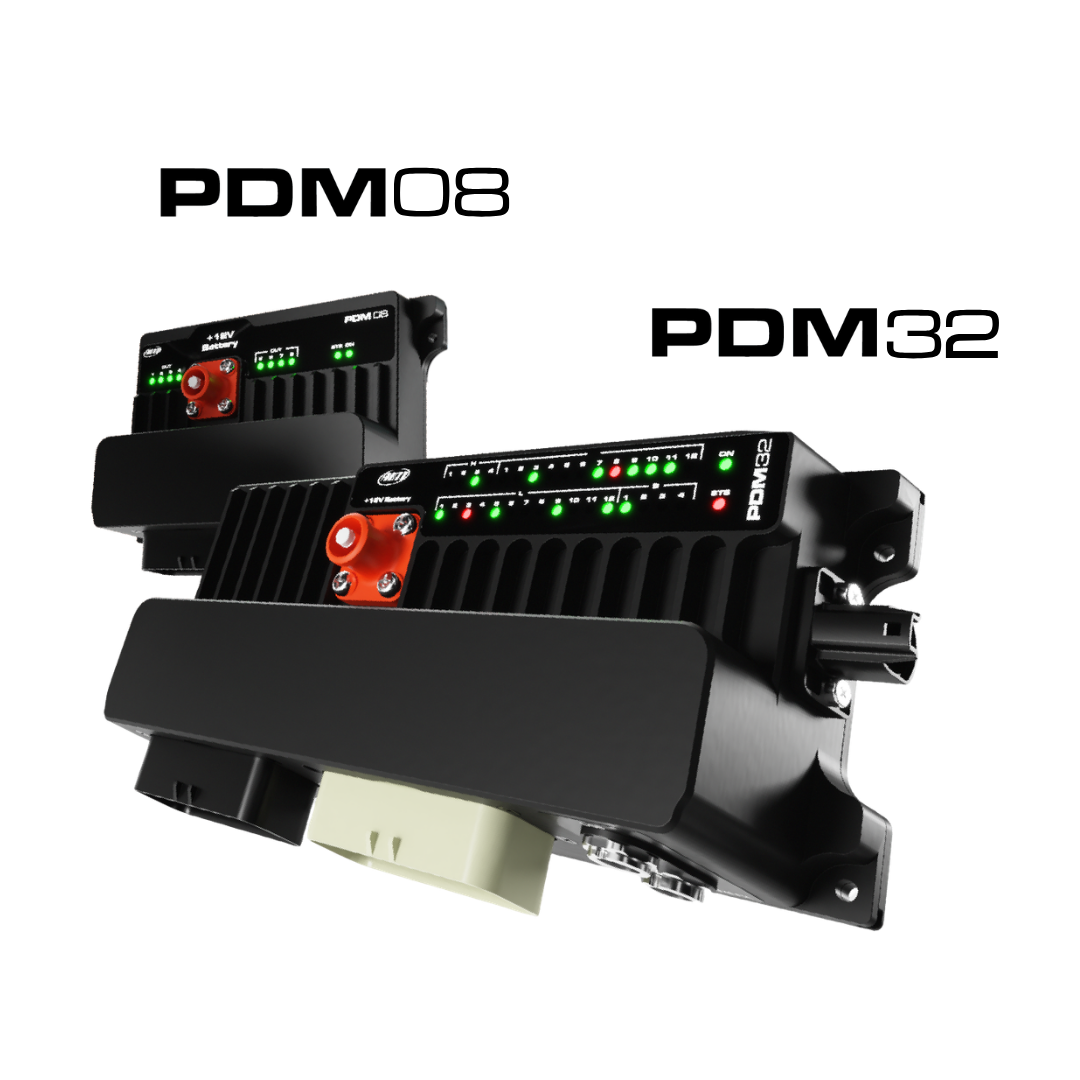
Power Distribution Modules
Power Distribution Modules (PDMs) are designed to manage and distribute power throughout motorsport vehicles, providing precise control, reliability and flexibility for distributing electrical power throughout a vehicle for enhanced performance.
With configurable power outputs, ECU connection, an internal data logger, and current-monitoring for diagnostics/easier fault finding, the PDM Series remove the need for traditional fuse boxes and relays - reducing your wiring by up to 70%.
Display with Race Icons
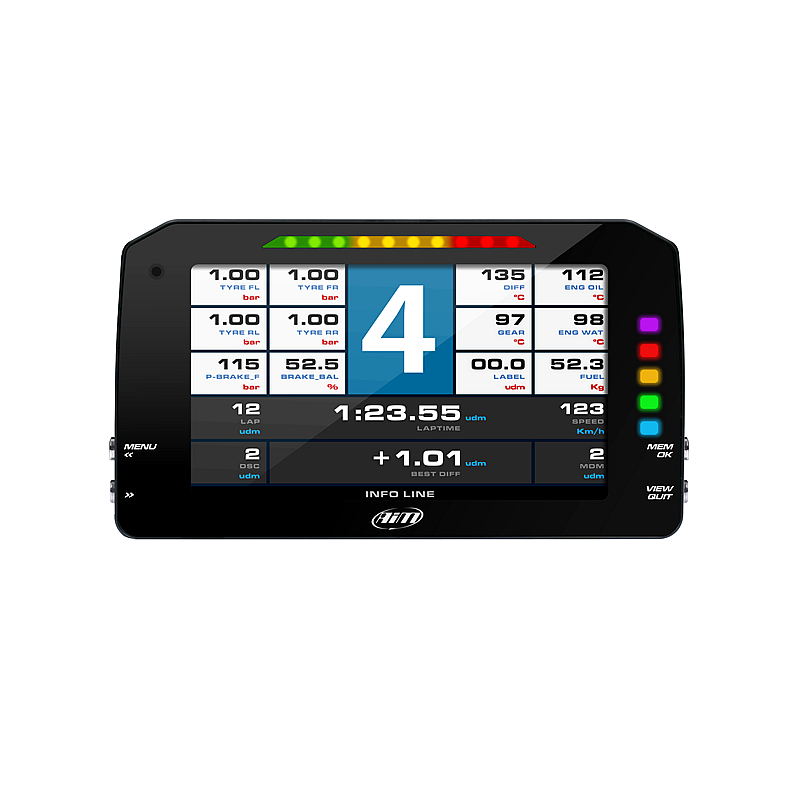
The dash has a 6" TFT high contrast colour display. The visual quality is optimised by the ambient light sensor, which keeps the backlight at the best brightness levels.
Race icons allow you to apply conditions to the LED icons, such as fuel, engine, oil, lights and more.

Delta Times
The Delta Times feature provides instant feedback on your performance, showing how your current timing compares to your best.
Set a reference lap and visualise where you are gaining and losing time. The integrated lights will display green or red accordingly.

Integrated Shift Lights & Customisable Alarms
The 10 multi-coloured RGB shift lights can be customised to your liking, defining the RPM threshold on analogue or digital inputs, ECU values, expansion values, math channels or optional GPS option. You can choose the conditions and colours, select a solid arm or a flashing one and the flashing frequency. You can also configure an accompanying text message and set the alarm priorities.

Pre-Configured Pages
The Aim PDM 6" Display can show the RPM scale and all the data you need, like speed, water temperature and oil pressure, lap times and much more. You can customise pages to suit your requirements, including up to four additional fields. Define what data is shown with the end of scale and measure units. Swapping between the pages is easy; just use the push buttons.
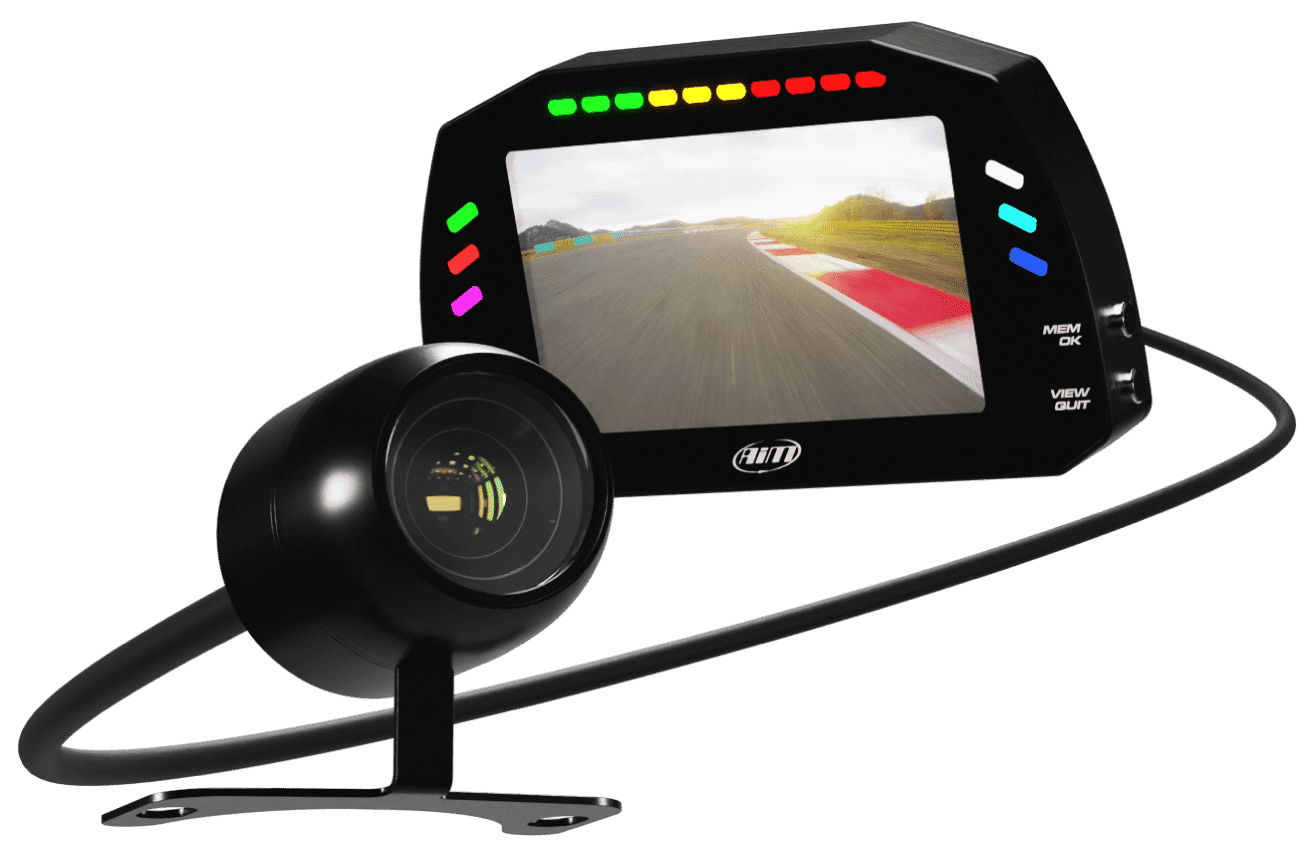
Integrate a Reverse Camera
Using a bullet camera, your dash can display what's behind you on screen, just like a reverse camera - ideal for cars with limited rear vision.
You can add up to 2 cameras for both front and rear views.
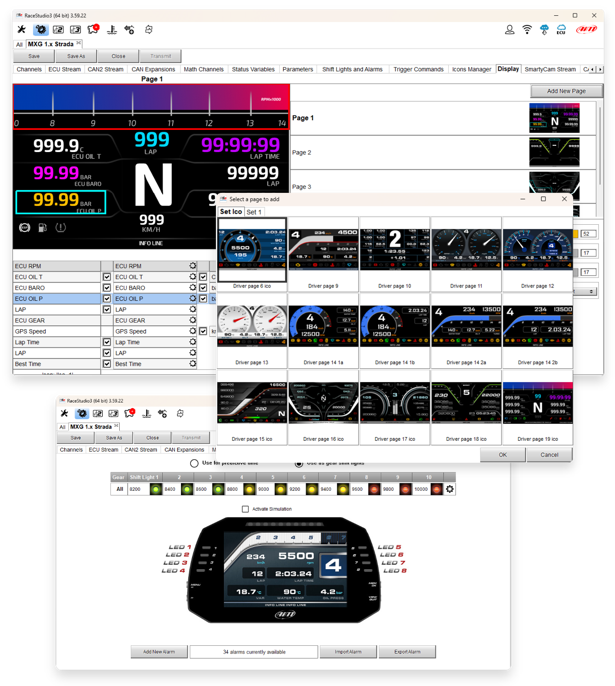
Free Analysis Software
By connecting an Aim PDM08/32 to your Aim PDM Display - giving it the power to log your data - you can download your data and, with Race Studio 3; create, modify, delete, import and export configurations of:
- All channels
- ECU drivers
- Math channels
- Display pages
- Digital outputs
- Alarms
- Shift lights
- Expansions
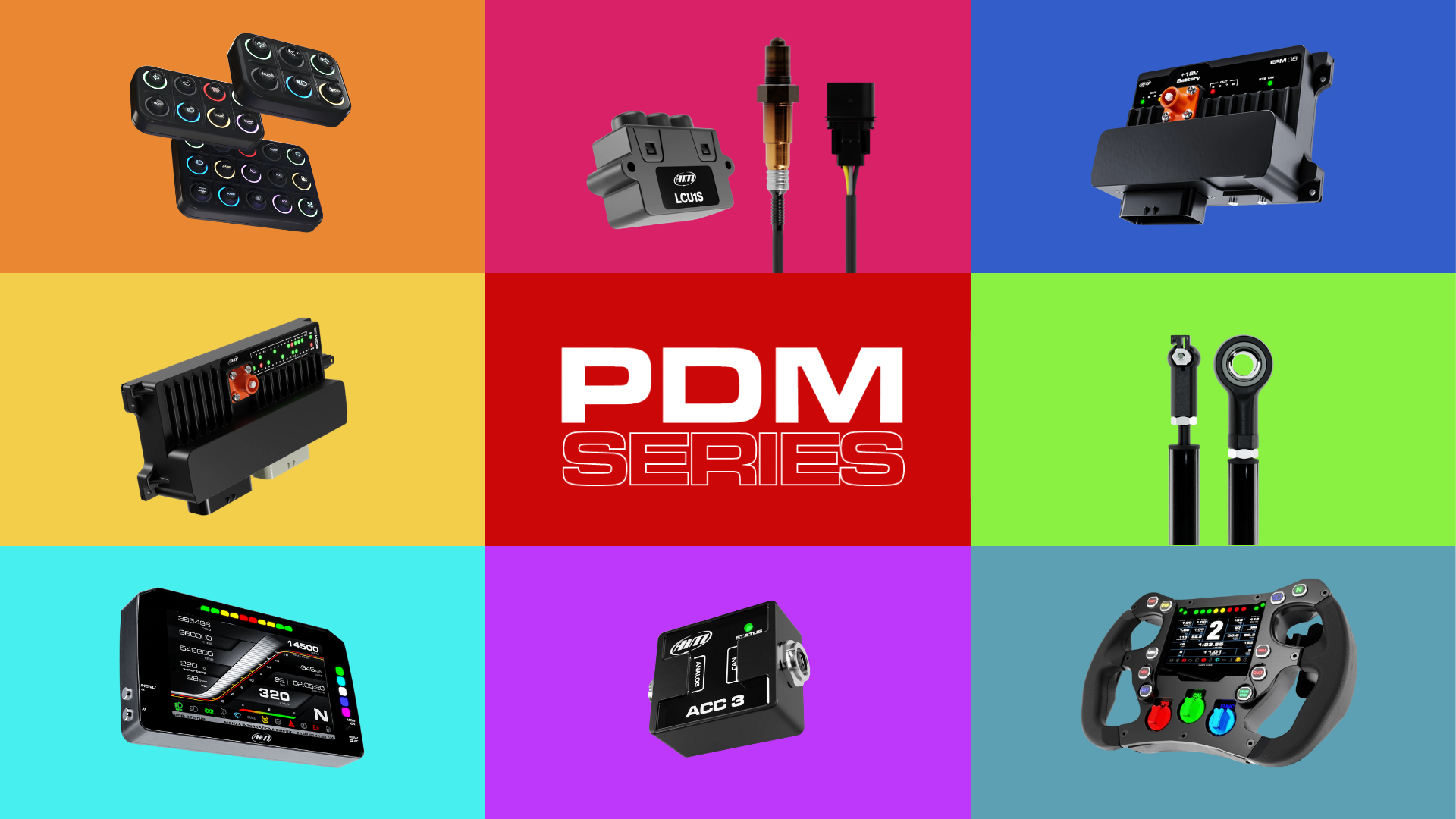
Expand Your System
Add extra devices to your system to give additional data to improve your racing performance, such as a GPS Module, SmartyCams, Lambda Controller, Formula Steering Wheel, TPMS System and Keypads.
The 6" Race Display also doubles up as a reversing mirror using a separately available camera—ideal for cars with limited rear vision. You can add up to 2 cameras for both front and rear views. The camera is sold separately.
Please Note: You will require a PDM32 for this to work.
Technical Information
Technical Specs
Diagram
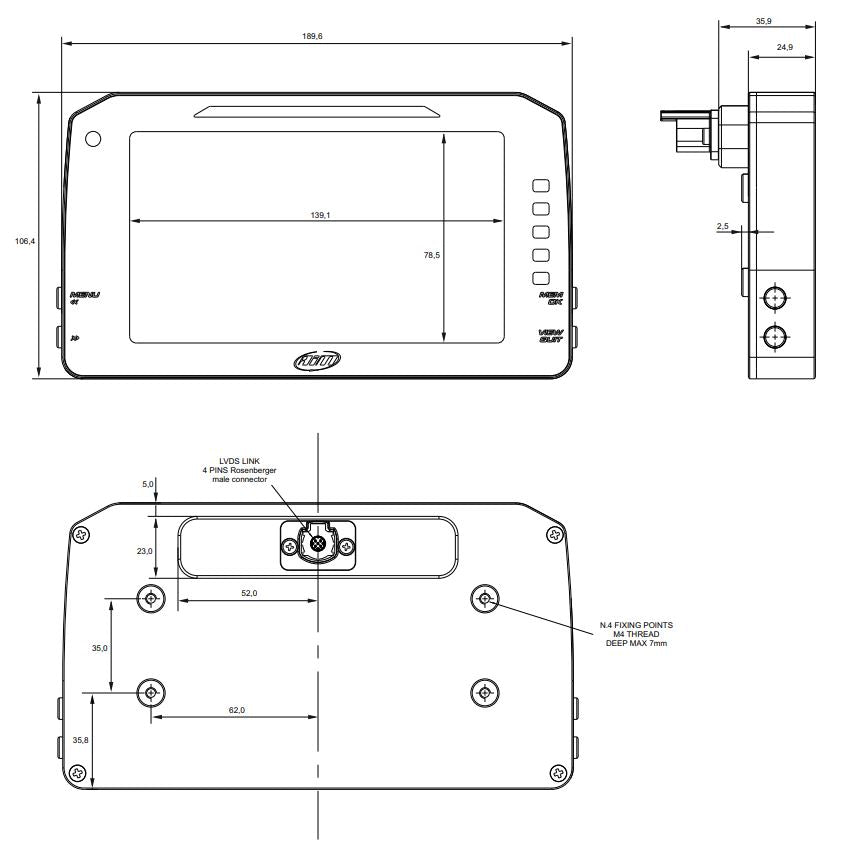
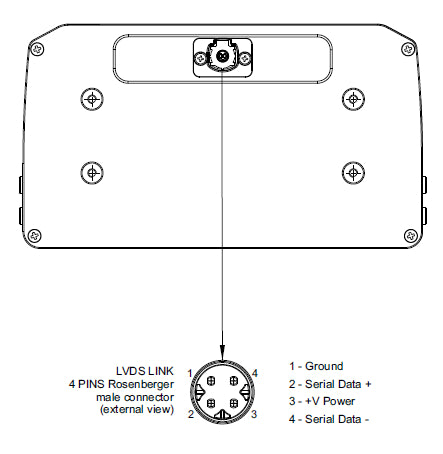
Pinout
Included in the Box
6" PDM Dash Display with Race Icons
-

Free Aim Software
Downloads


Comparison Table
Compare models side-by-side. Swipe horizontally on mobile.
| Specs |
PDM 5" Display
|
PDM 6" Display
|
PDM 10" Display
|
|---|---|---|---|
|
Key Features
| |||
|
Size & Weight
| |||
|
Waterproof
| |||
|
In the box
| |||
|
Technical
| |||
|
Display
|


FAQs
Please read our FAQs page to find out more.
What are the best PDM displays available?
At Aim, we specialise in providing displays for a range of data logging applications. Compatible with the PDM08 and PDM32, our PDM displays provide the best option for drivers and teams in the motor vehicle industry. With road or race icons and screen sizes of 5", 6" or 10", we have a PDM display to suit any setup.
What are the best applications for the 6" PDM display with race icons?
The 6" PDM display with race icons is best suited to performance driving like track day racing in compact cockpits.
What is the difference between a PDM display with road icons vs a PDM display with race icons?
The features for each PDM display are identical; the only difference between the two icons is the differences in visual cues. PDM displays with road icons are for road-legal vehicles, showing icons like indicators, fog lights and other standard dashboard symbols you'd find in a road vehicle. PDM displays with race icons are more motorsport-specific, providing configurable LED shift lights and programmable lights for instant feedback during track days.
Are Aim PDMs compatible with TFT dash displays?
Yes, purpose-built TFT dash displays have been specifically designed for compatibility with the Aim PDM08 and PDM32. They display information coming from the PDM and are available in a range of sizes, with road or race icons.
How do you configure and install the Aim PDM with a PDM display?
- Configure via Race Studio 3 through USB connection, where you can map CAN data, define power output logic and customise the display. Please see our PDM user guides in the PDM product pages' downloads tab for more information.
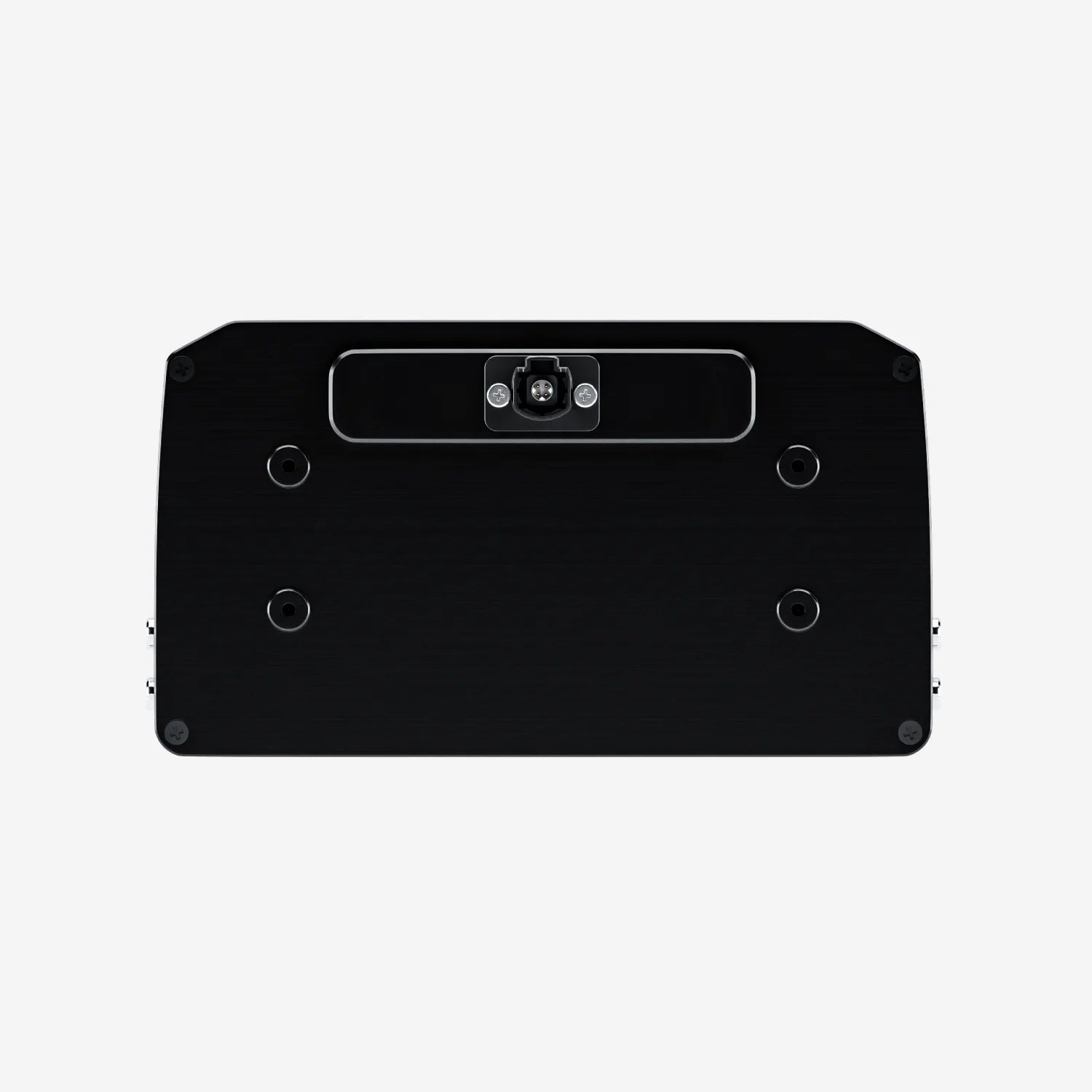
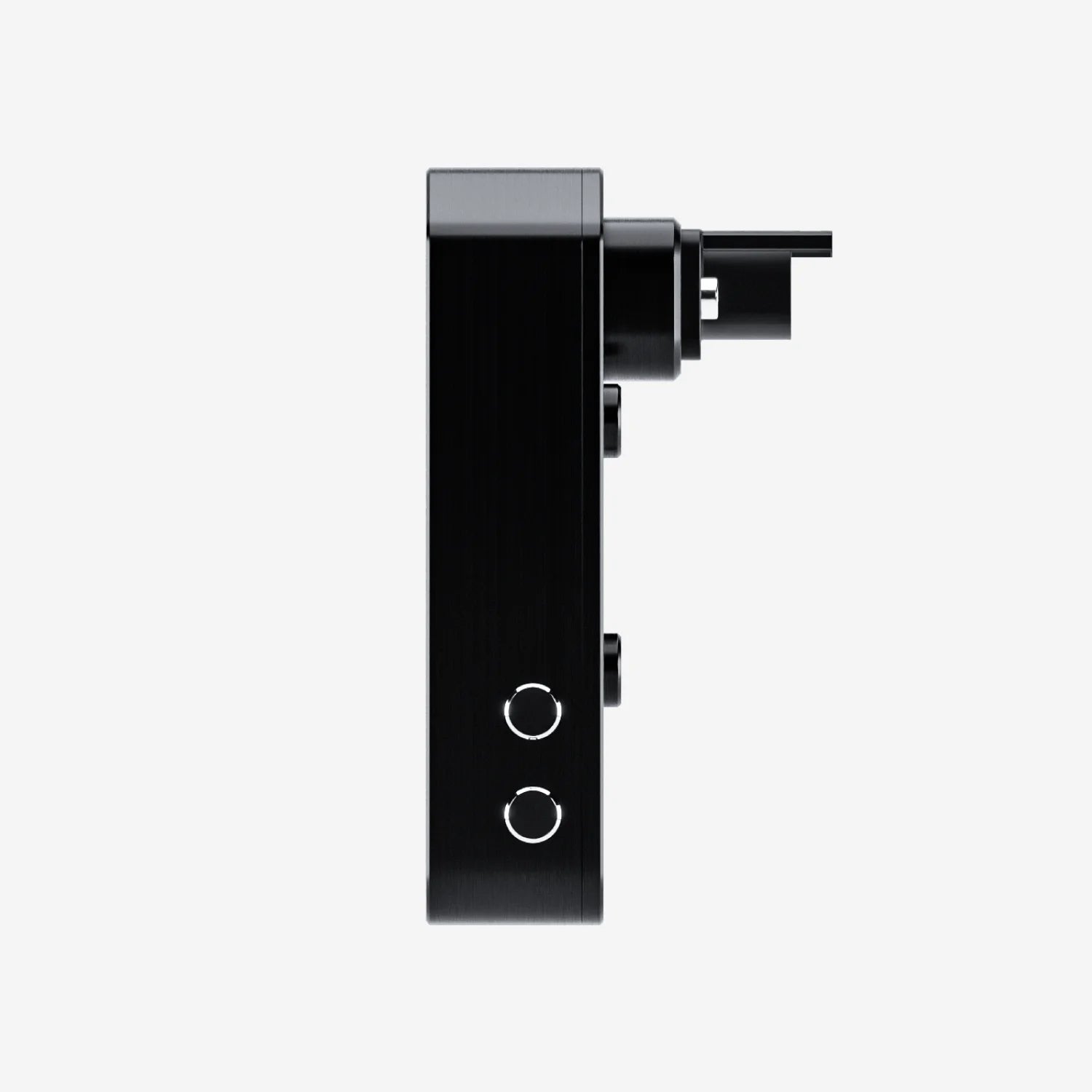
- Connect the PDM-compatible display to the PDM unit with an LVDS cable (4-pin Rosenberger connector).
- Mount the display using genuine Aim PDM dash brackets available in 2 sizes: a bracket for 5/6" displays or a bracket for 10" displays, in a clear line of sight for the driver.
Which alarms can be set on the 6" PDM display?
The Aim 6" PDM display features fully customisable alarms that are configurable to trigger by almost any sensor, ECU value or system status via Race Studio 3. Alarms can be displayed as on-screen text, pop-up messages and visual alerts using the 10 RGB LEDs and configurable race icons.
Can the shift lights operate as a speedometer with speed limit markers?
Although the shift lights are designed for optimum gear shifting or as predictive lap indicators, you can use a math channel to customise them to what you want them to be. For example, a math channel can be used to multiply GPS speed by 1 and have the output as an engine RPM. Using that math channel as the shift light RPM, you have now got speed on the shift lights.