


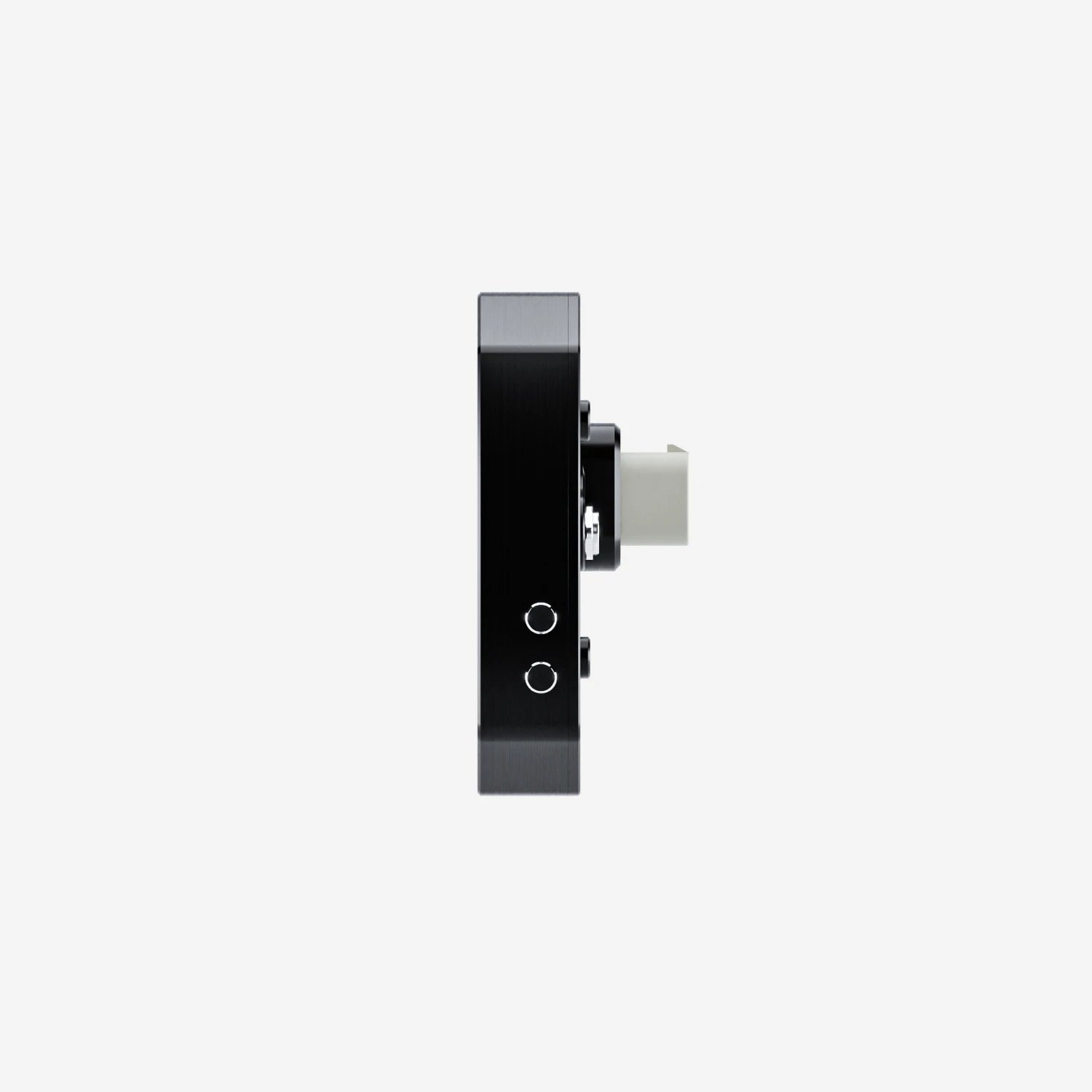
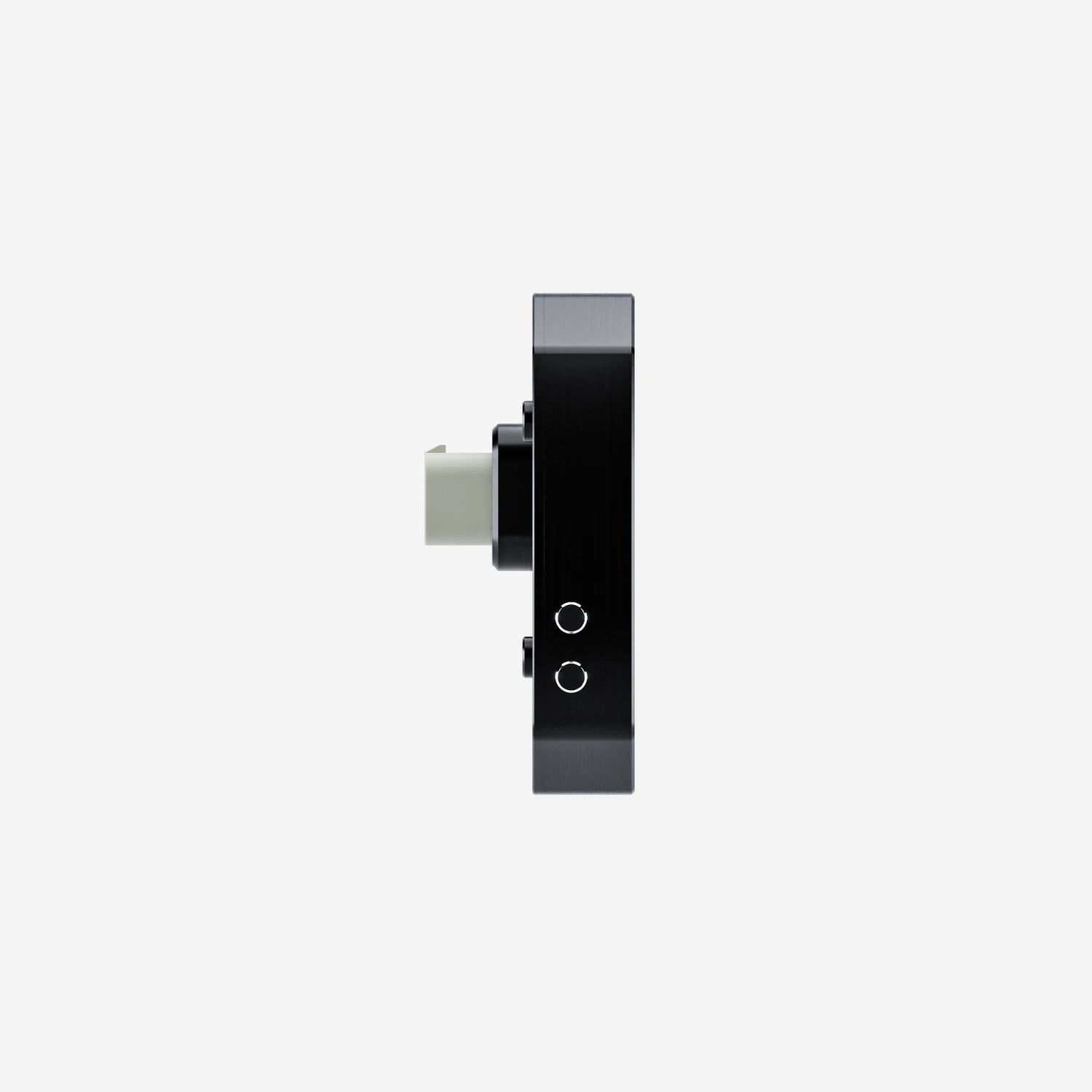
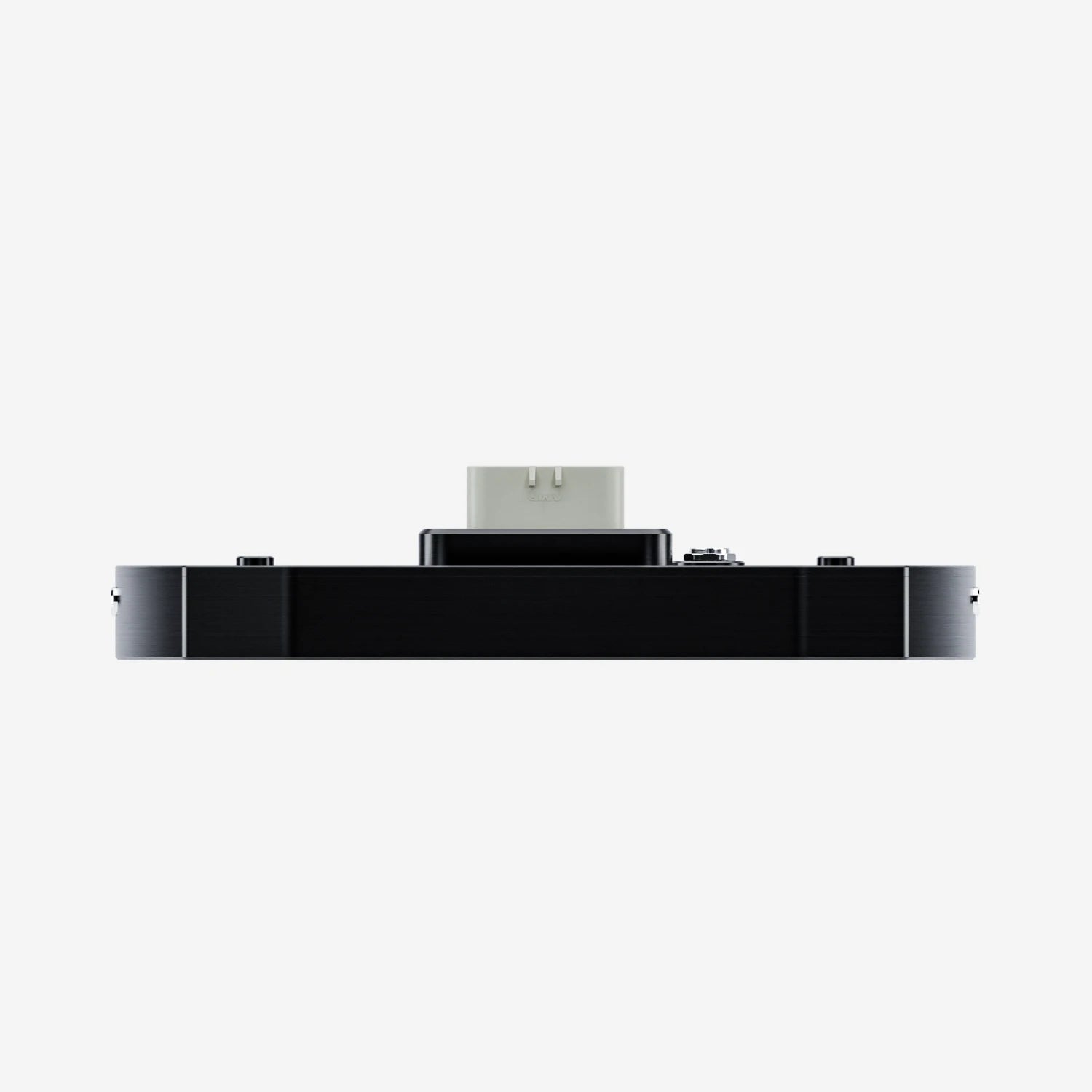
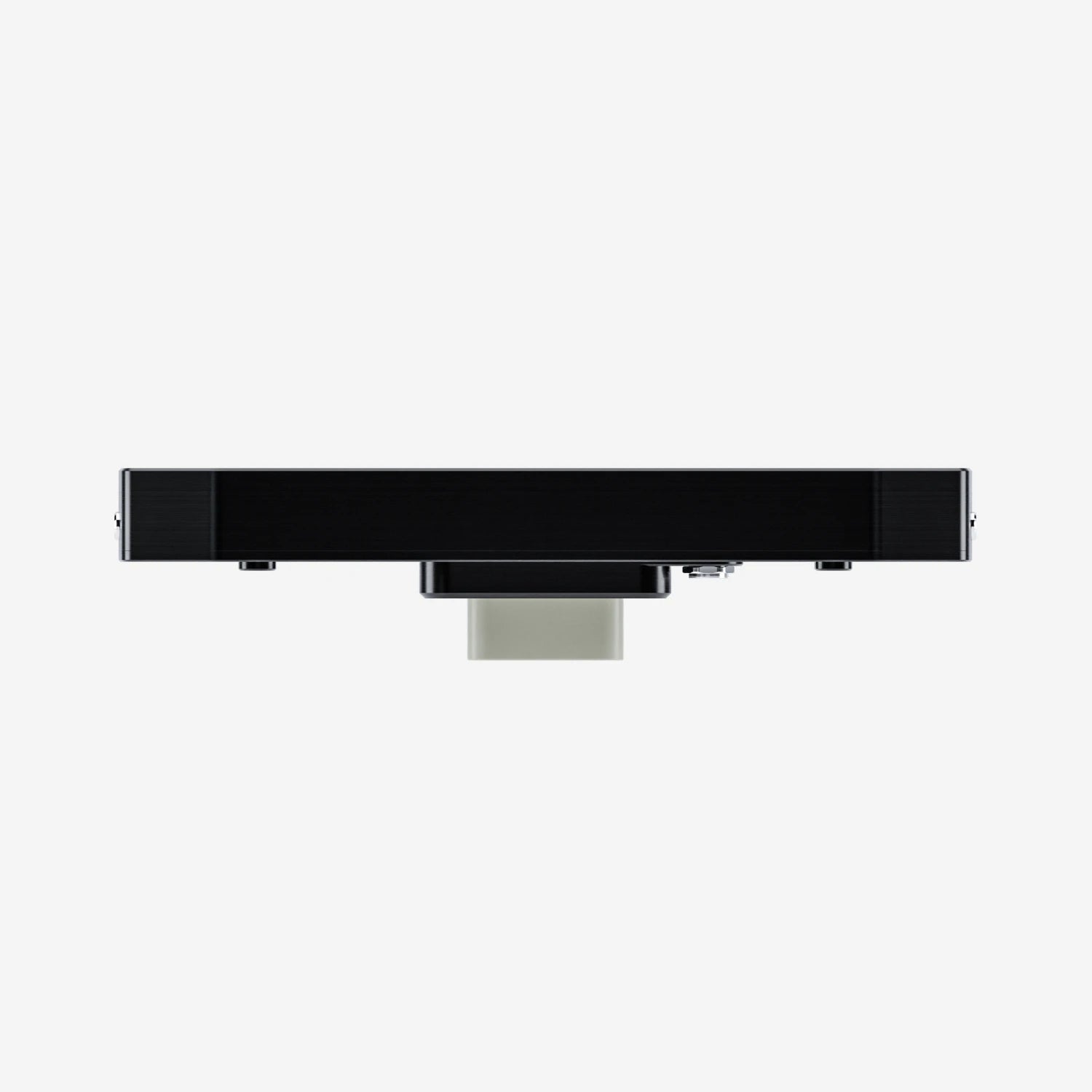
Aim MXG 1.3 Strada Light 7" TFT Dash Display with Race Icons
Pairs well with

Same Day Shipping
When you order before 15:00 BST
Monday - Friday

Worldwide Shipping


All Orders are Carbon-Neutral


Aim MXG 1.3 Strada Light 7" TFT Dash Display with Race Icons
If you’ve got a question, you’re looking for information, or you just want to chat, please find a host of available help options below.
Compact Motorsport Display
The MXG Strada with race icons is one of the most widely used dash displays on tracks around the world. The Strada ‘Light’ version has been created as a more accessible product for people who will use fewer analogue inputs and just need a CAN connection for their ECU.
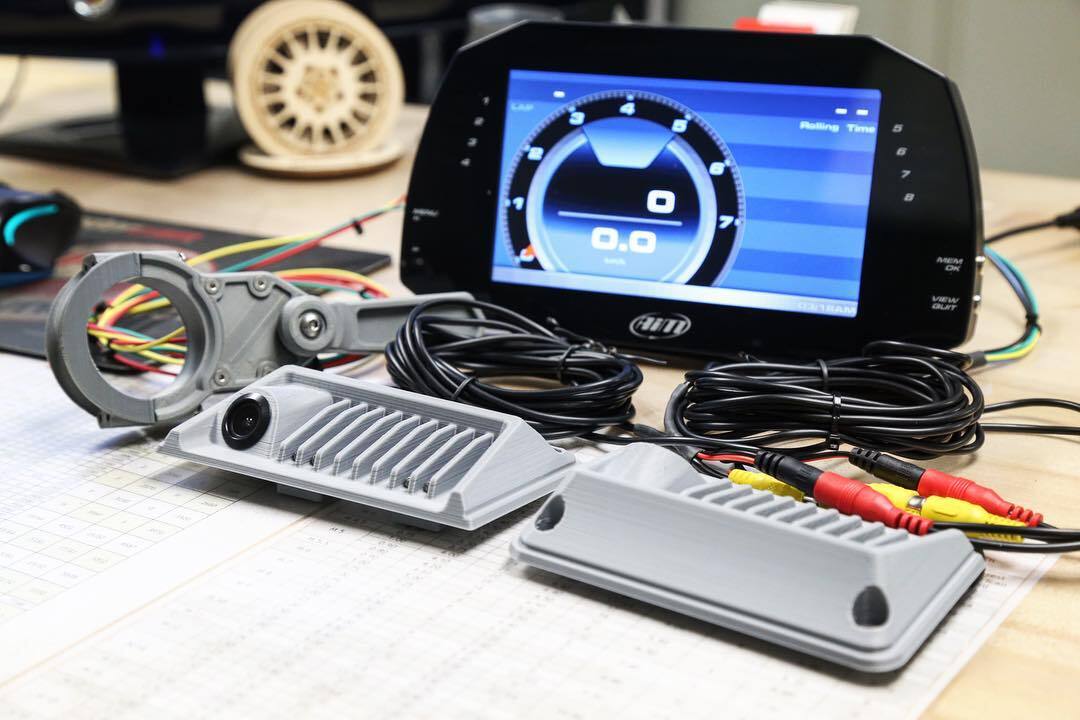
Why Choose the MXG 1.3 Strada Light Display
Whilst being very similar to the MXG Strada, the MXG Strada Light gives 4 fully configurable analogue inputs (max of 500Hz each) instead of the 8 that are found on the standard MXG Strada. It also doesn’t have a digital output or an RPM connection, which is found within the standard MXG Strada.
Choose either the OBDII or K-Line CAN, depending on whether you want to connect to the vehicle's ECU or OBDII port or directly to the ECU through the CAN channel.
Please Note: To expand the data logging capabilities of the MX Strada series dashes, an additional Strada Logger kit is required.
Easy Connection
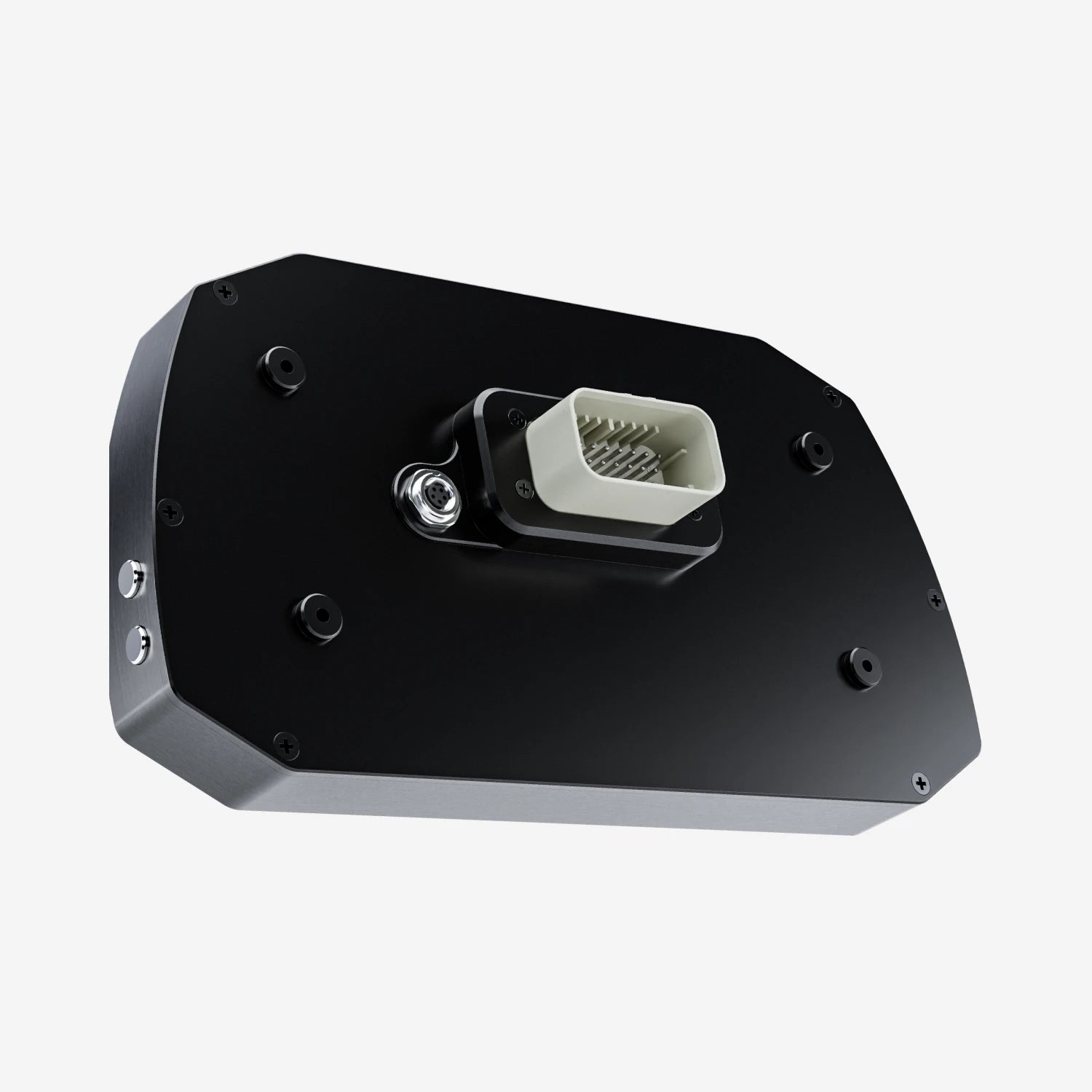
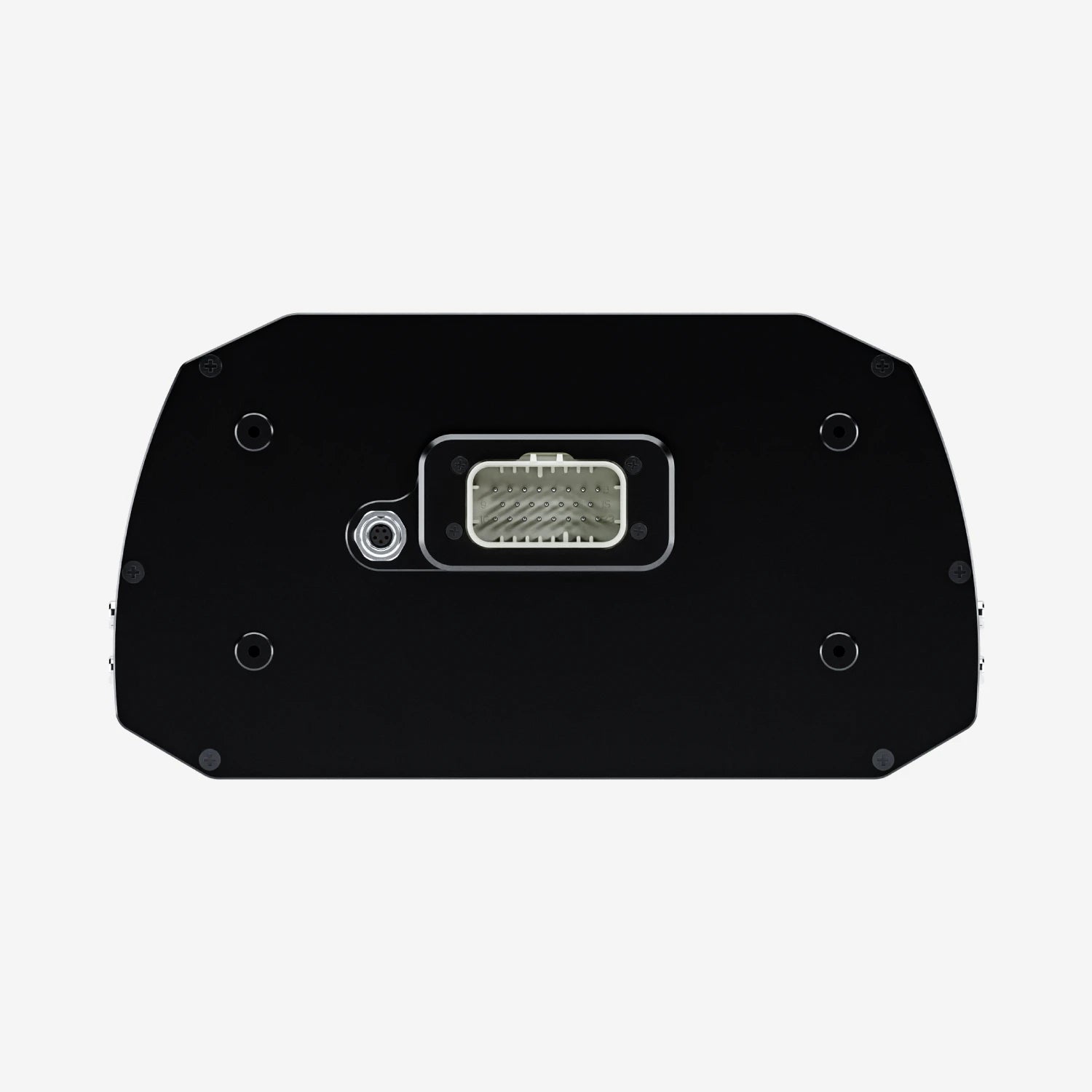
Connecting the MXG 1.3 Strada Light dash to your ECU is simple. You can sample and display dozens of channels straight from the vehicle's ECU. This is usually the quickest and easiest setup, needing only 2 wire connections to the ECU instead of multiple connections to analogue sensors.
With the CAN output, you can send messages directly to an existing CAN network to improve the range of vehicle control possibilities. Two analogue camera inputs are also available to switch your display into a mirror camera, through a push button command or event management. The camera is sold separately.

Sample & Display Your Data
Sampled data depends on the actual ECU, but will typically include RPM, throttle position (TPS), oil, air, water temperature, oil pressure, battery voltage, speed, gear and lambda value (air/fuel ratio). The list of available ECU drivers is over 1,000 and is constantly being updated and upgraded.
Display with Race Icons
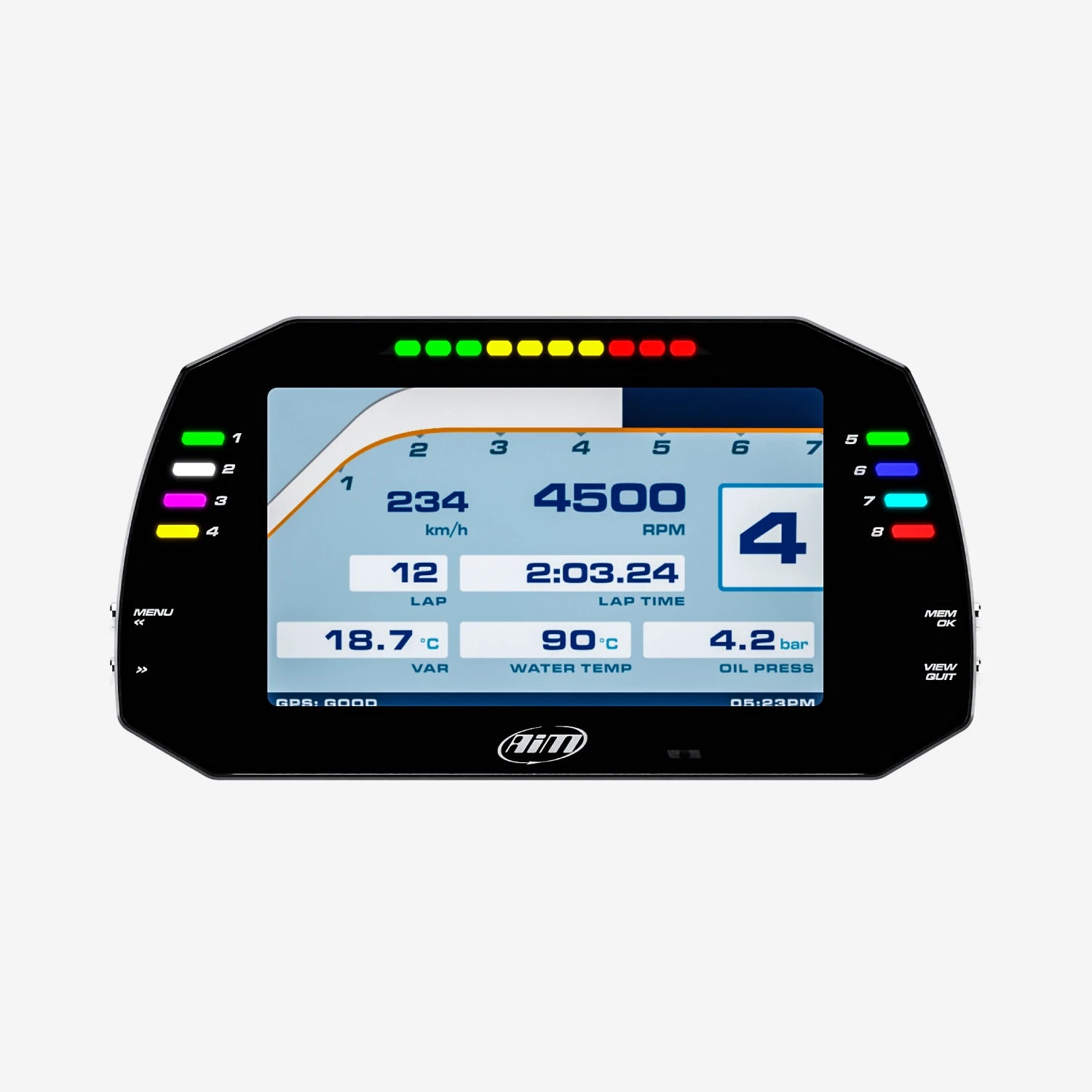
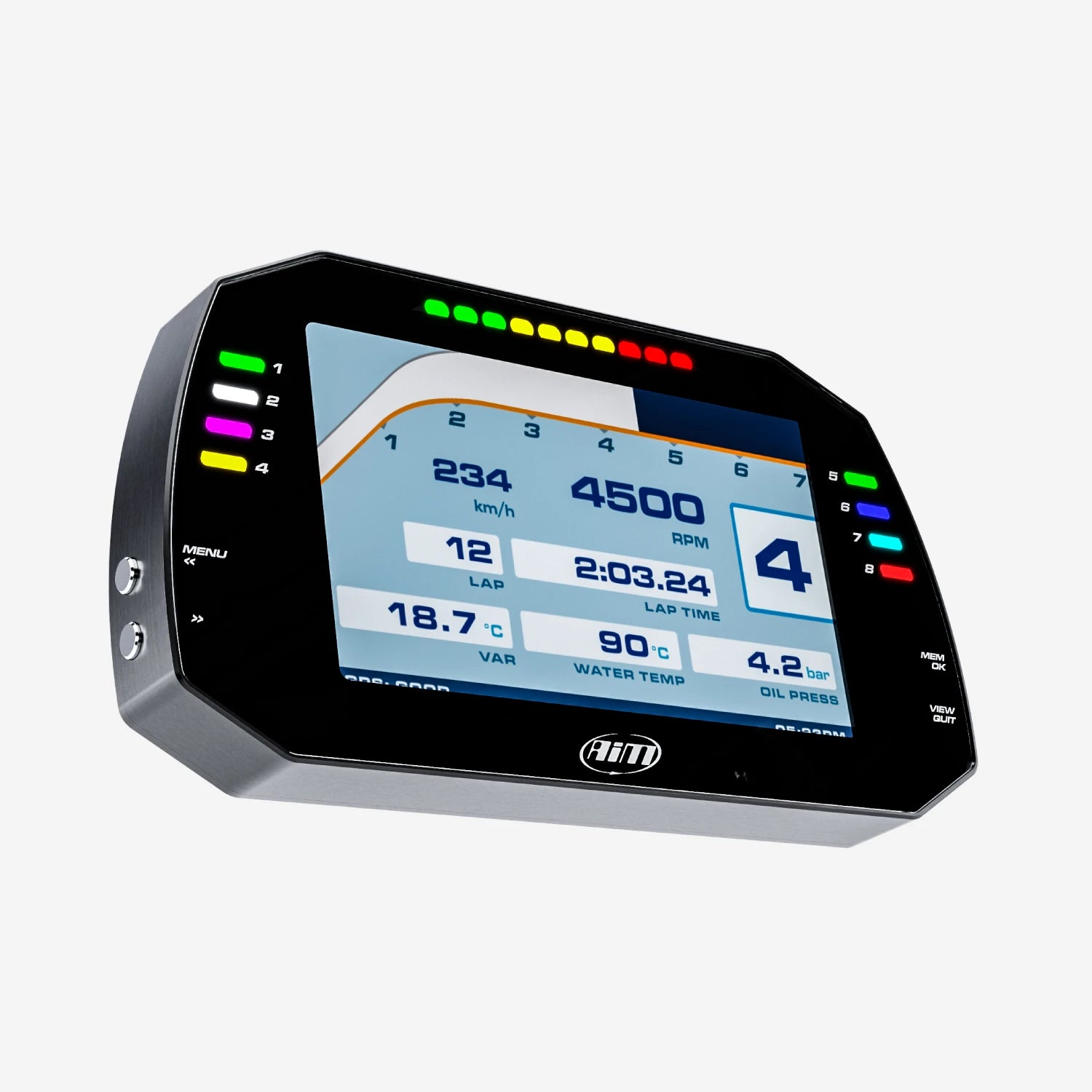
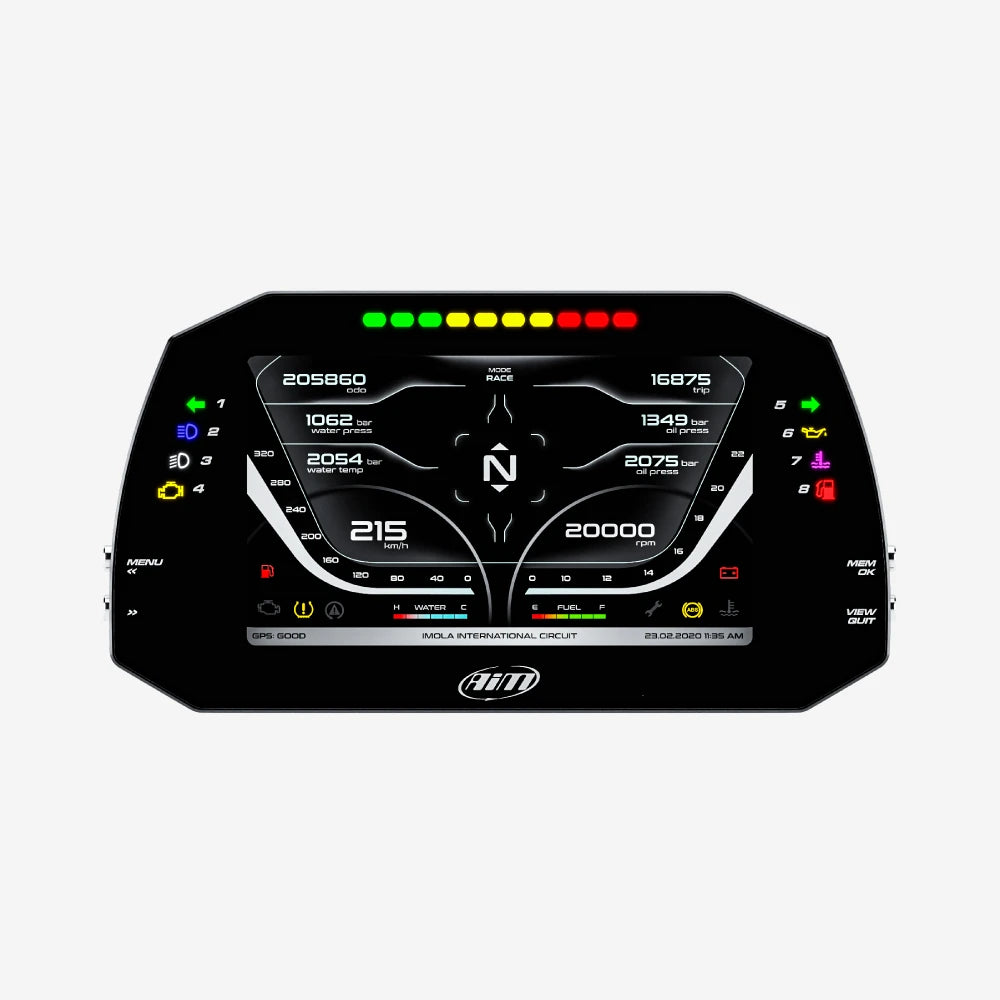
The MXG 1.3 Strada Light has a 7" high contrast TFT colour display. The visual quality is optimised by the ambient light sensor, which keeps the backlight at the best brightness levels. Race icons allow you to apply conditions to the LED icons.

Delta Times
The Delta Times feature provides instant feedback on your performance, showing how your current timing compares to your best.
Set a reference lap and visualise where you are gaining and losing time. The integrated lights will display green or red accordingly.

Integrated Shift Lights & Customisable Alarms
The 10 multi-coloured RGB shift lights can be customised to your liking, defining the RPM threshold on analogue or digital inputs, ECU values, expansion values, math channels or optional GPS option. You can choose the conditions and colours, select a solid arm or a flashing one and the flashing frequency. You can also configure an accompanying text message and set the alarm priorities.

Pre-Configured Pages
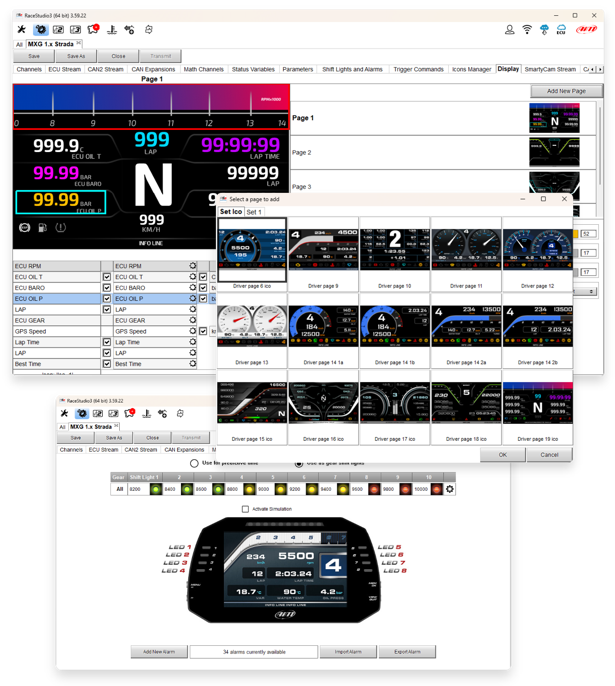
The MXG 1.3 Strada Light shows the RPM scale and all the data you need, like speed, water temperature and oil pressure, lap times and much more. You can customise pages to suit your requirements, including up to four additional fields. Define what data is shown with the end of scale and measure units. Swapping between the pages is easy; just use the push buttons.
Free Analysis Software
By connecting an MX Strada Logger to your display - giving it the power to log your data - you can download your data and, with Race Studio 3; create, modify, delete, import and export configurations of:
- All channels
- ECU drivers
- Math channels
- Display pages
- Digital outputs
- Alarms
- Shift lights
- Expansions

Expand Your System
Turn your MX Strada Light Dash into a complete data logging system with the MX Strada Logger, Data Hub & GPS09 Module. You can also integrate an ACC3 and convert your analogue to CAN, integrating a camera and various sensors into your setup.
Technical Information
Technical Specs
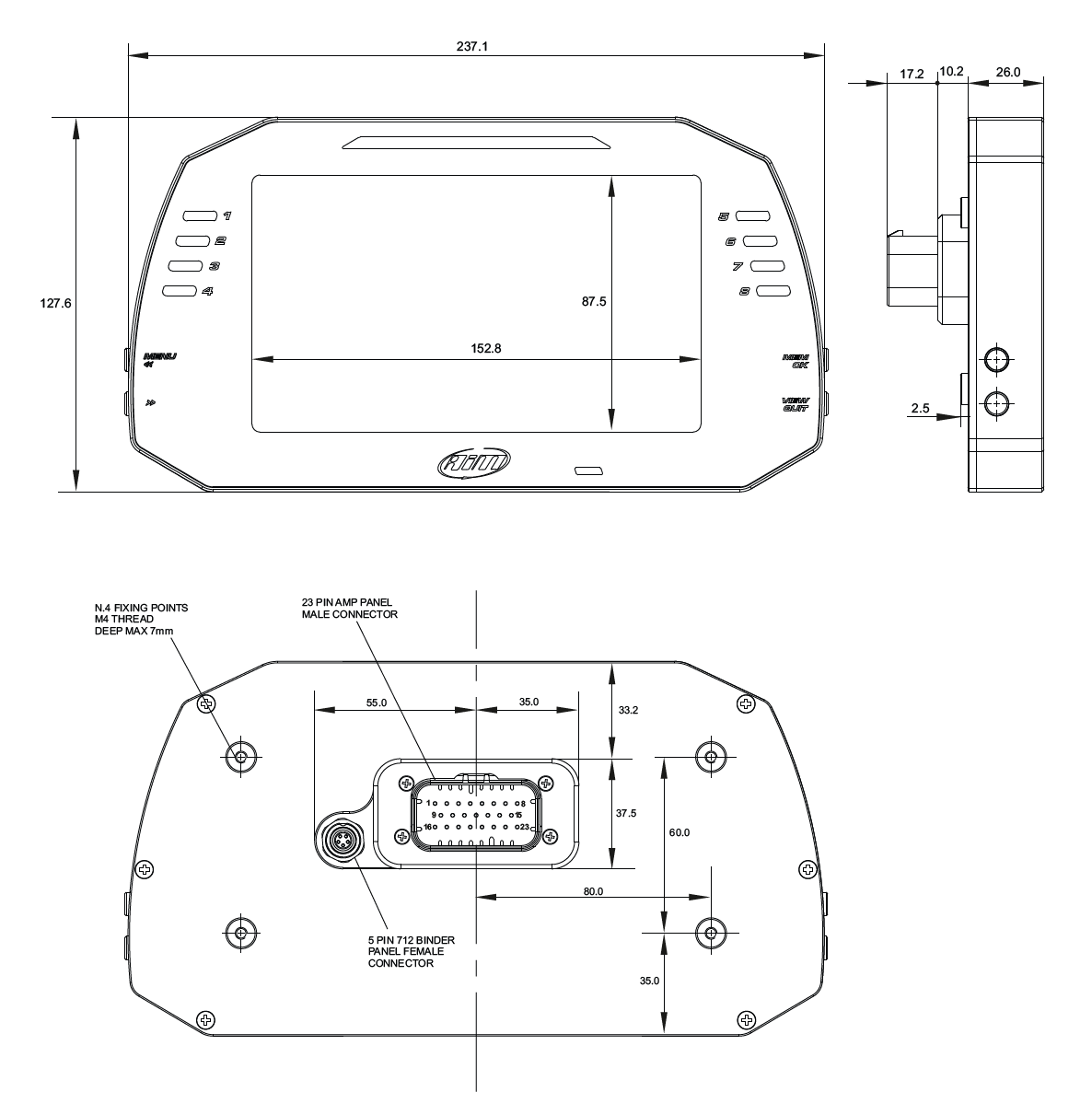
Diagram
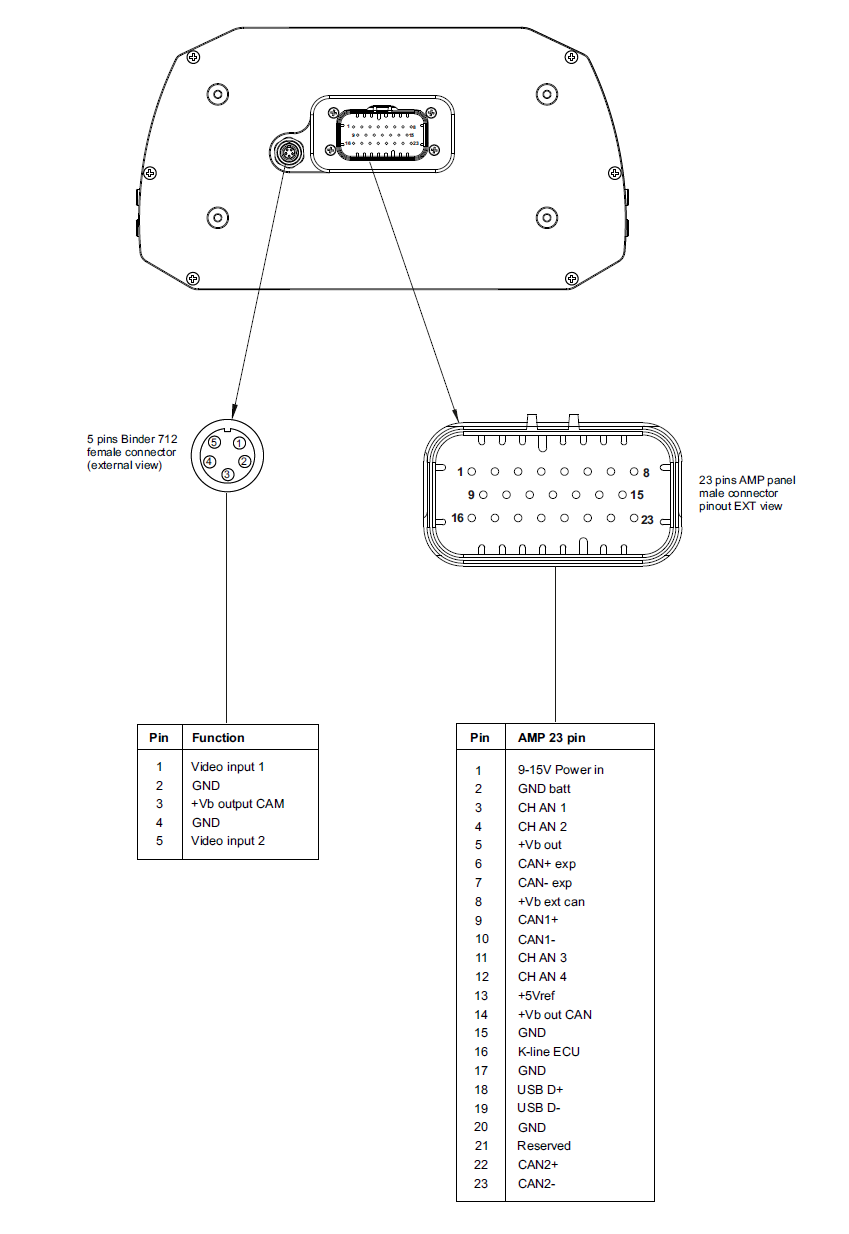
Pinout
Included in the Box
MXG Strada Light
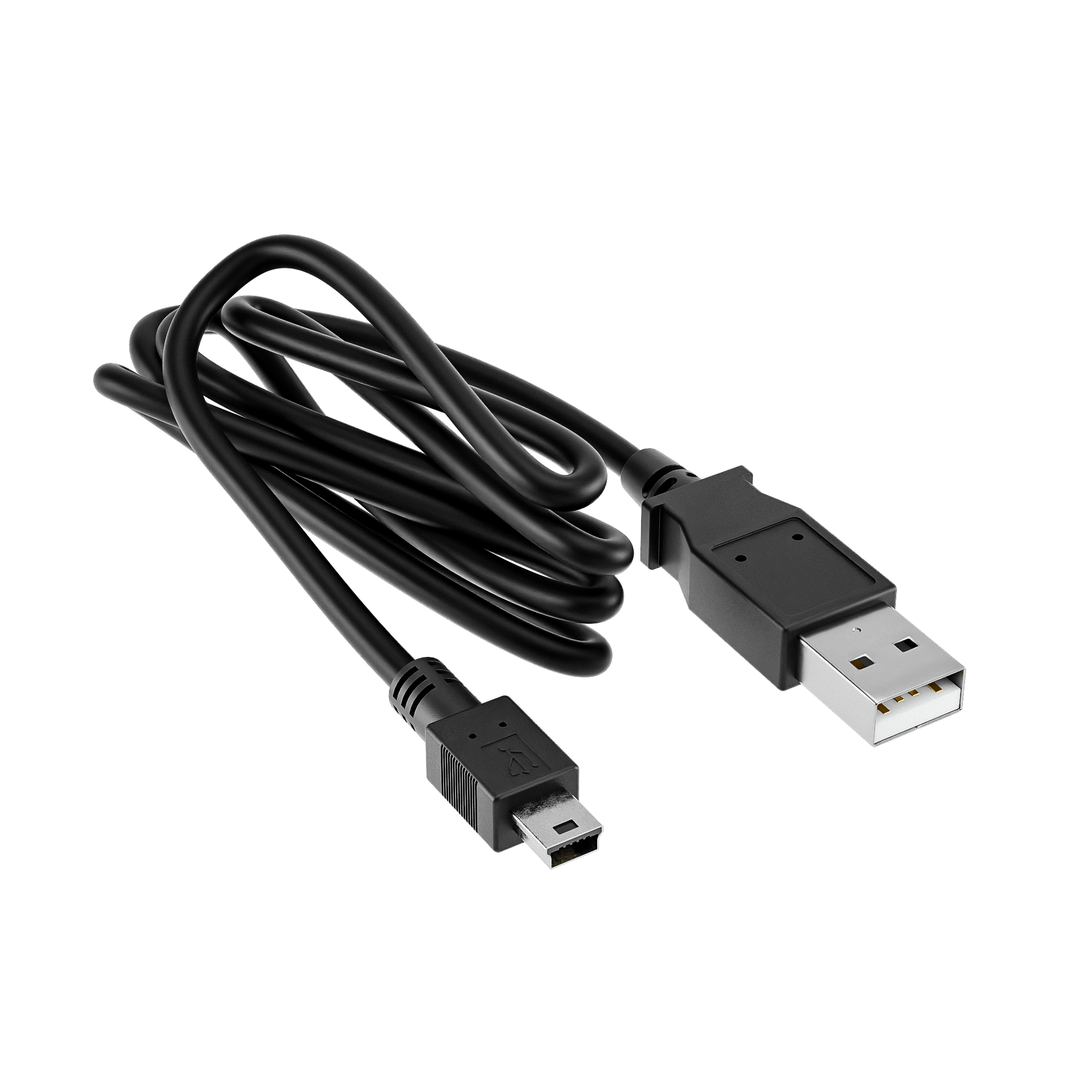
USB Cable
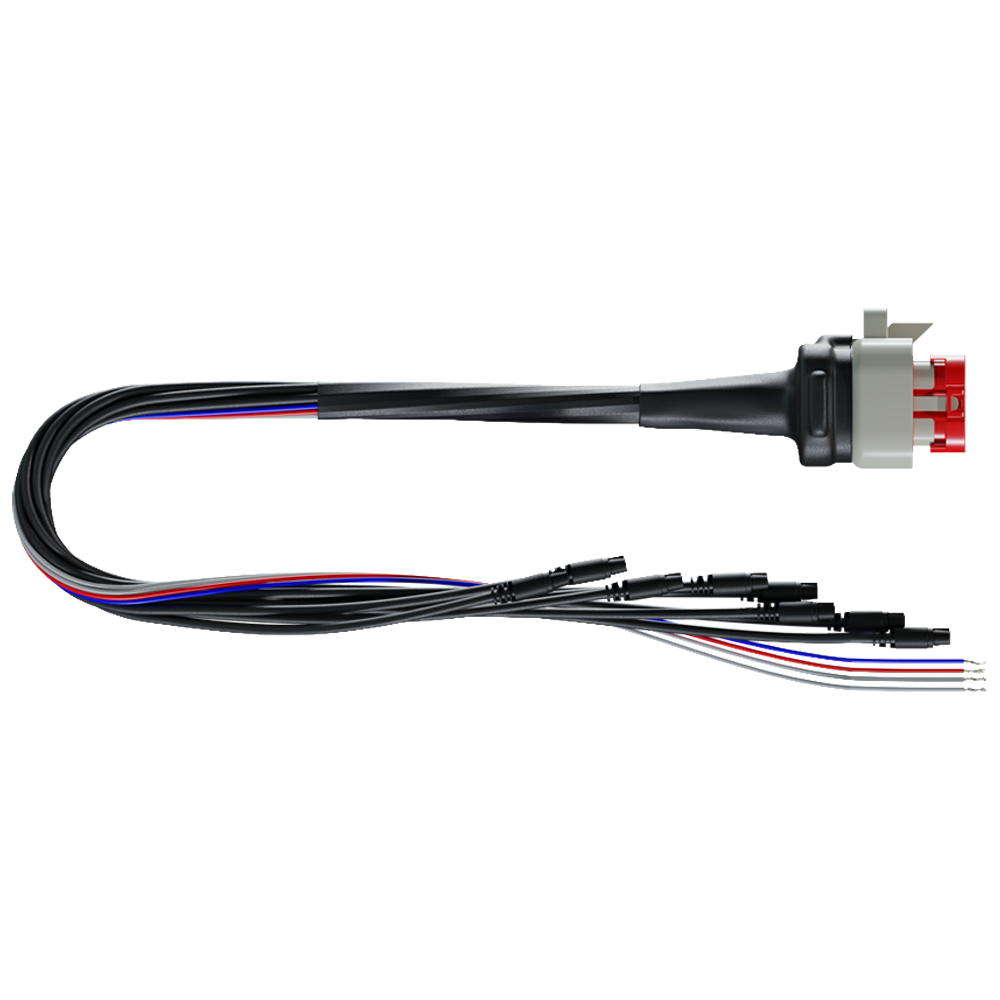
23-Pin Standard Wiring
-

Free Aim Software
Downloads


Comparison Table
Compare models side-by-side. Swipe horizontally on mobile.
| Specs |
MXG Strada Light
|
MXG Strada
|
MXS Strada Light
|
MXS Strada
|
|---|---|---|---|---|
|
Key Features
| ||||
|
Size & Weight
| ||||
|
Waterproof
| ||||
|
In the box
| ||||
|
Technical
| ||||
|
Display
|


FAQs
Please read our FAQs page to find out more.
What does the MXG Strada Light do?
The Aim MXG Strada Light is a digital dash display that can be configured to show real time information from the car's ECU, analogue inputs, predefined math channels and an optional GPS Module. It provides crucial information like speed, RPM, water temperature, and oil pressure on a high-contrast TFT screen.
What size is the MXG display?
The MXG features a 7", 800 x 480 pixel resolution display, making it one of the smallest displays in the MX Strada series.
What alarms can be set on the MXG Strada Light?
The MXG Strada comes with 8 customisable RGB LEDs, which are determined by inputs from the ECU or other sensors. The MXG Strada with race icons can be configured with alarms for low fuel, high/low pressures, high/low temperatures, over-rev limits and other customised alarms that have been set.
What are the best applications for the MXG Strada Light with race icons?
The MXG Strada Light with race icons is best suited to various motorsport setups, including track day cars, kit cars & competitive race cars.
How do you display gear information on the MXG Strada Light?
Selected gear information can be sourced by gear potentiometer, ECU stream message, or it can be calculated in real time by the MXG Strada Light through speed and RPM. Each mode requires a specific gear configuration.
How do you switch between pages on the Aim MXG Strada Light?
To switch pages on the Aim MXG Strada Light, first open our free Race Studio 3 software and then select the Page Configuration to customise each page. After choosing your selections, save your configurations and press the ">>" push button on the side of the device to switch between your pages.
How do you connect & configure the SmartyCam with MXG Strada Light?
To connect and configure your SmartyCam with MXG Strada, you need to connect the devices, set up the configuration in Race Studio 3, and then transmit the configuration to the device. First, ensure your SmartyCam has power and a formatted SD card. Next, launch Race Studio 3 on your PC, which will detect the devices. Then, go to the "Configurations" page to create a new configuration or edit an existing one and add the "SmartyCam Stream" layer. In this layer, you will associate the necessary functions with the channels and transmit the configuration to the device.